Your Cart
Loading

Tutorials on Landscape Photography

Take your photos to the next level with my collection of comprehensive tutorials on landscape photography. Mainly focused on the post-processing aspect of the art I show how I edit my photos to take them from snapshots to finished pieces of art.

Courses:


photoshop for landscape photographers editing course

Photoshop for Landscape Photographers Course

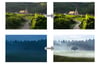
Go beyond basic adjustments and dive deep into the world of professional landscape photo editing. This 30+ video course is your key to unlocking the full artistic power of post-processing. I'll guide you step-by-step, revealing how to translate your vision into captivating, gallery-worthy, emotive landscapes.


This is the course you want if you wanna take your photos to the next level!


"I have almost finished the course. WOW. Just fantastic. This is easily the best course in Photoshop I have taken - thank you so much". ~ Daniel O'Donoghue

Mastering Rural Landscape Photography Course
On Sale
$129.00
$129.00
Added to cart

Stop waiting for mountains and epic vistas. Start creating masterpieces in flat rural landscapes.

If you’re a landscape photographer living in a cultivated area, it’s incredibly easy to feel uninspired. We drive past endless fields, longing for dramatic peaks or thunderous seascapes, convinced there is nothing here to photograph.

I used to think exactly the same way. But once I found the beauty in rural and agricultural landscape photography—when I learned to take those flat landscapes and make lemonade out of lemons—this genre delivered some of my absolute favourite and most popular photos.


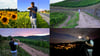
Mastering Rural Landscape Photography is my most comprehensive standalone course ever. Spanning almost 7 hours across 21 downloadable videos, it is a complete blueprint for turning the open countryside into a dynamic canvas of rich geometry, minimalism, and cinematic mood.


What You’ll Master in This Course:

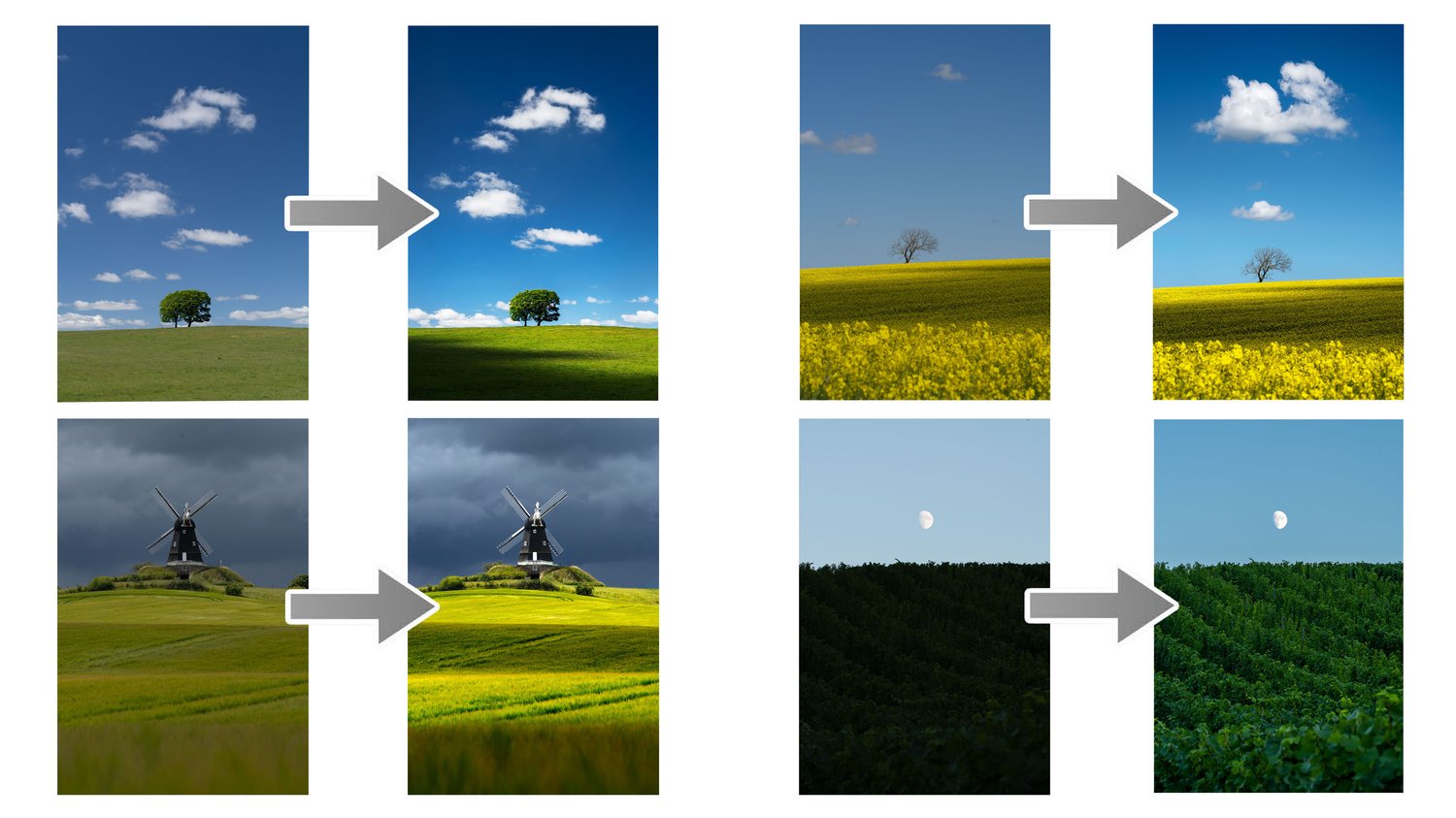
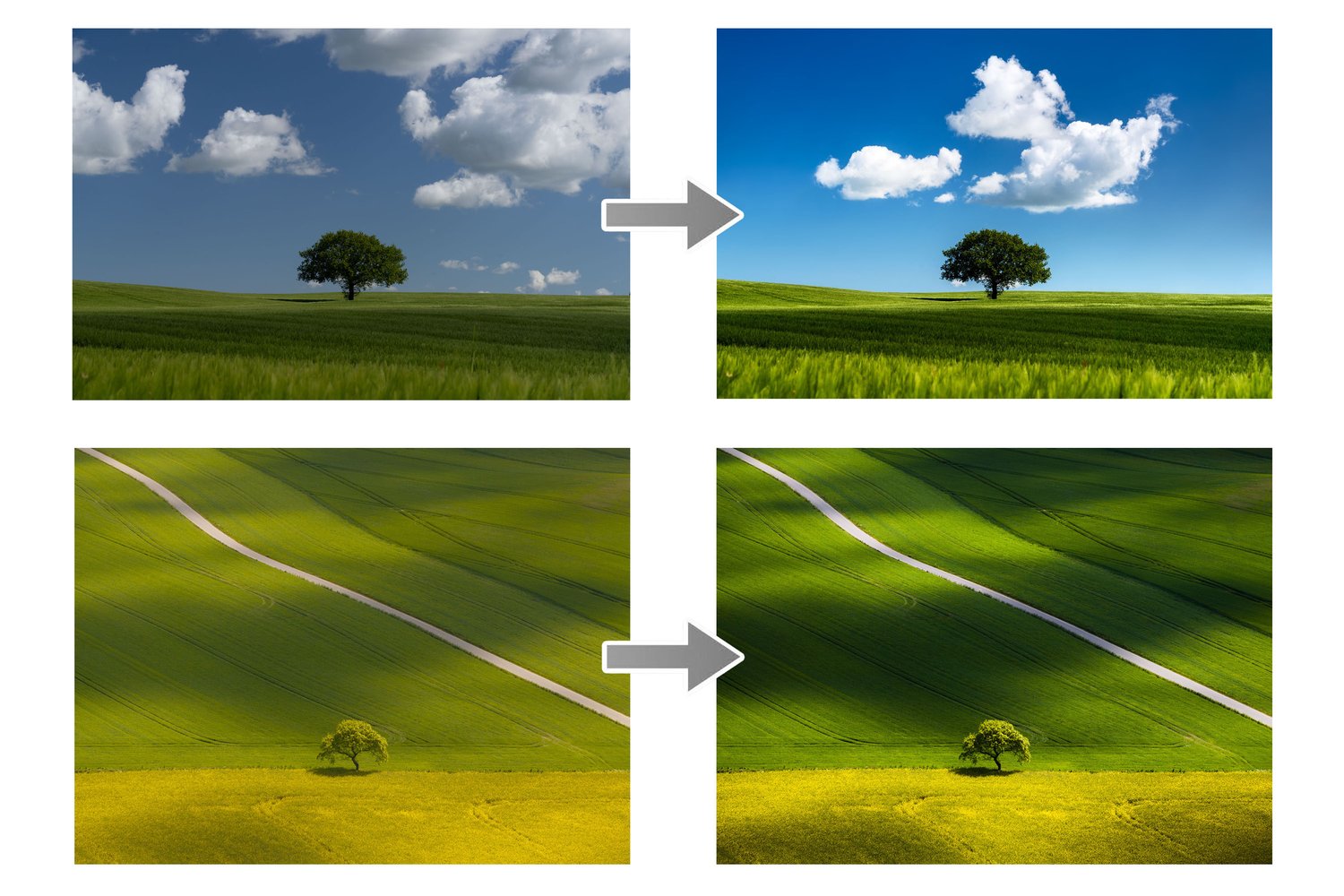
  • The Art of Rural Composition: Agricultural landscapes are essentially large-scale graphic design. You'll learn how to look past the clutter and frame tractor tracks, crop lines, and rolling hills as powerful leading lines, and how to position subjects like lone trees, windmills, and old churches using the fundamental "rules" of composition. We will also cover how a drone unlocks completely new perspectives.
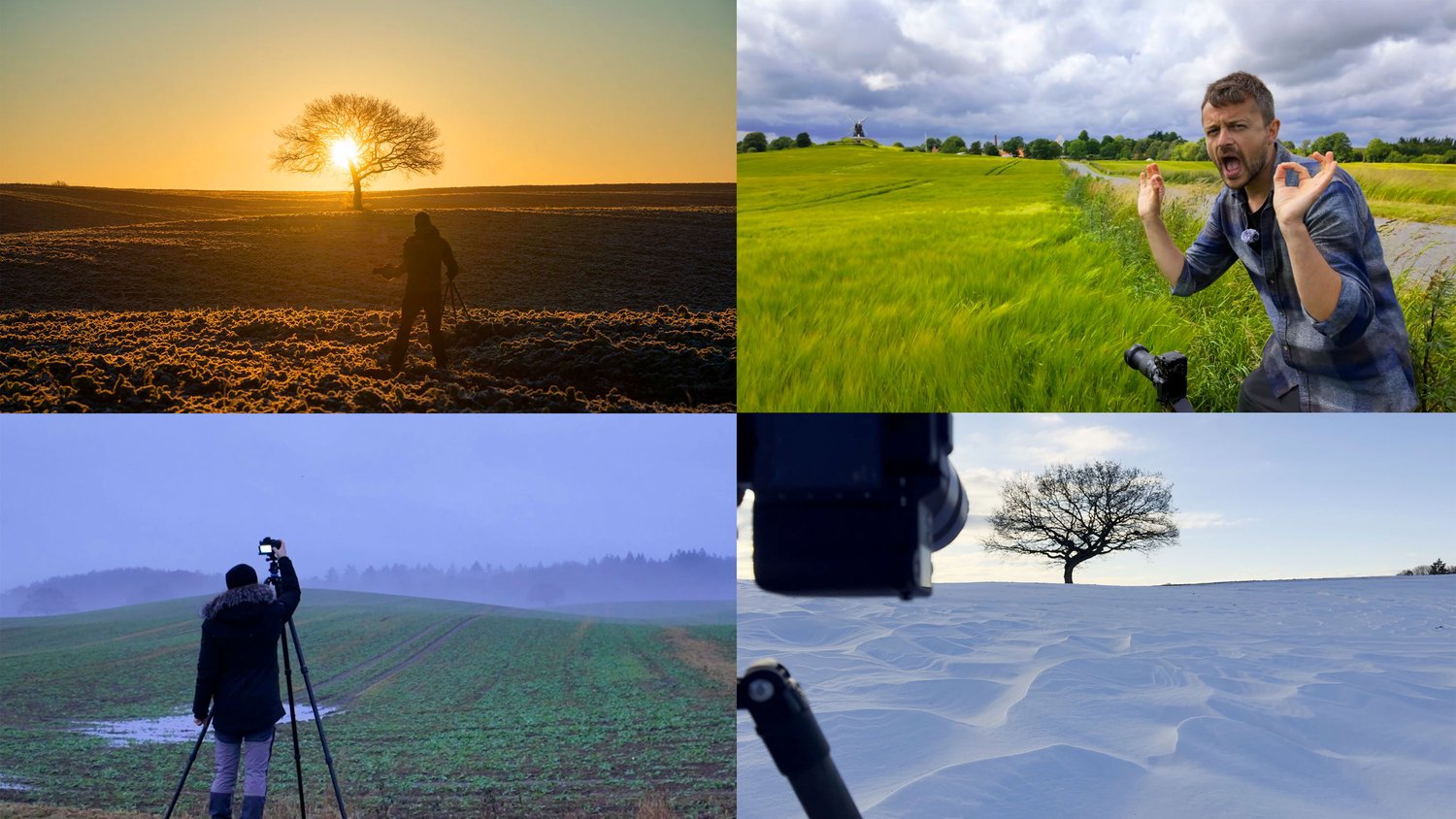
  • The Dynamics of Shifting Land: Unlike mountains that stay the same for centuries, the countryside changes constantly. Learn how to navigate crop rotation and seasonality to turn a single location into a multi-year collection of wildly different photos—from vibrant yellow rapeseed fields to geometric, post-harvest furrows and pristine winter snowscapes.
  • Location Scouting & Research: You don't need to guess where to go. I’ll show you exactly how to find great scenes right under your nose, using everything from country-road scouting and Google Maps to tracking weather radar and finding hidden gems in local books and documentaries.
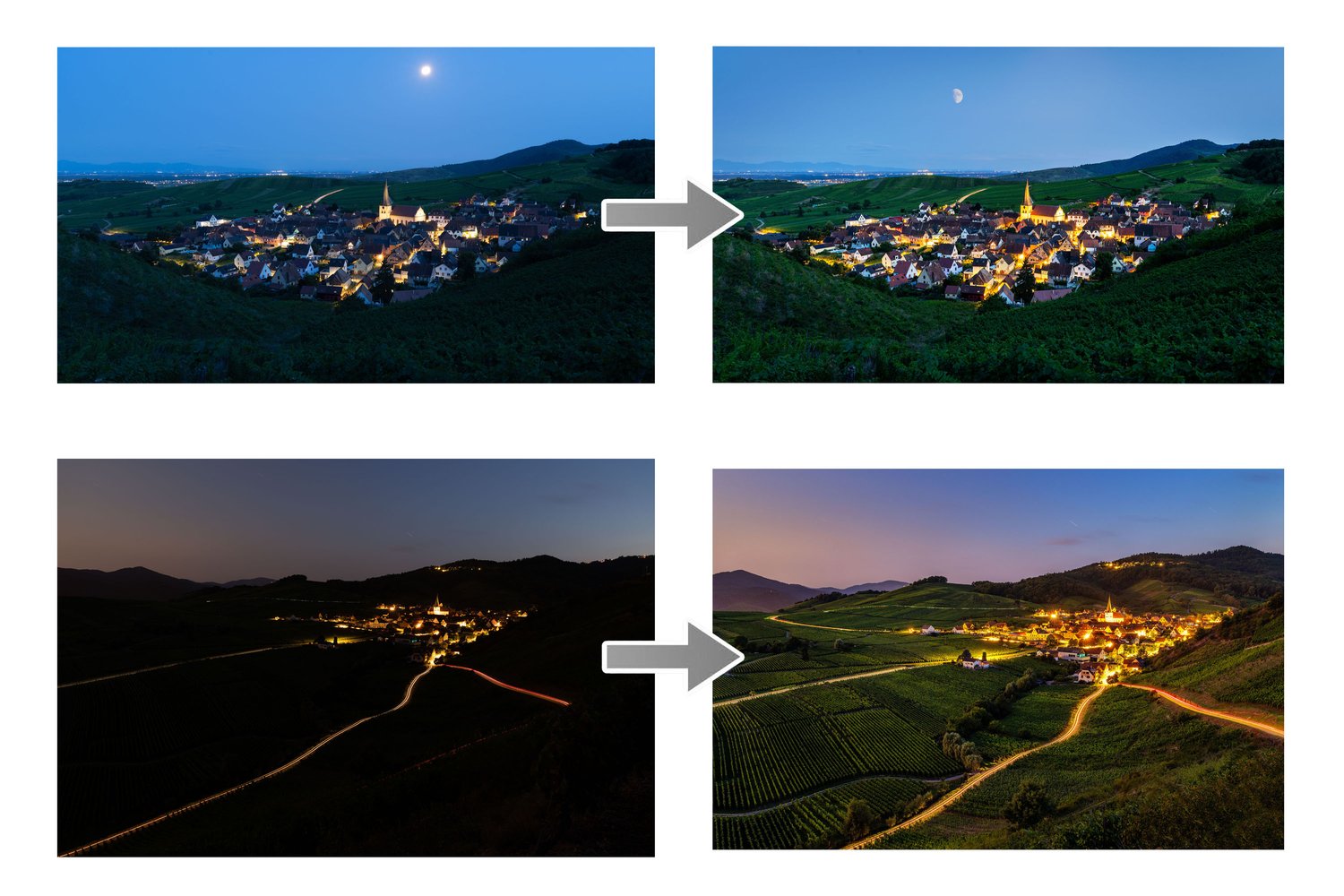
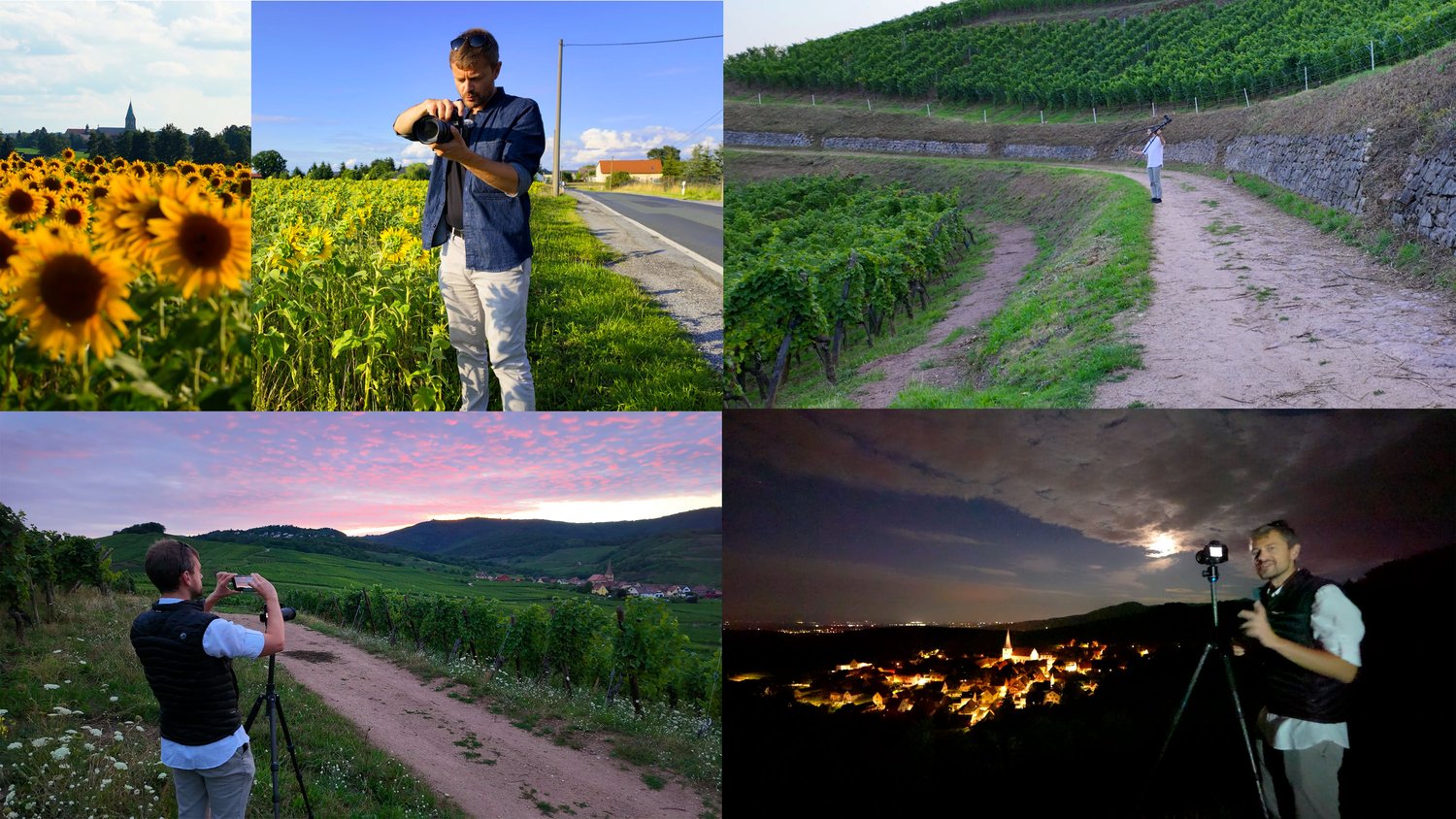
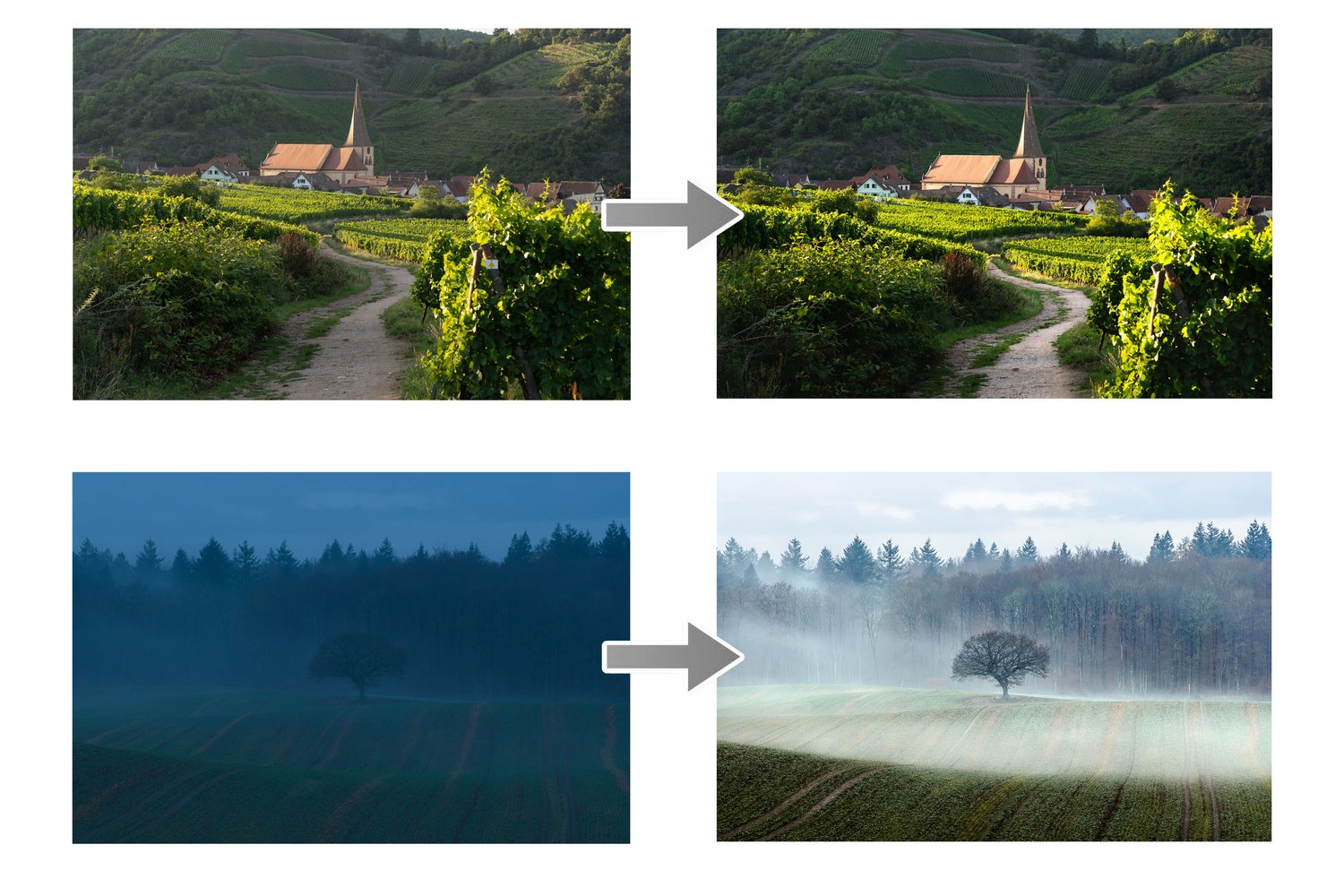
  • 6 In-Field Case Studies: Follow me on location as I shoot in real time under every condition imaginable—from blue sky days and moody, dappled light, through sunrises and foggy mornings to a half-hour sunset and blue hour special in the rolling vineyards of Alsace, France.
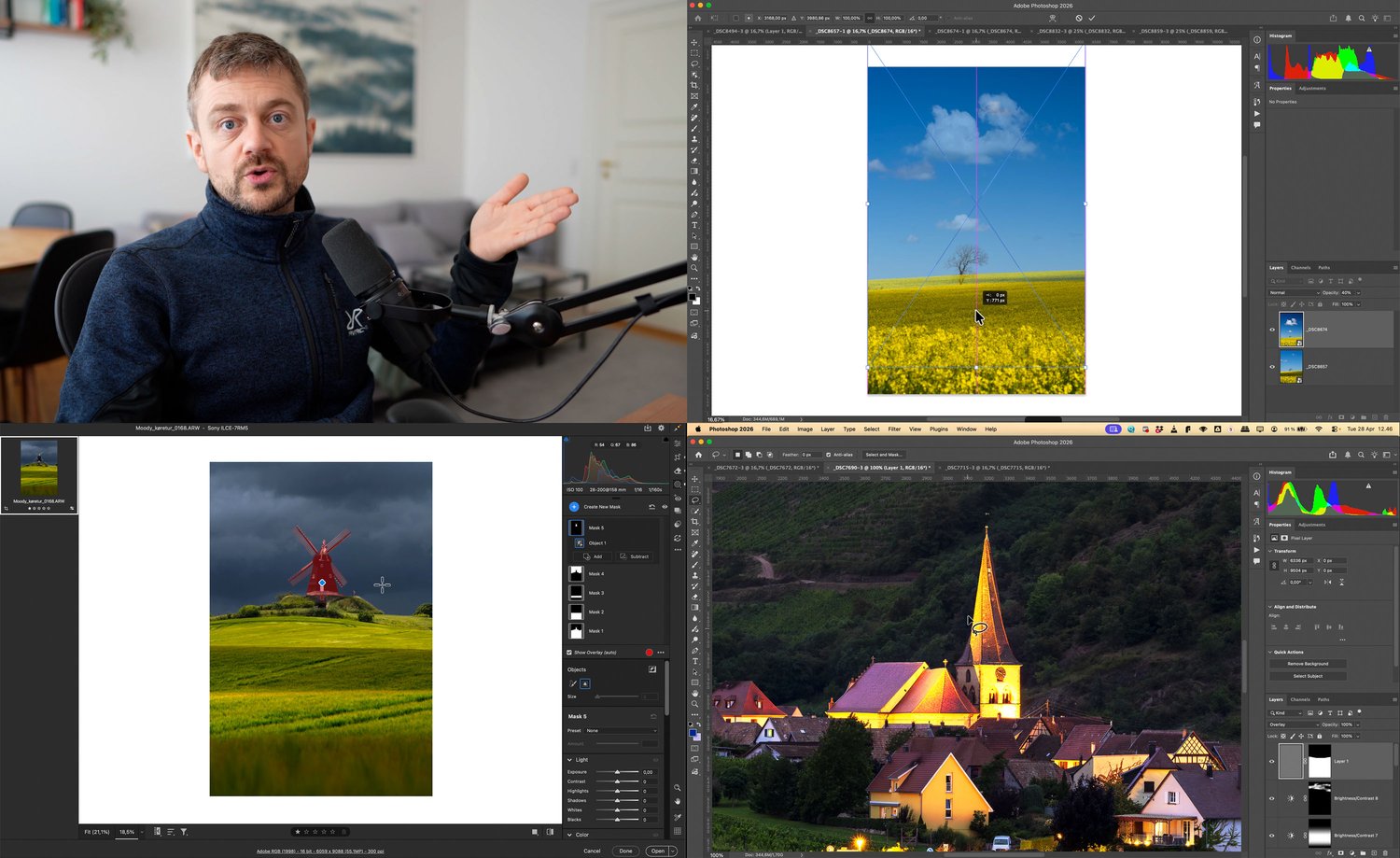
  • 12-Video From Beginner to Advanced Editing Masterclass: A complete, step-by-step workflow in Adobe CameraRaw (Same editing algorithm as Adobe Lightroom) and Photoshop. You’ll learn everything from precision masking and complex focus stacking to advanced exposure- and time-blending (like capturing car streaks and blending a blue hour moon) while completely respecting the natural light. Plus, you get all the RAW files to follow along with me. Here's a list of some of what I cover:
  • Curating photos
  • Basic editing
  • Balancing tones
  • Cropping for perfect composition
  • Sharpening
  • Creating glow
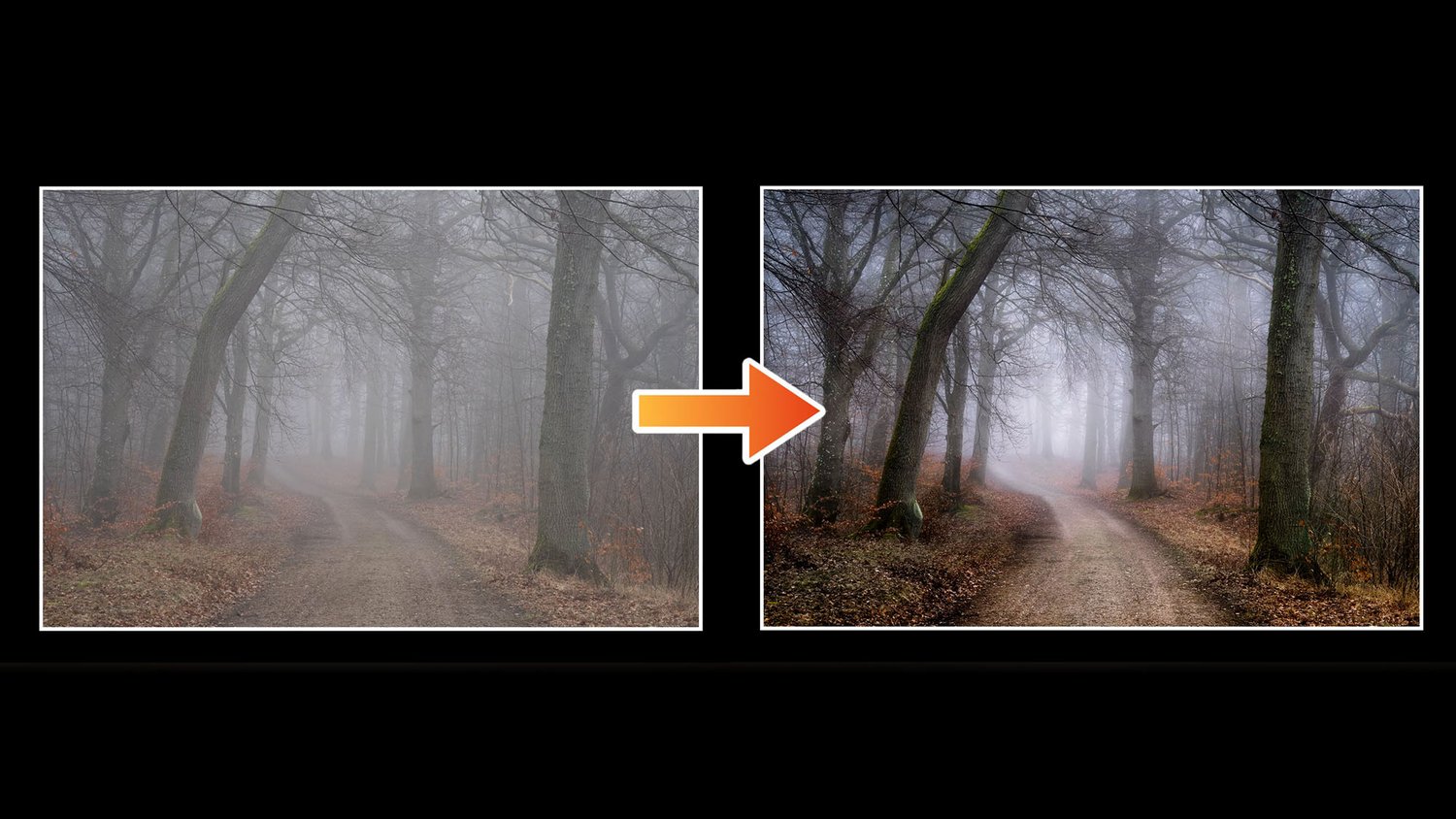
  • Emphasising fog
  • Simple time-blending
  • Advanced time-blending
  • Blending blue skies perfectly
  • Cleaning your photos properly
  • Exposure bracket merging and editing
  • Complex focus stacking (HeliconFocus optional, focus stacked practice file provided)
  • Stacking for noise reduction
  • Editing with luminosity masking
  • Batch editing
  • And much, much, much more!


Transform the Way You See the World Today

You don't need to catch a flight to an exotic location to take breathtaking photos. The tools, settings, and creative mindset in this course will change the way you look at a country road forever.

Get the entire 7-hour, 21-video downloadable course today for just $129 USD.

Ready to transform your photography? Click the link below to download the course now. Your support means the world to me and helps me keep creating new tutorials and free content for the community!


  • I put a lot of time and effort into my work and ask you not to share the course with other people. Each purchase is personal.
  • A basic understanding of editing softwares like Adobe CameraRaw, Adobe Lightroom and Adobe Photoshop is required. If you can translate my techniques to other softwares like CaptureOne or Luminar Neo this course is also for you.
  • Charges will happen in USD, using an up-to-date exchange rate. Customers may incur an additional foreign transaction fee according to their cardmember agreement.
  • Be aware that VAT based on your country's standard rate will be applied to the price.
You will get the following files:
  • MP4 (182MB)
  • MP4 (1GB)
  • MP4 (1GB)
  • MP4 (1GB)
  • MP4 (2GB)
  • MP4 (4GB)
  • MP4 (836MB)
  • MP4 (1GB)
  • MP4 (858MB)
  • MP4 (920MB)
  • MP4 (1GB)
  • MP4 (2GB)
  • MP4 (614MB)
  • MP4 (2GB)
  • MP4 (472MB)
  • MP4 (3GB)
  • MP4 (2GB)
  • MP4 (3GB)
  • MP4 (799MB)
  • MP4 (1GB)
  • MP4 (1GB)
  • MP4 (118MB)
  • ZIP (305MB)
Mastering Forest Photography Course
On Sale
$109.00
$109.00
Added to cart

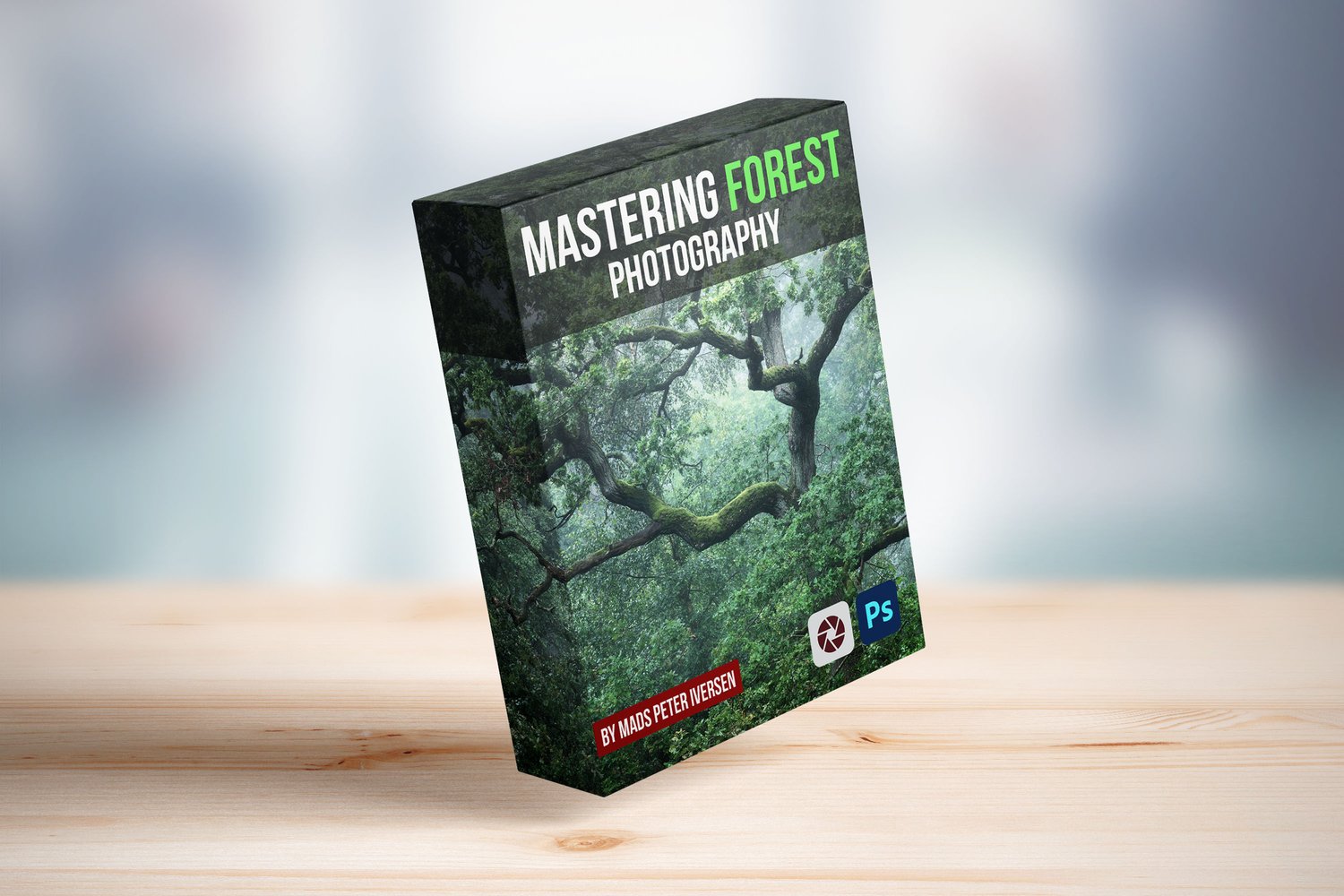
Mastering Forest Photography is my comprehensive 3,5 hours course designed to take you deep into the woods and teach you how to translate complex, chaotic woodland scenes into clean, atmospheric fine-art images.


Find Order in the Chaos. Create Breathtaking Forest Photography.


If you’ve ever stood inside a magnificent woodland, raised your camera, and realized the final shot looked like an unorganized, tangled mess of branches and distracting light, you are not alone. Forest photography is notoriously challenging. Unlike wide open landscapes, woods present an overwhelming amount of visual clutter, flat lighting, and complex contrasts that can easily ruin an otherwise inspiring scene.


I used to struggle with the exact same issues. But once I learned how to look past the chaos, work with the available atmosphere, and master specialized in-field and post-processing techniques, the forest became one of my absolute favourite and most rewarding environments to photograph.


Mastering Forest Photography is a complete, in-depth guide spanning 11 videos over 3,5 hours covering necessary theory and practical case studies. It provides my blueprint for turning chaotic woodlands into structured, moody, and cinematic works of art.


What You’ll Master in This Course:

  • The Essential Gear & Setup: Learn what equipment truly matters for woodland work, including camera bodies, lenses, filters, and tripods.
  • Location Scouting & Research: Discover how to find and vet great forest locations, from ancient deciduous woods to misty groves and hidden streams.
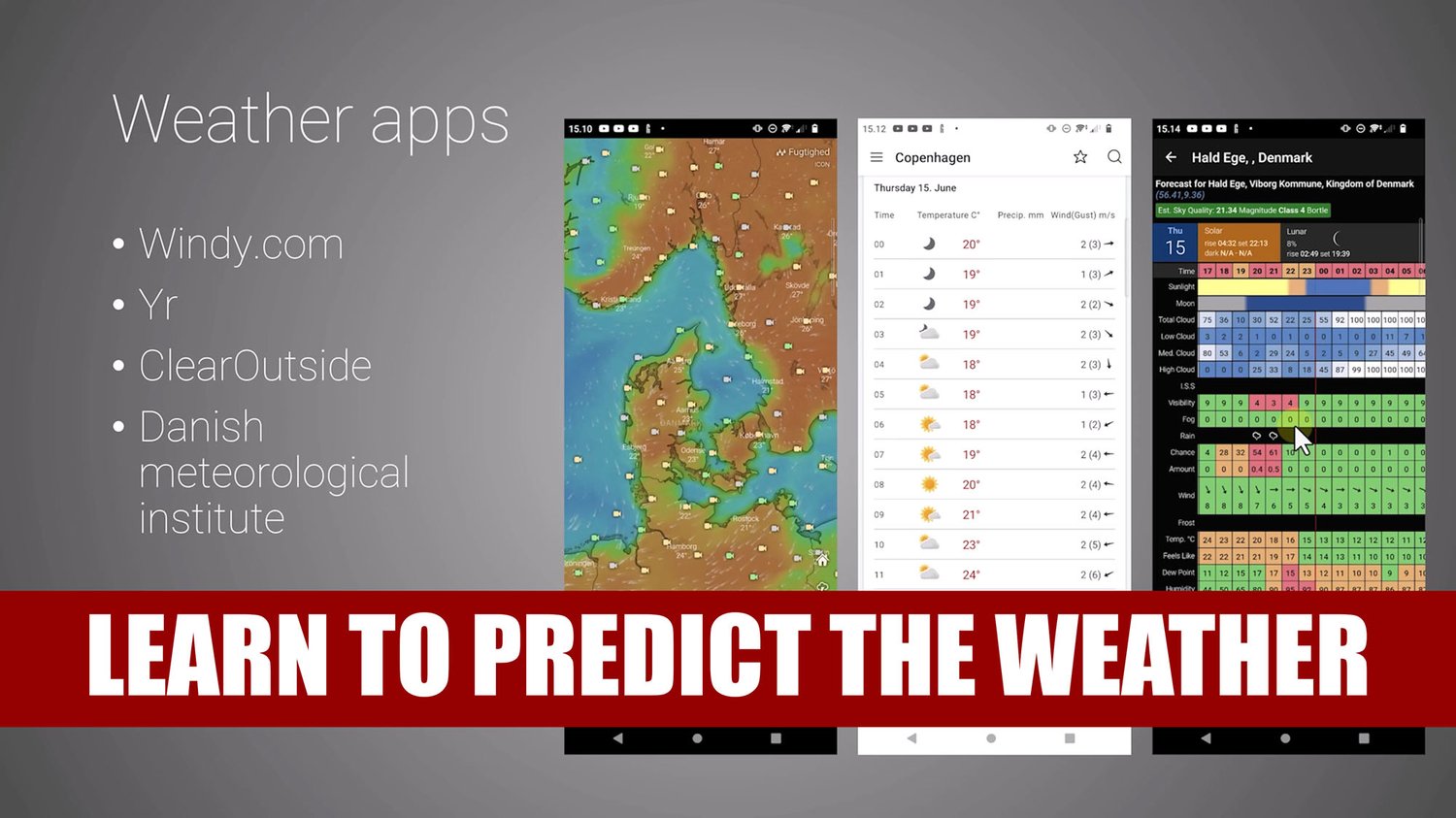
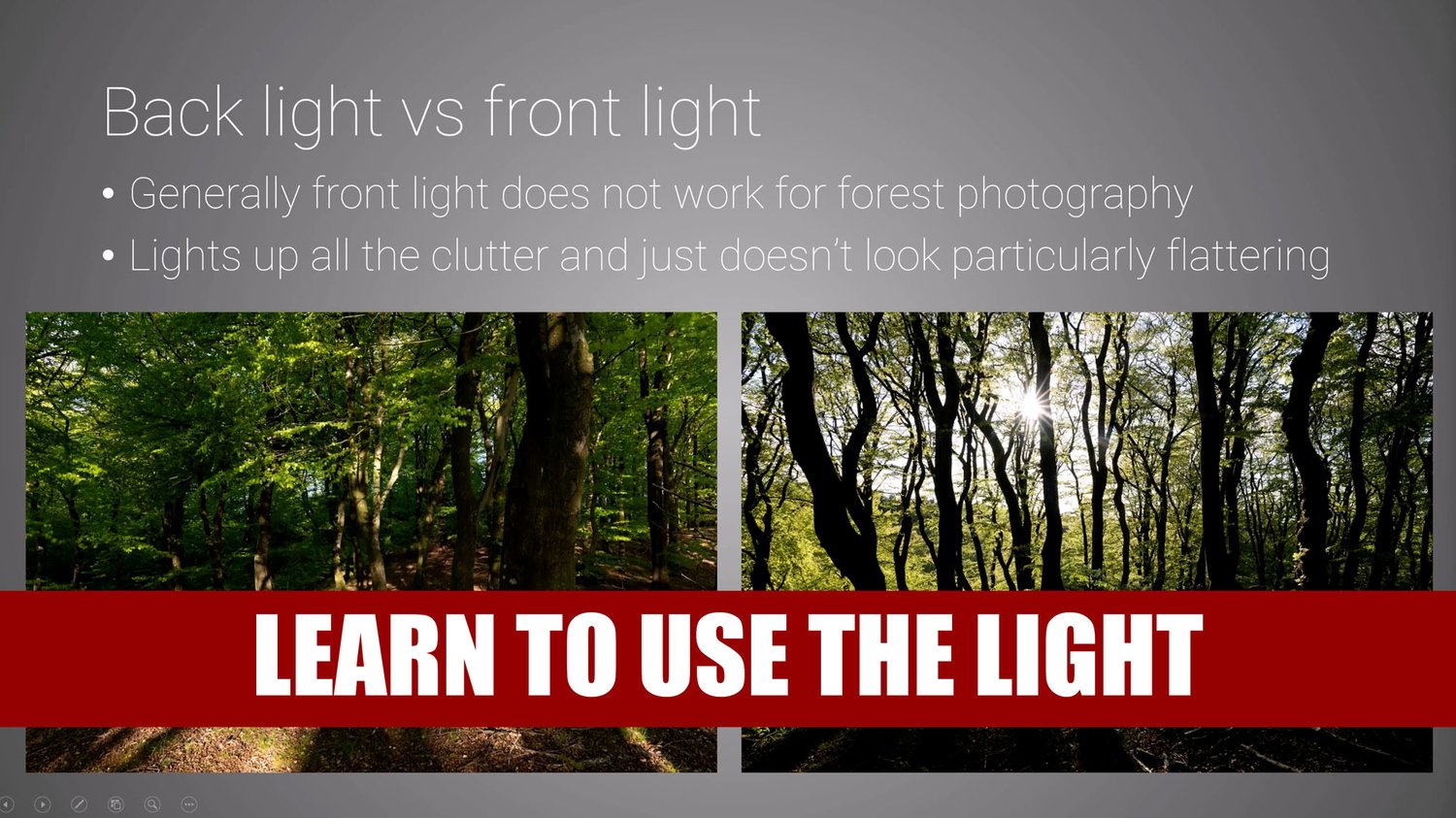
  • Light, Atmosphere, and Weather: Master how to use soft, directional forest light, capture rich color and mood, and successfully predict or chase crucial atmospheric conditions like morning fog.
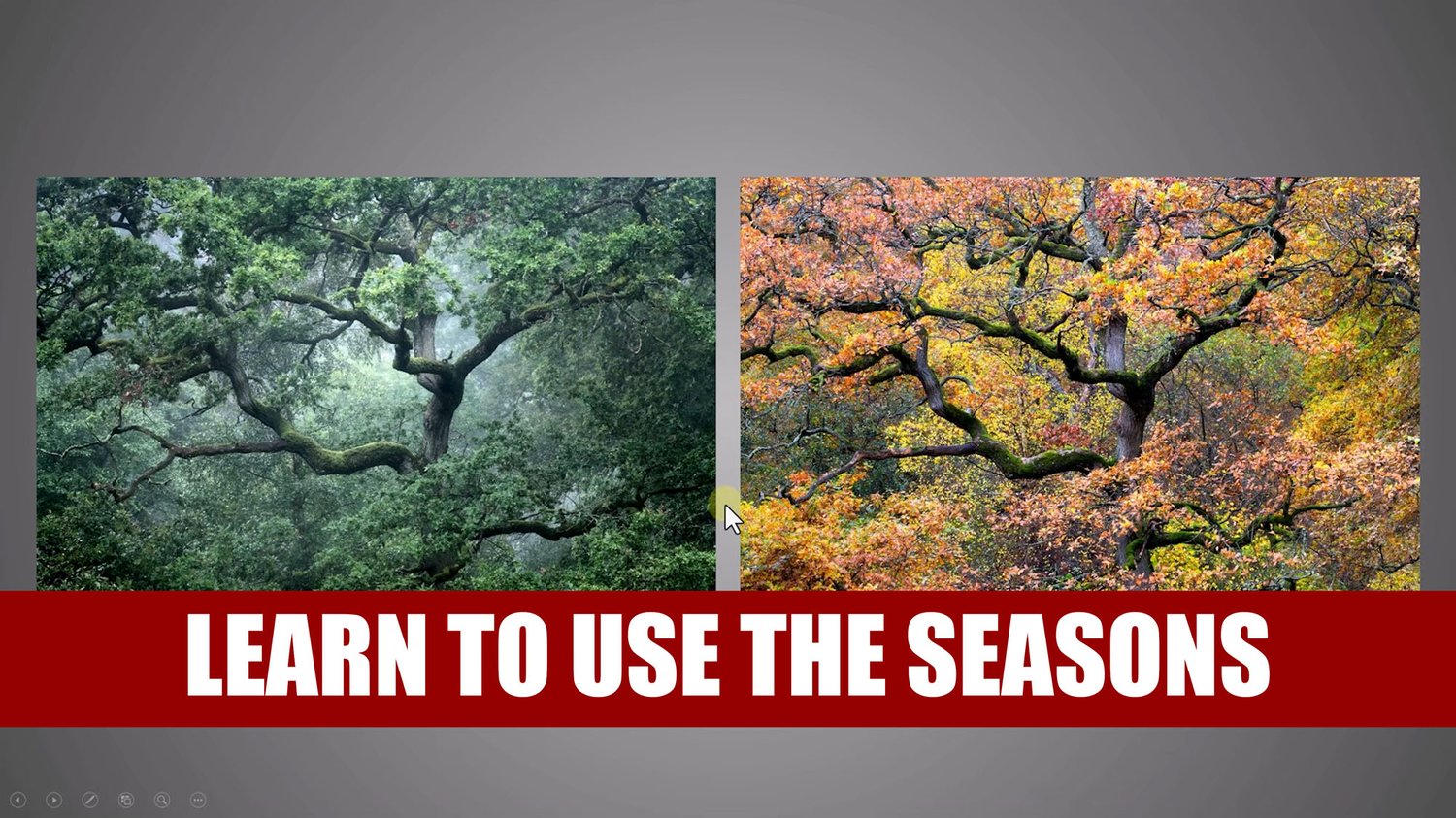
  • The Four Seasons: Understand how the changing seasons transform woodland dynamics—from lush green canopies and vibrant autumn foliage to stark, minimalist winter scenes without leaves.
  • 3 Real-World In-Field Case Studies: Follow me on location across different environments:
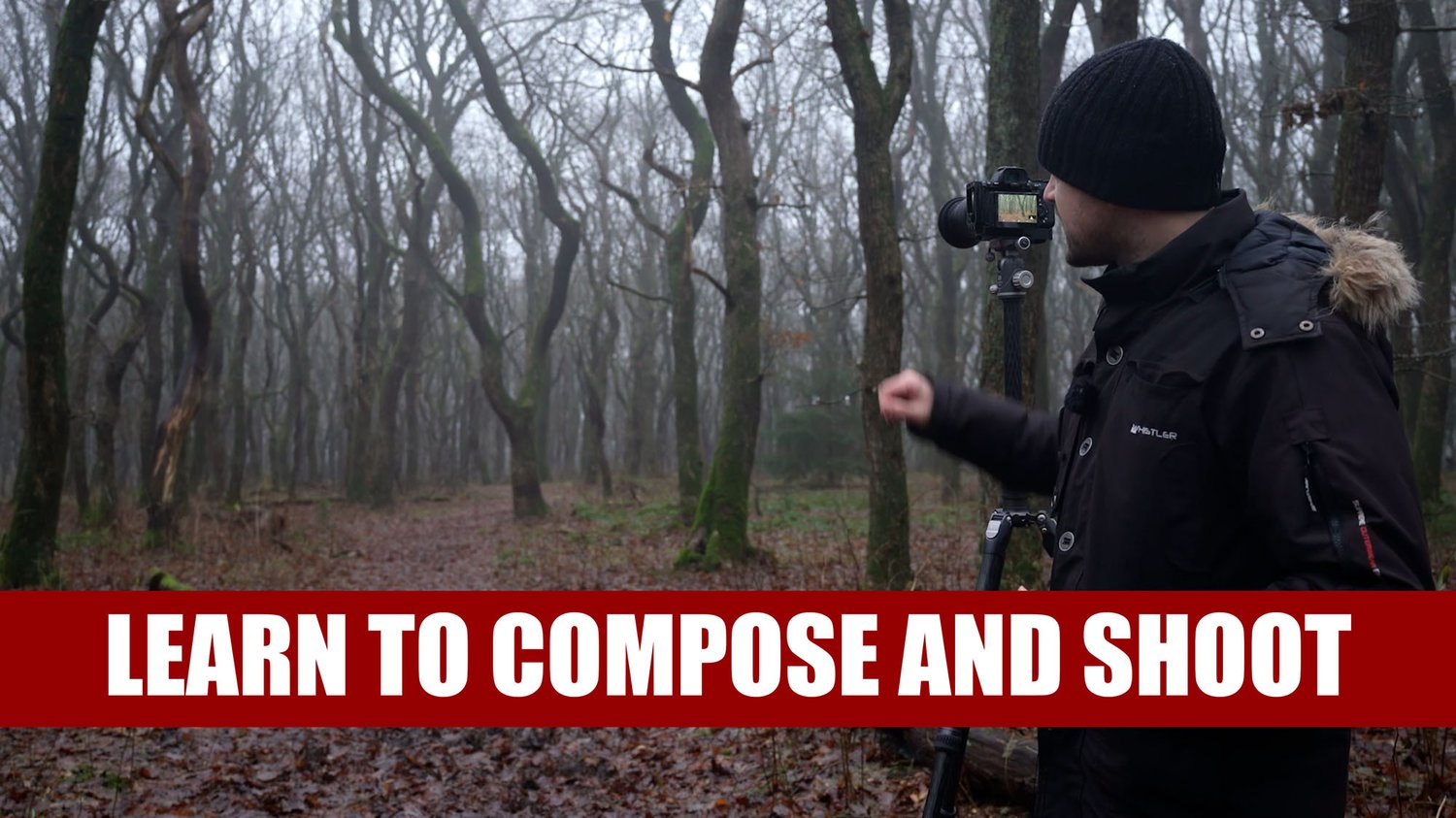
  • Case 1: Photographing a moody winter forest scene in Denmark while breaking down advanced composition and camera settings.
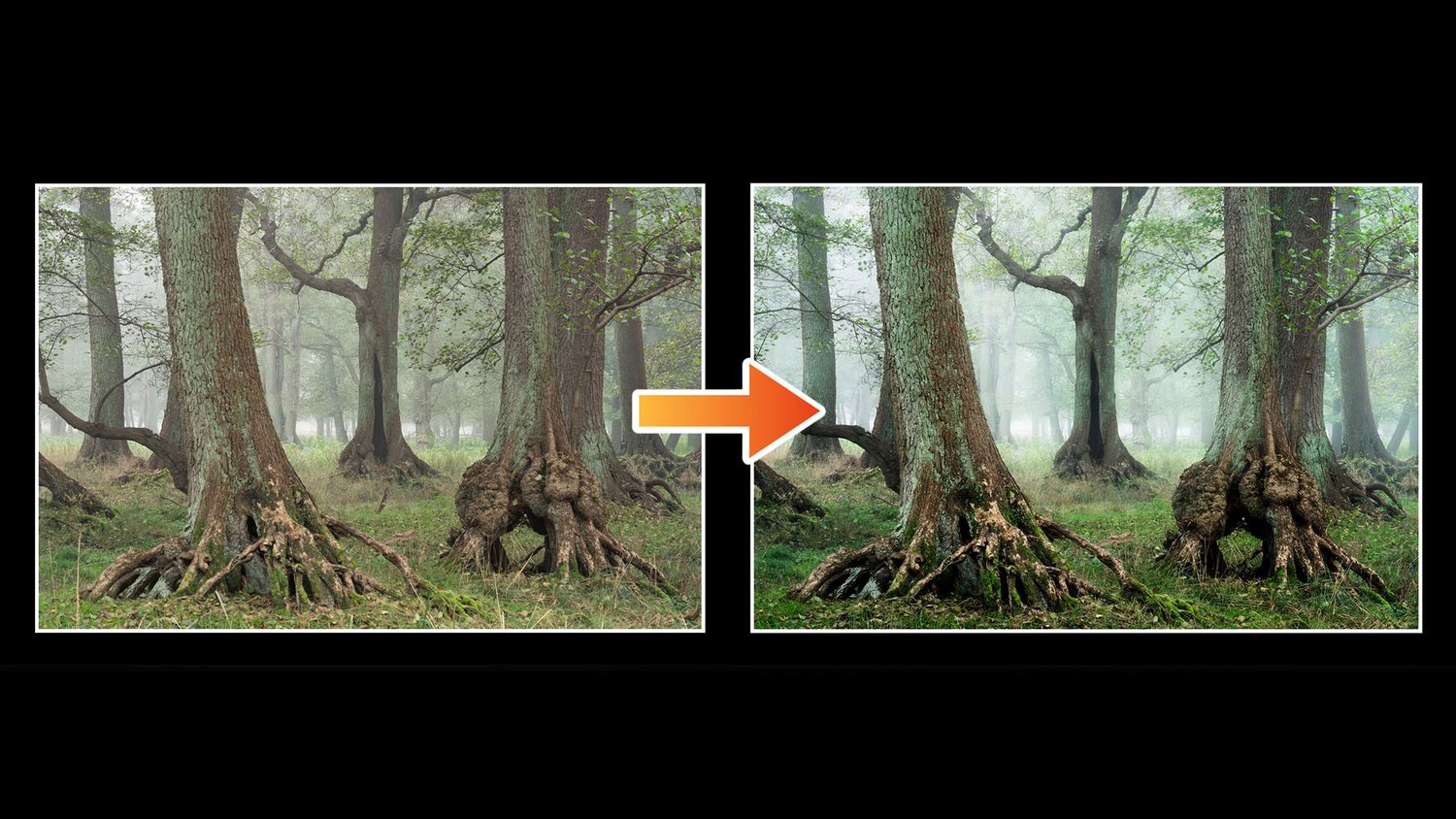
  • Case 2: Capturing an early autumn scene filled with green leaves and atmospheric fog in Denmark.
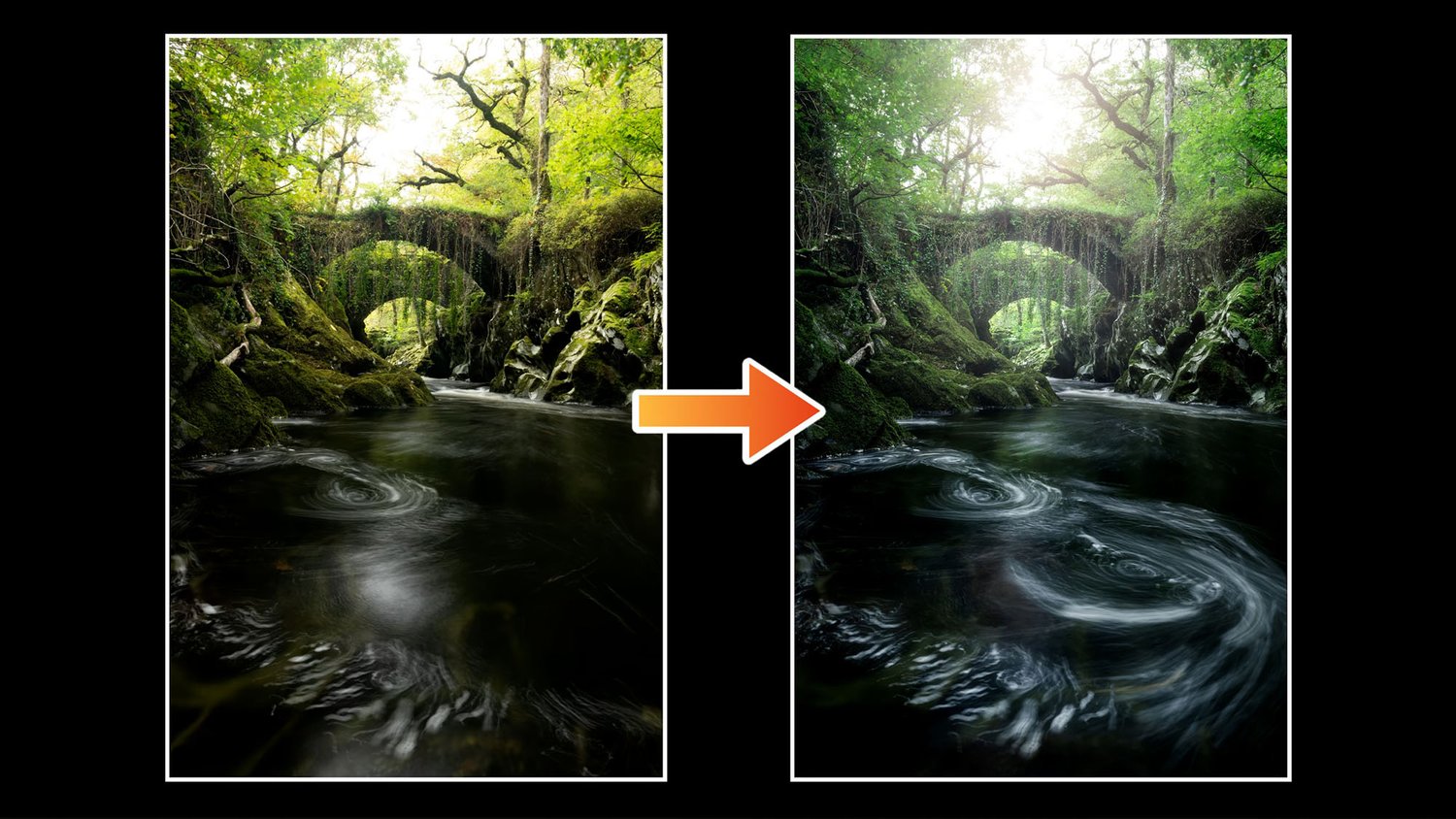
  • Case 3: Photographing a magical forest stream flowing underneath an old stone bridge in Wales.
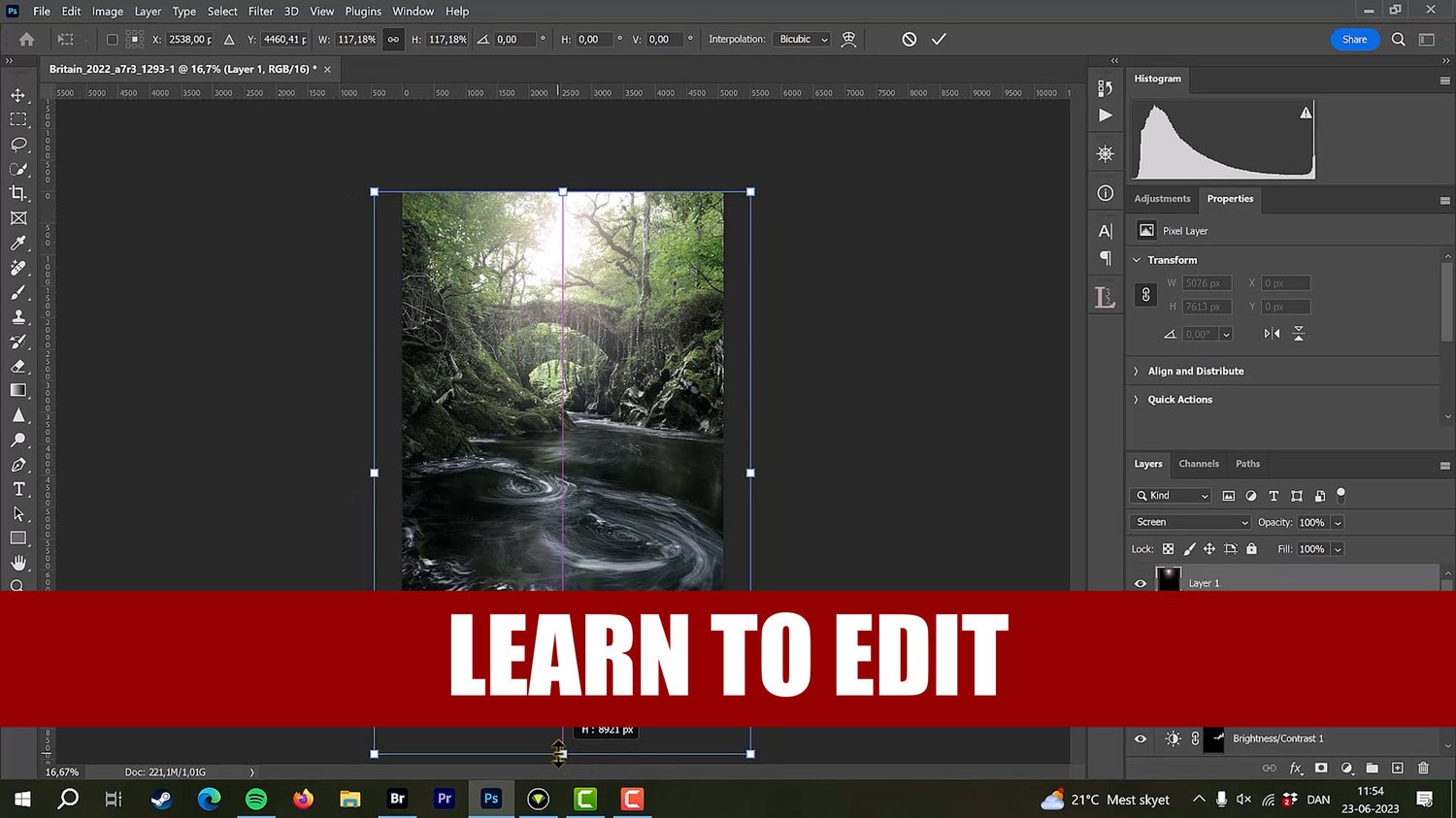
  • Comprehensive Editing Masterclass (Adobe CameraRaw & Photoshop): Step-by-step editing workflows where you'll learn start-to-finish processing techniques. Plus, you get practice files to follow along. Here is what to expect from the editing modules:
  • Start-to-finish workflows in Adobe CameraRaw (sharing the same powerful editing engine as Adobe Lightroom) and Photoshop
  • Curating and selecting your best frames
  • Dealing with contrast and color in flat or complex woodland scenes
  • Blending photos, manual focus stacking, and managing depth
  • Adding atmosphere, glow, and directing the viewer's attention
  • Cleaning distractions, managing details, and precision sharpening
  • Applying the classic Orton effect for dreamy, ethereal woodland moods


Transform the Way You See the Woods Today

You don't need endless clutter or flat, uninspired shots. The techniques, settings, and creative mindset inside this course will completely change how you approach forestry landscapes.


Important notes for buyers:

  • I put a lot of time and effort into my work and ask you not to share the course with other people. Each purchase is personal.
  • A basic understanding of editing software like Adobe CameraRaw or Adobe Lightroom, and Adobe Photoshop is required. If you can translate these techniques to other packages like Capture One or Luminar Neo, this course is also for you.
  • This product was first released with the 5DayDeal in 2023. If you got it back then be aware that this is completely the same.
  • Charges will happen in USD, using an up-to-date exchange rate. Customers may incur an additional foreign transaction fee according to their cardmember agreement.
  • Be aware that VAT based on your country's standard rate will be applied to the price.
You will get the following files:
  • MP4 (522MB)
  • MP4 (531MB)
  • MP4 (541MB)
  • MP4 (559MB)
  • MP4 (361MB)
  • MP4 (2GB)
  • MP4 (2GB)
  • MP4 (217MB)
  • MP4 (2GB)
  • MP4 (267MB)
  • MP4 (1GB)
  • ZIP (36MB)
Mastering Waterfall Landscape Photography Course
On Sale
$109.00
$109.00
Added to cart

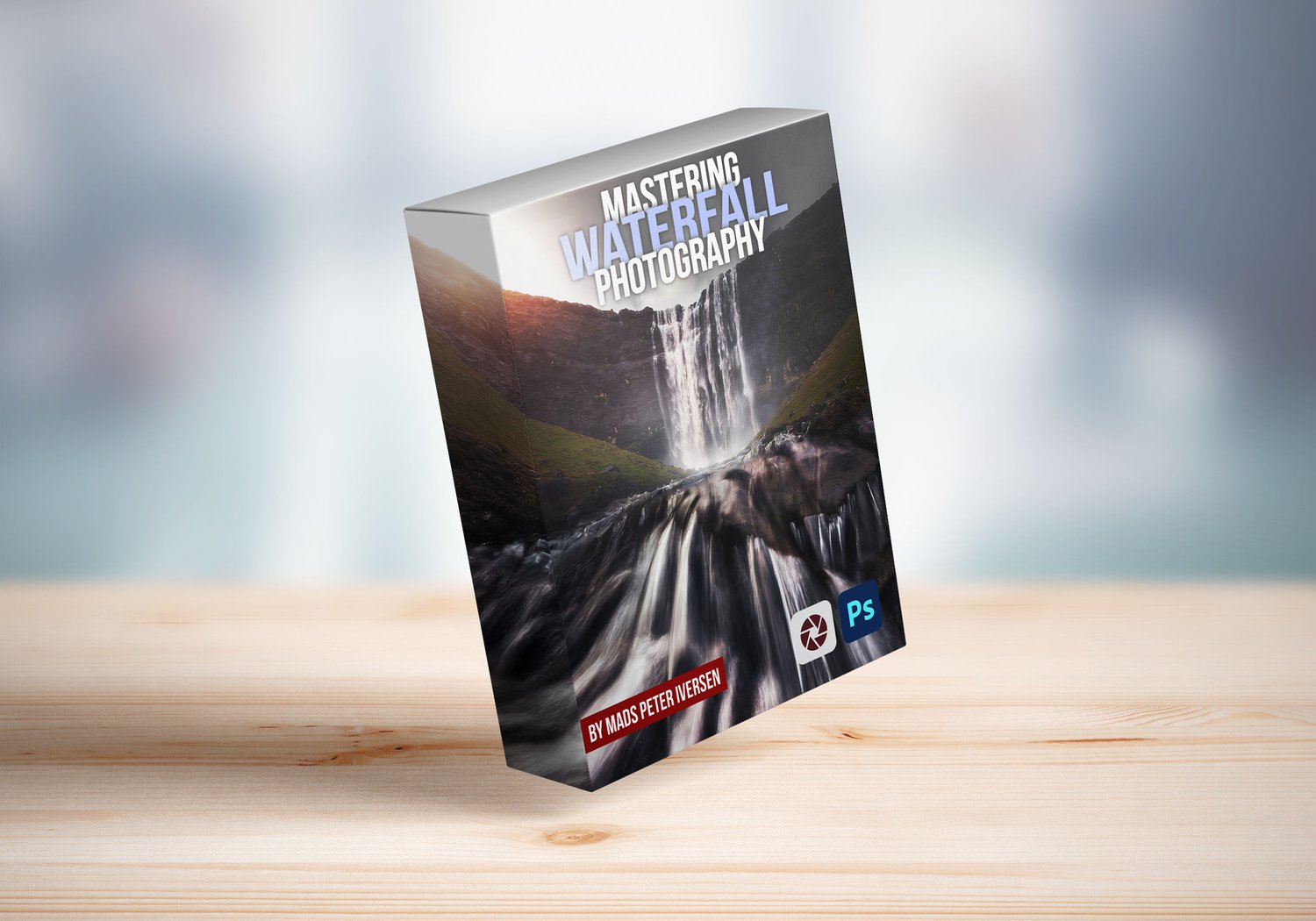
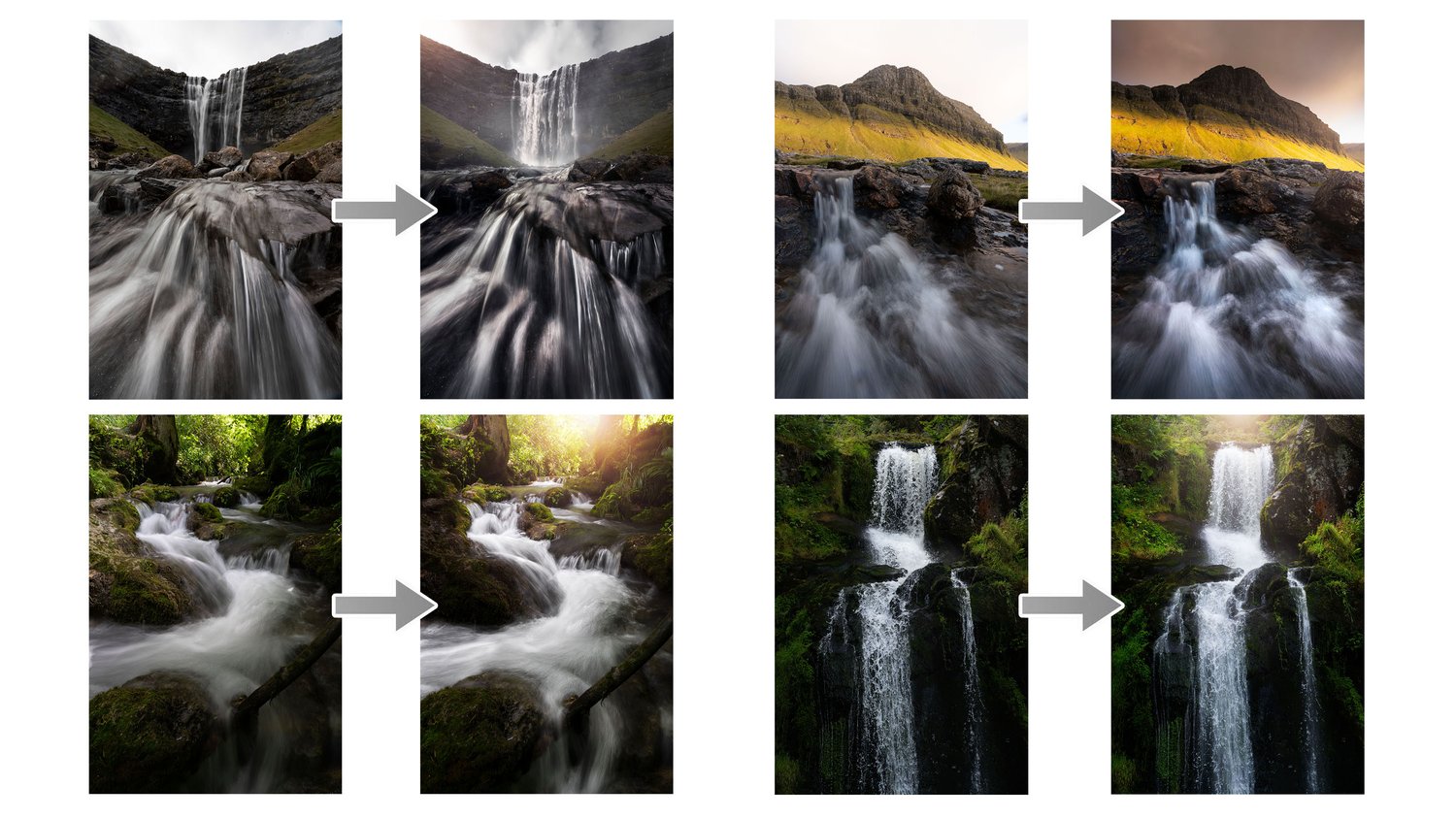
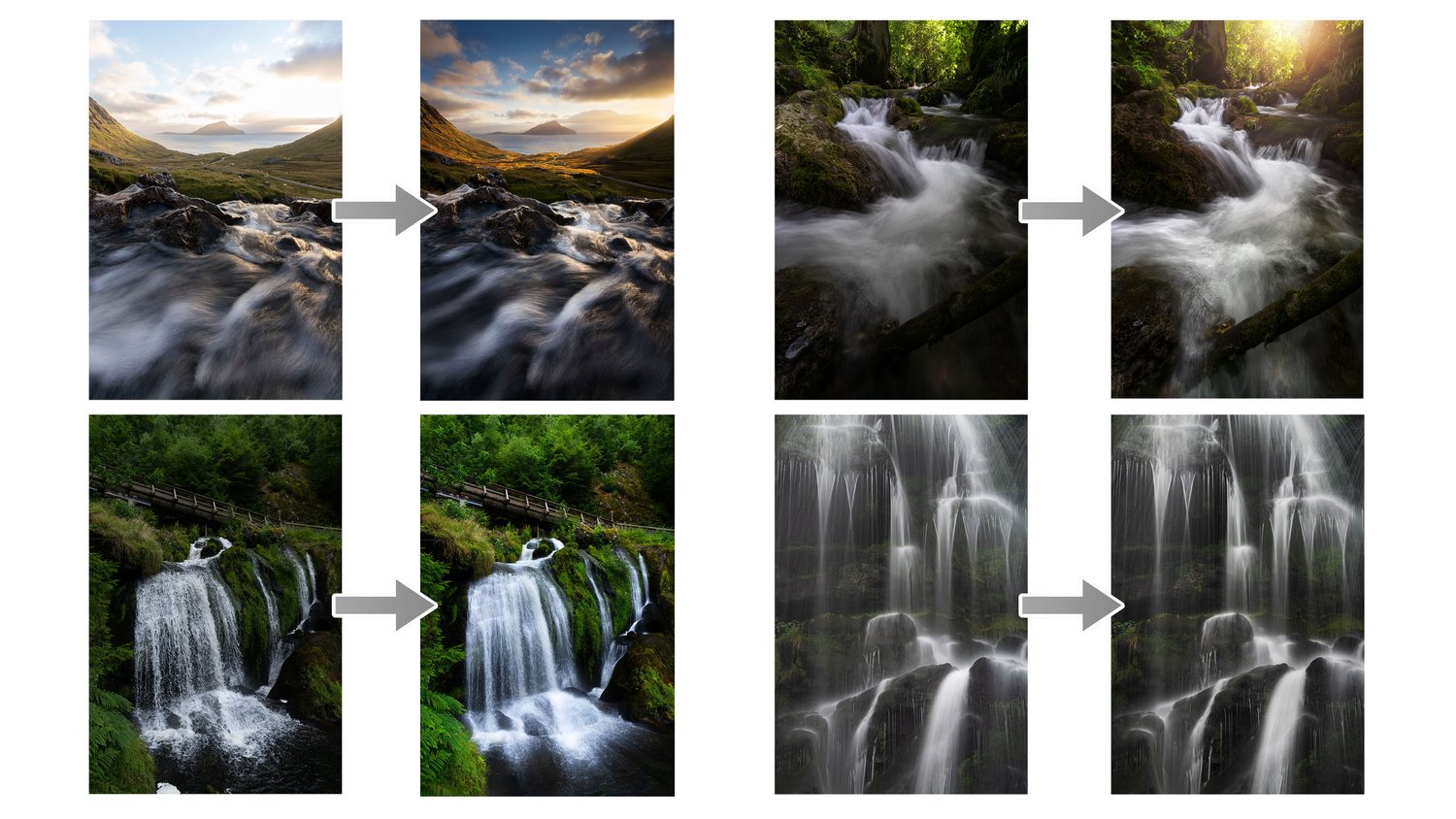
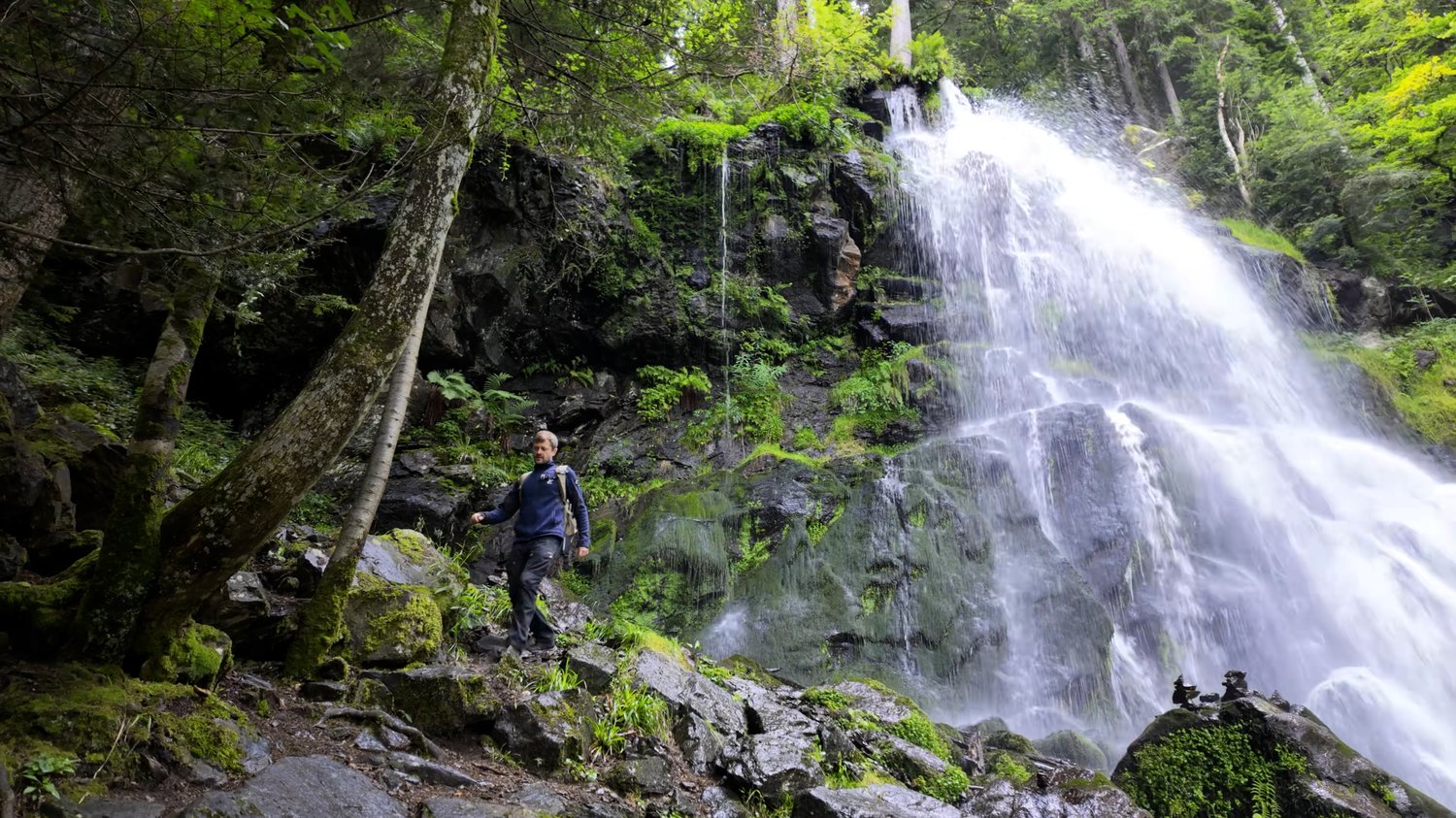
Capture the majestic beauty of waterfalls with my new course, Mastering Waterfall Photography.

Waterfalls are one of the most stunning subjects in landscape photography, and in this course, I’ll show you how to capture their epic grandeur and ethereal beauty. Whether you're a seasoned photographer or just starting, this course will give you the tools and techniques you need to create breathtaking images.


What's Inside the Course?

This comprehensive course spans over 6 hours across 19 videos, packed with everything you need to know.

  • Gear & Settings: I'll walk you through the essential equipment you’ll need, from cameras and tripods to filters. We'll dive into the best camera settings for waterfalls, including aperture, shutter speed, and ISO, and I'll share advanced techniques like long exposure, focus stacking, and even handheld long exposure.
  • Creative Composition: Learn the most important composition tools to create dynamic, captivating waterfall photos.
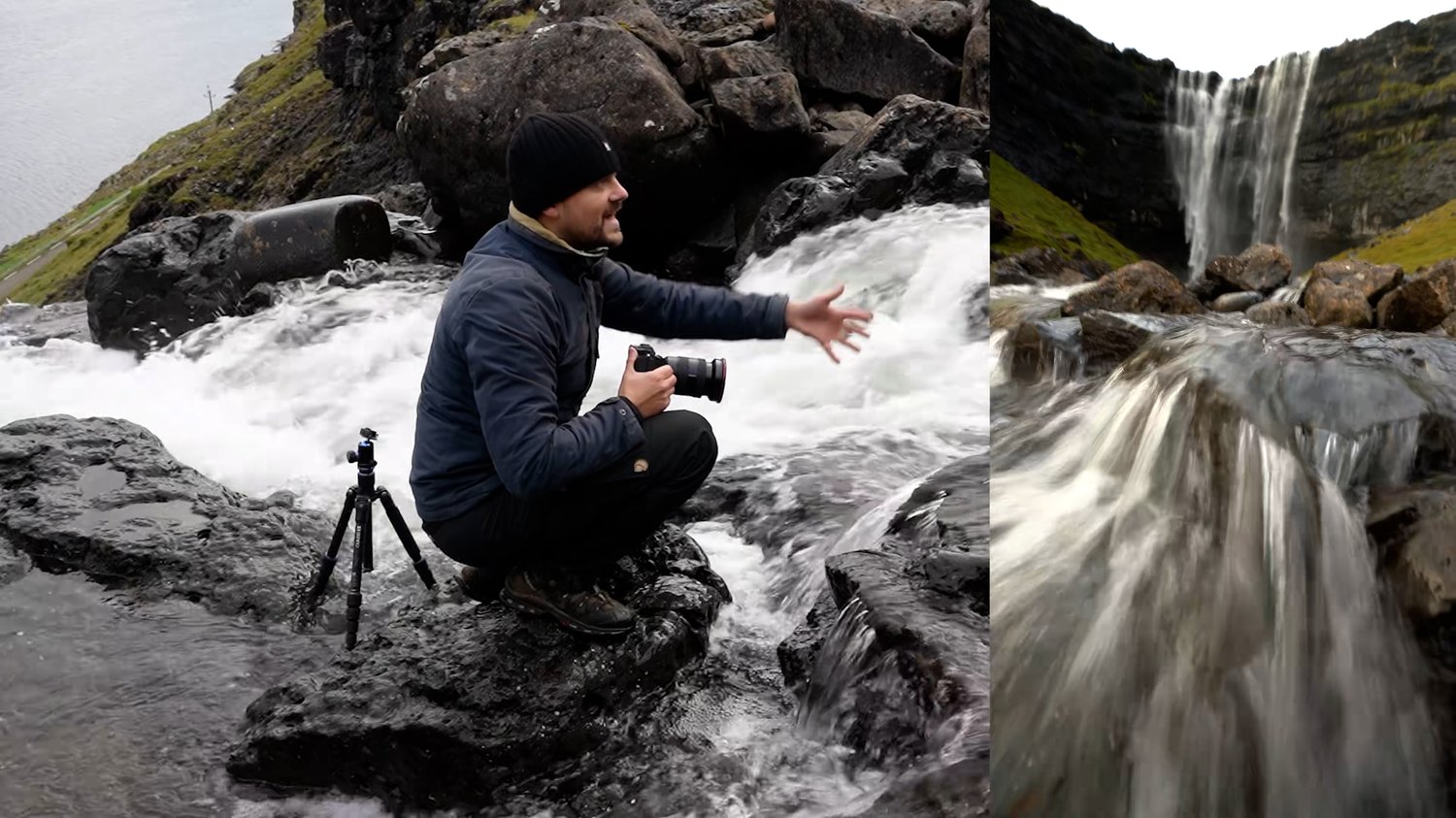
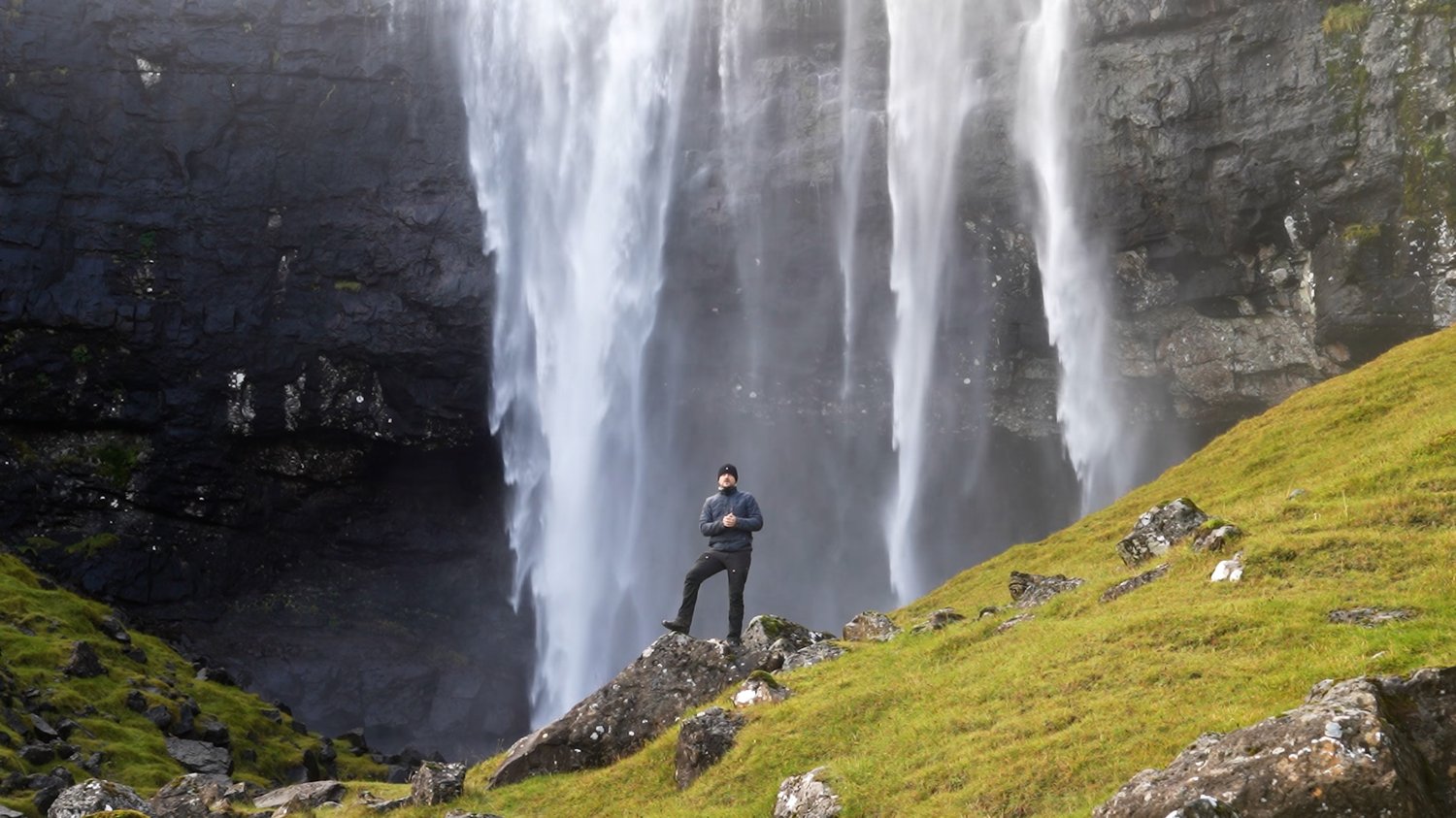
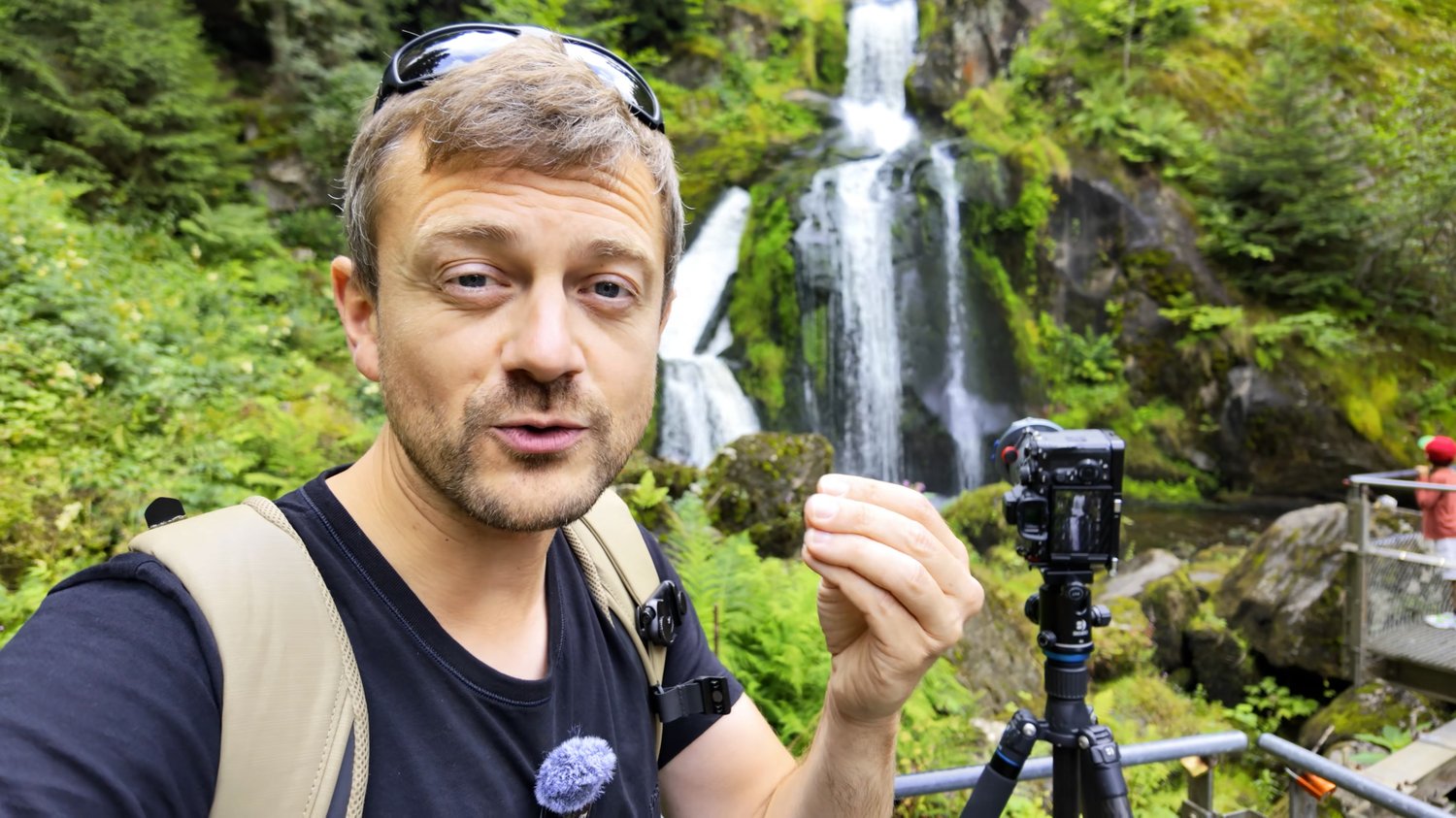
  • In-Field Case Studies: Join me on location for six different in-field never-before-seen case studies, where I tackle a wide range of waterfalls—from powerful, roaring cascades to subtle, S-curvy streams. You'll see my entire process for approaching and shooting in real time.
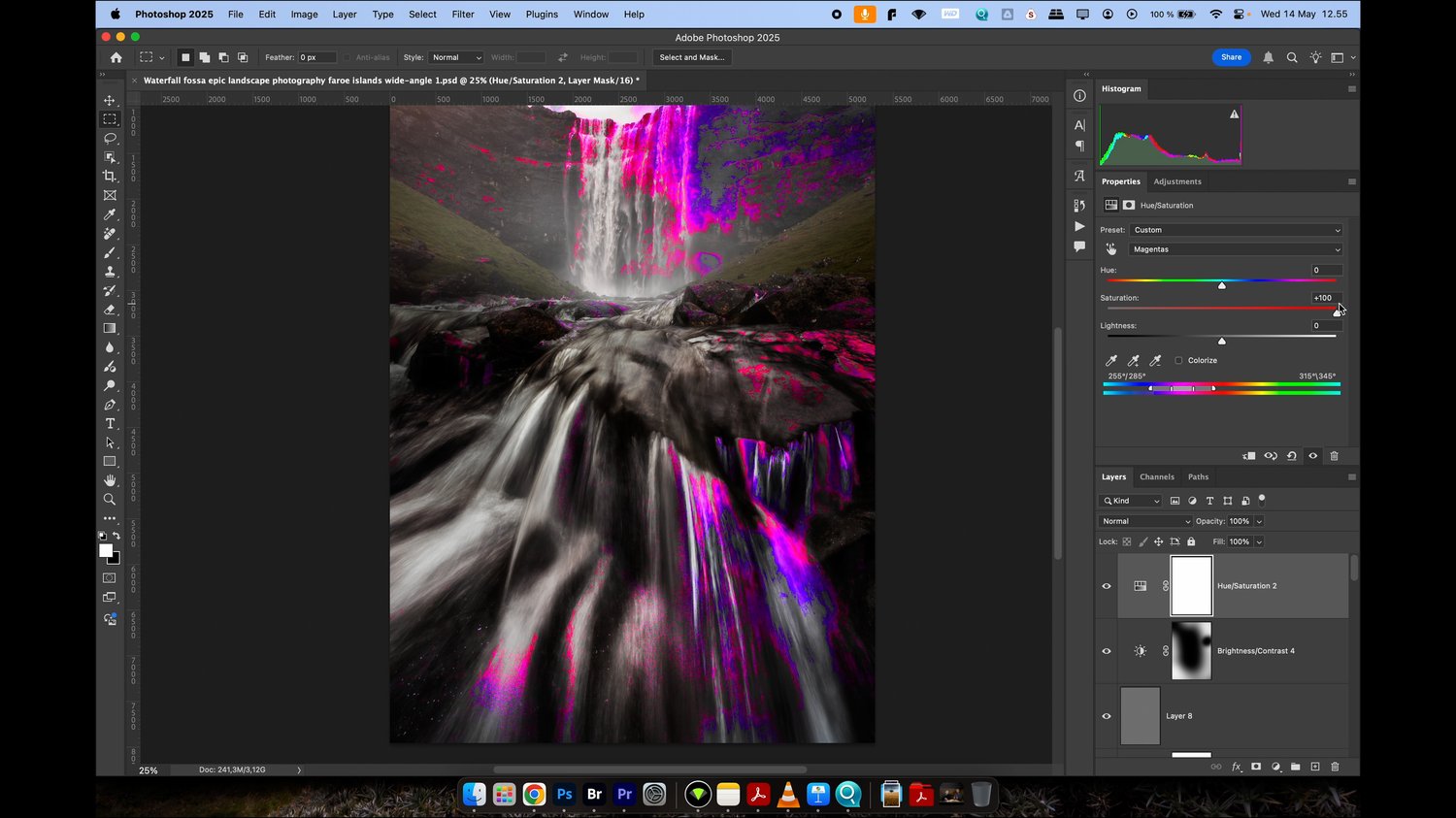
  • Comprehensive Editing: Learn my full editing workflow in Adobe CameraRaw/Lightroom and Adobe Photoshop. I'll show you how I cull and select the best photos to edit, and then take you through six start-to-finish editing sessions. You'll master everything from adjusting colors and contrast to advanced techniques like blending multiple exposures to create the most impressive images. Plus, you’ll get the RAW files so you can follow along with me step-by-step.
  • Bonus Content: As a special bonus, I’ve included an extra tutorial that shares even more editing techniques and showcases nine additional finished waterfall photos, giving you an even deeper look into my process.

Start Creating Stunning Waterfall Photos Today

I’m confident that by the end of this course, you’ll have the knowledge and skills to create images you’re truly proud of.

You can get the entire 6-hour, 19-video course for the low price of just $99 USD.

Ready to transform your photography? Click the link below to get the course now! Your support means the world to me and helps me continue to create new tutorials and free videos for everyone.


  • I put a lot of time and effort into my work and ask you not to share the course with other people. Each purchase is personal.
  • Charges will happen in USD, using an up-to-date exchange rate. Customers may incur an additional foreign transaction fee according to their cardmember agreement.
  • Be aware that VAT based on your country's standard rate will be applied to the price.
You will get the following files:
  • MP4 (112MB)
  • MP4 (199MB)
  • MP4 (274MB)
  • MP4 (638MB)
  • MP4 (731MB)
  • MP4 (488MB)
  • MP4 (93MB)
  • MP4 (120MB)
  • MP4 (754MB)
  • MP4 (555MB)
  • MP4 (444MB)
  • MP4 (2GB)
  • MP4 (3GB)
  • MP4 (2GB)
  • MP4 (3GB)
  • MP4 (3GB)
  • MP4 (2GB)
  • MP4 (2GB)
  • MP4 (1GB)
  • ZIP (102MB)
Mastering Local Landscape Photography Course
On Sale
$119.00
$119.00
Added to cart

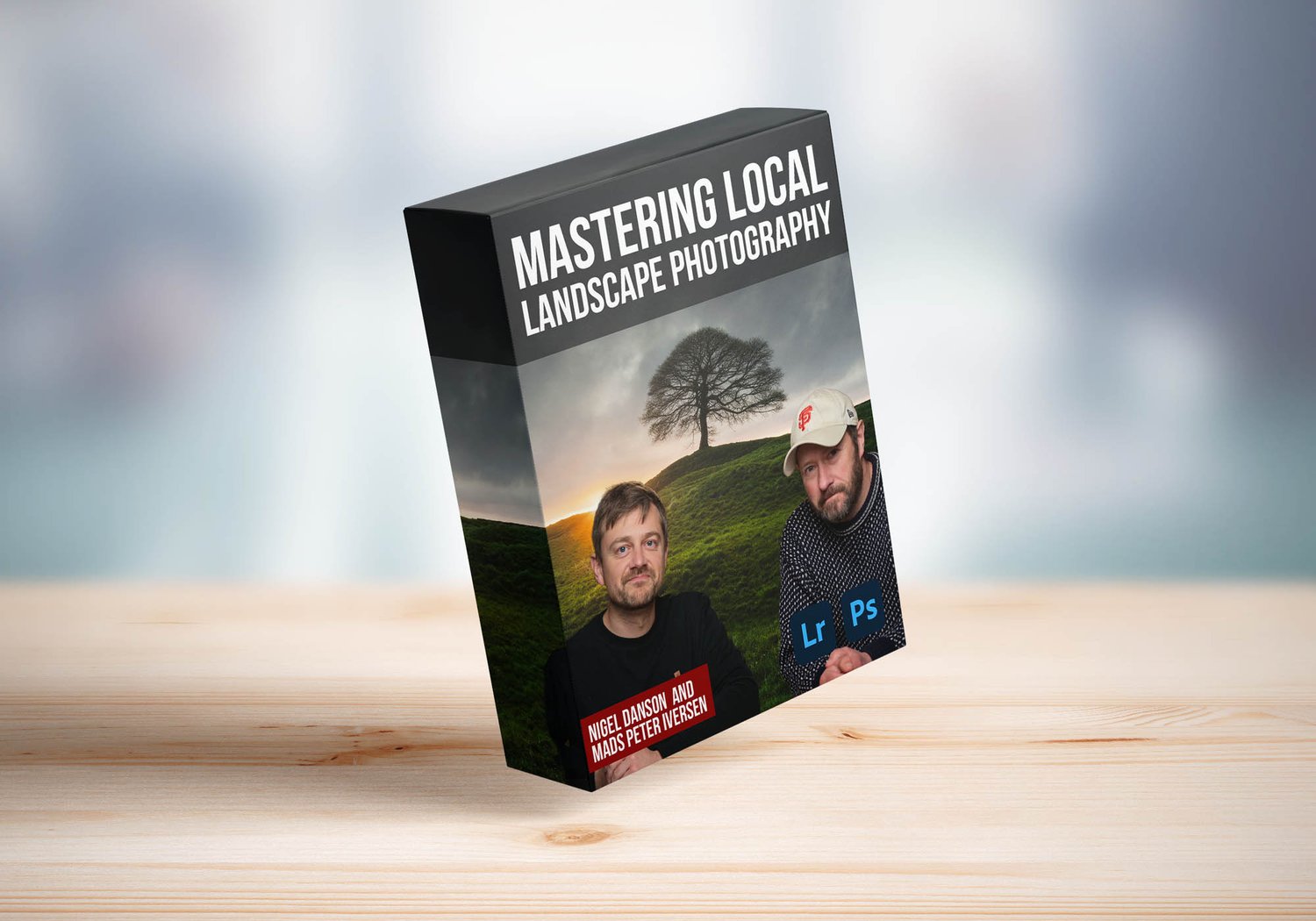
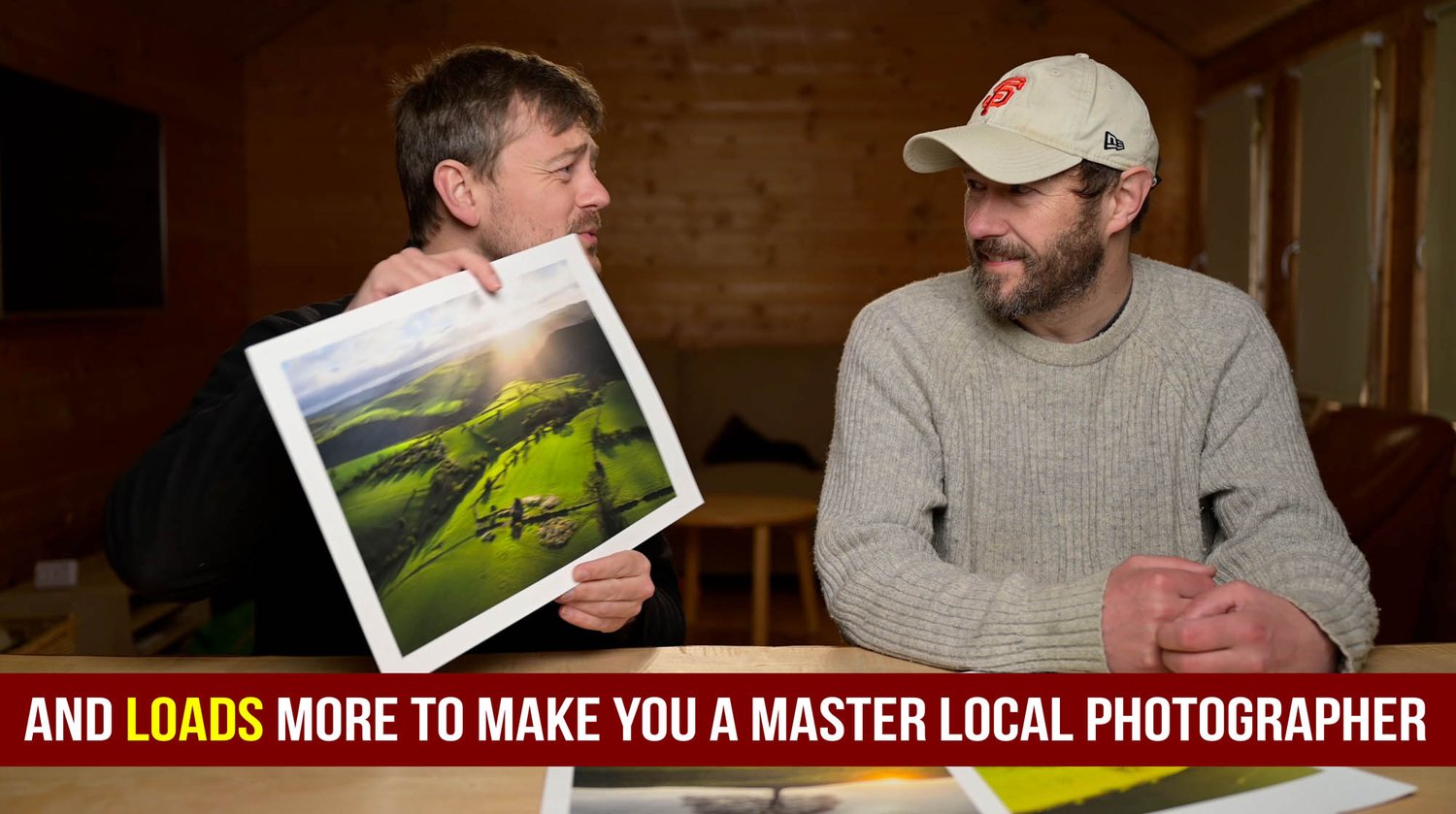
Discover the Untapped Potential of Your Local Landscapes with the "Local Landscape Photography Masterclass".


Are you ready to see your familiar surroundings in a whole new light? Nigel Danson and Mads Peter Iversen, renowned landscape photographers, have created the ultimate guide to capturing stunning images in your own backyard.


This in-depth, downloadable video course, totaling over 4 hours and divided into 13 comprehensive videos, will teach you:


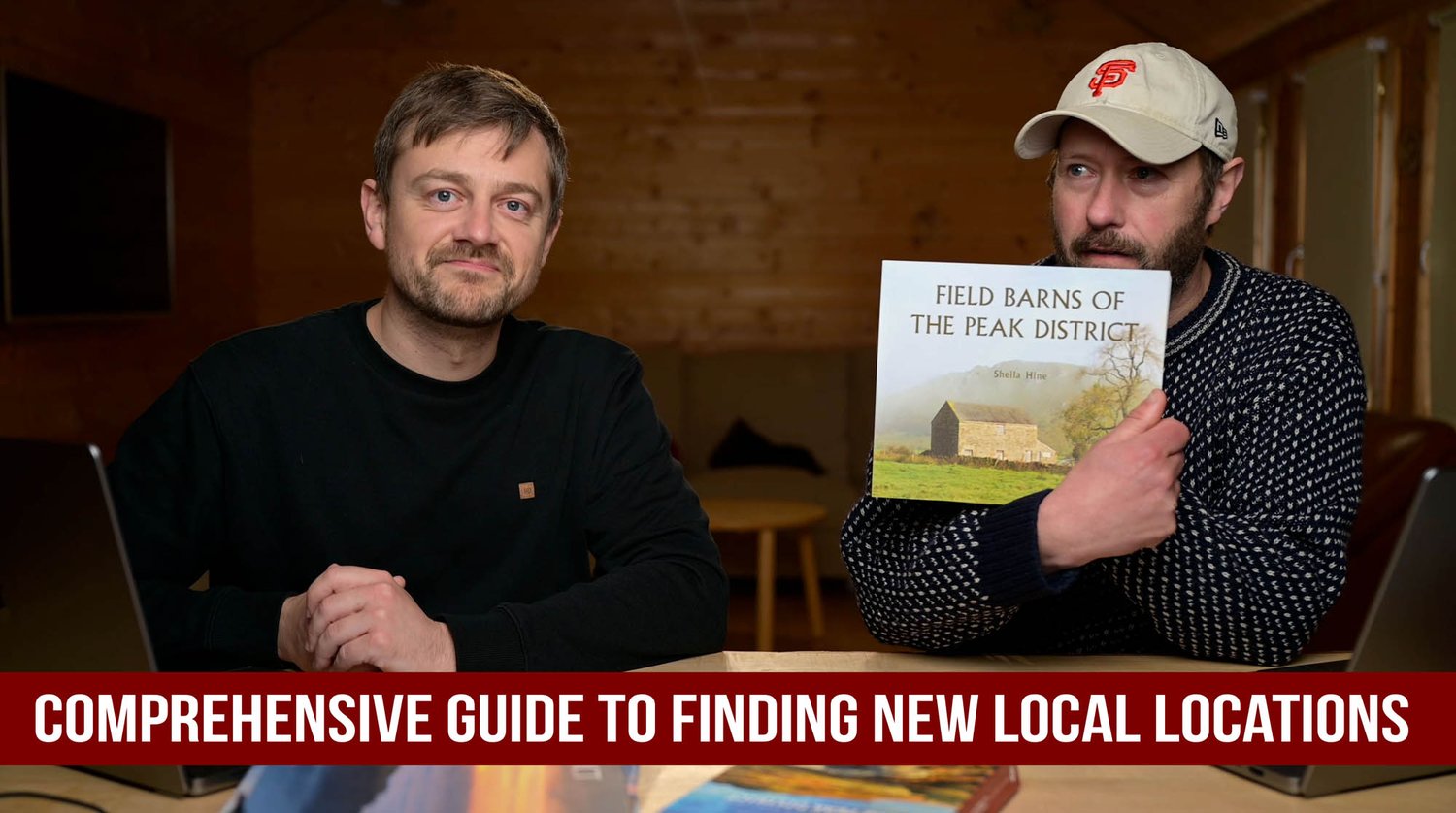
  • Strategic Location Scouting: Learn how to find hidden gems, great subjects and sources of inspiration right in your local area.
  • Weather and Light Mastery: Understand how to leverage different weather conditions, times of day, and seasonal changes for captivating shots.
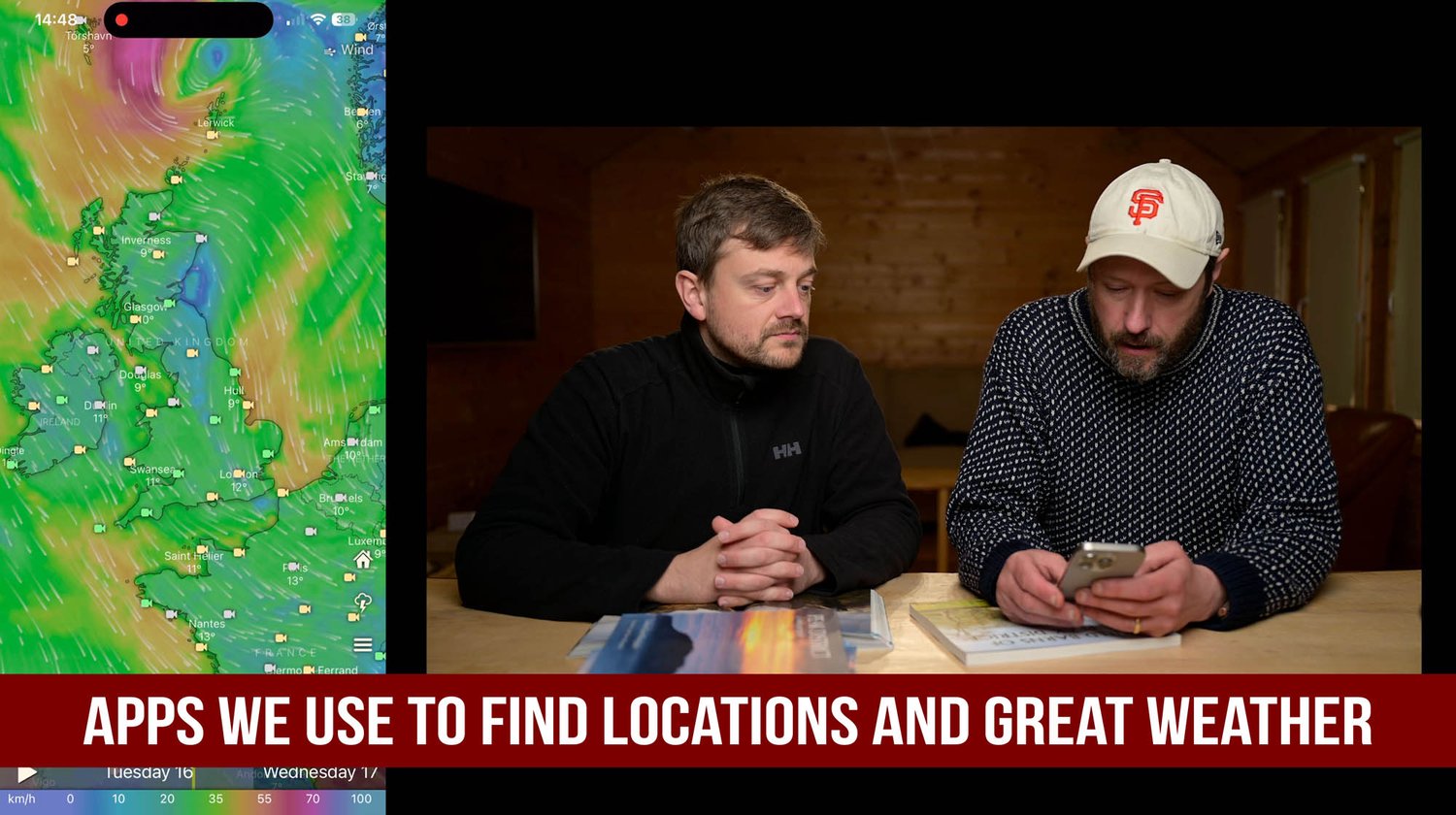
  • Essential App Toolkit: Discover the apps Nigel and Mads use to plan and execute their shoots.
  • Real-World Shoots: Follow along as Nigel and Mads demonstrate their techniques in the field, sharing their thought processes and improvisations.
  • Advanced Editing Techniques: Master Lightroom and Photoshop with five easy-to-follow and detailed editing videos, including basic Lightroom editing and more advanced techniques like luminosity masks, layer blending, and efficient batch editing workflows. Practice files are included, allowing you to follow along step-by-step and replicate their results.
  • Printing and Composition: Learn the complete printing process and dive into discussions on composition to refine your skills.
  • Summary: Consolidate your knowledge with inspiration from a final video recapping the process.


Whether you're a beginner or an experienced photographer, this downloadable course will equip you with the skills and knowledge to transform your local landscapes into breathtaking works of art. With over 4 hours of expert instruction, divided into 13 easy to follow videos, and practice files to help you master the editing sections, you will have all you need to make amazing images.


  • This product is personal. We put a lot of time and effort into our work and ask you not to share it with other people.
  • Charges will happen in USD, using an up-to-date exchange rate. Customers may incur an additional foreign transaction fee according to their cardmember agreement.
  • Be aware that VAT based on your country's standard rate will be applied to the price.
You will get the following files:
  • MP4 (251MB)
  • MP4 (2GB)
  • MP4 (4GB)
  • MP4 (712MB)
  • MP4 (1GB)
  • MP4 (1GB)
  • MP4 (4GB)
  • MP4 (3GB)
  • MP4 (2GB)
  • MP4 (1GB)
  • MP4 (580MB)
  • MP4 (2GB)
  • MP4 (368MB)
  • ZIP (368MB)

Stand-alone tutorials:


Timeblending Landscape and Seascape Photos
On Sale
$69.00
$69.00
Added to cart

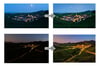
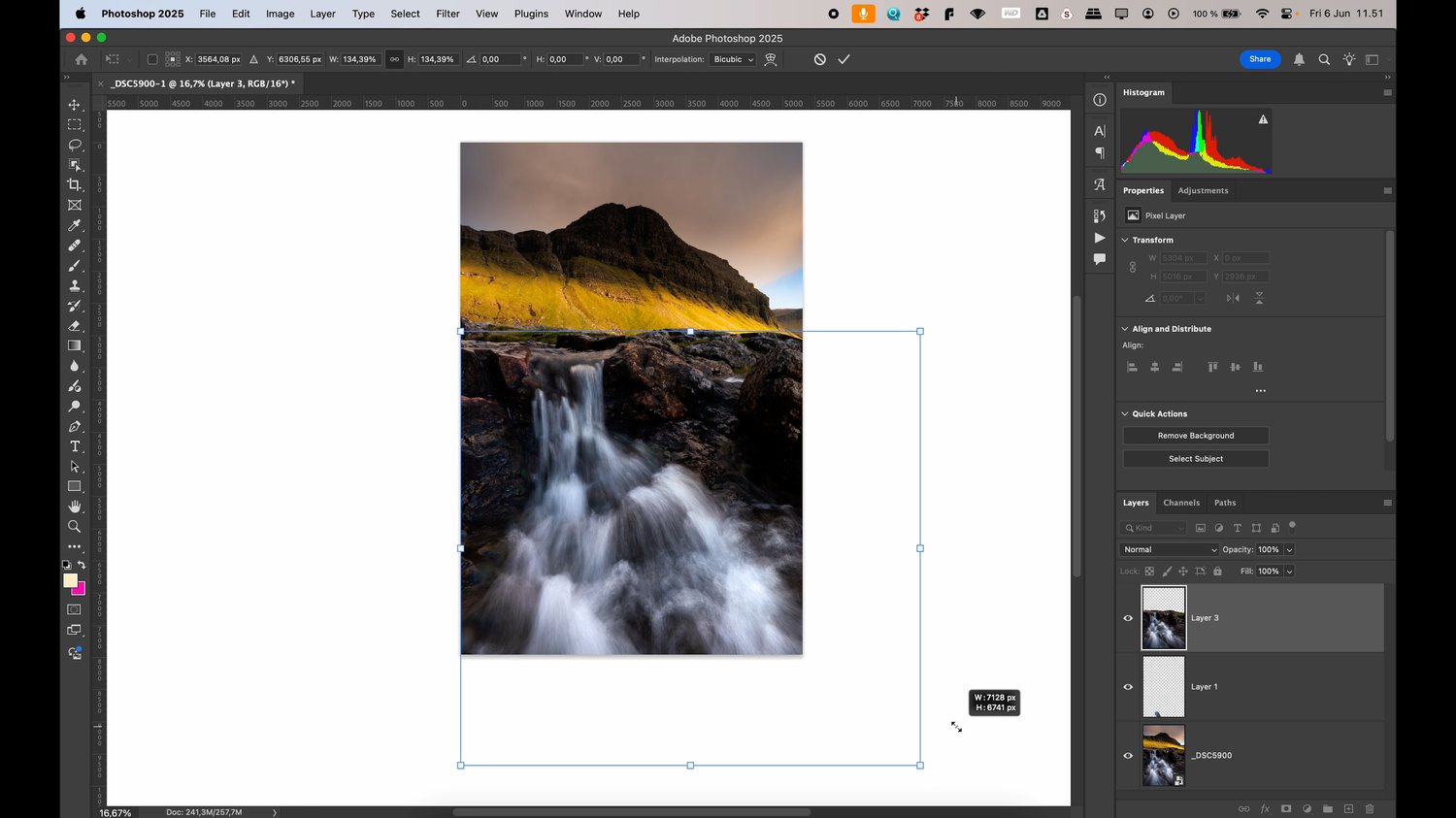
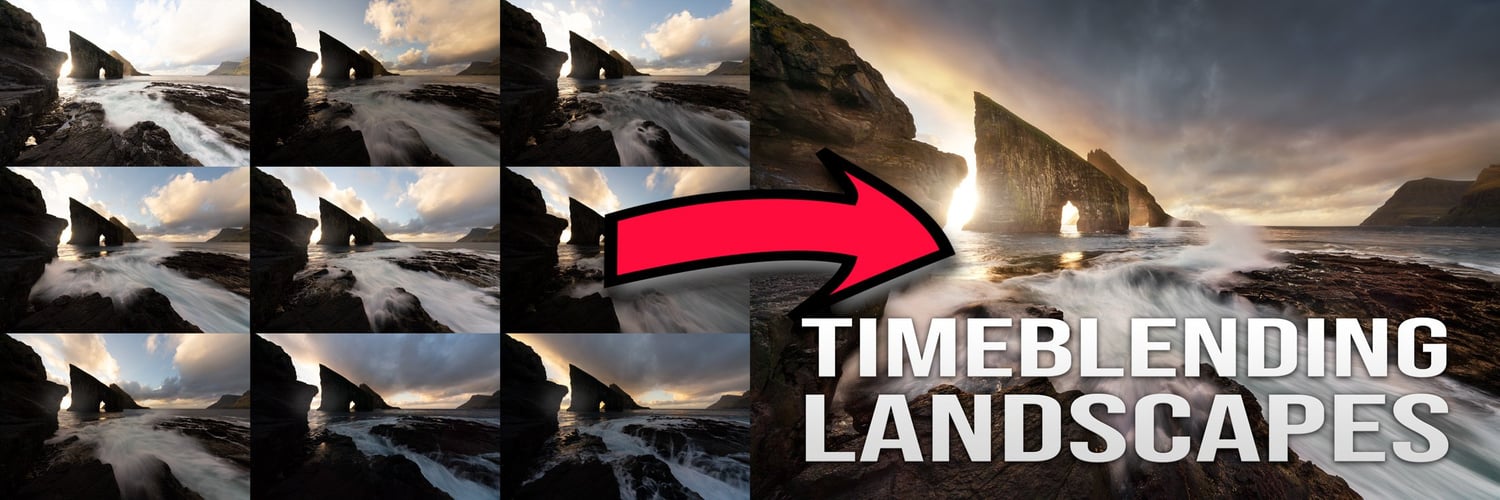
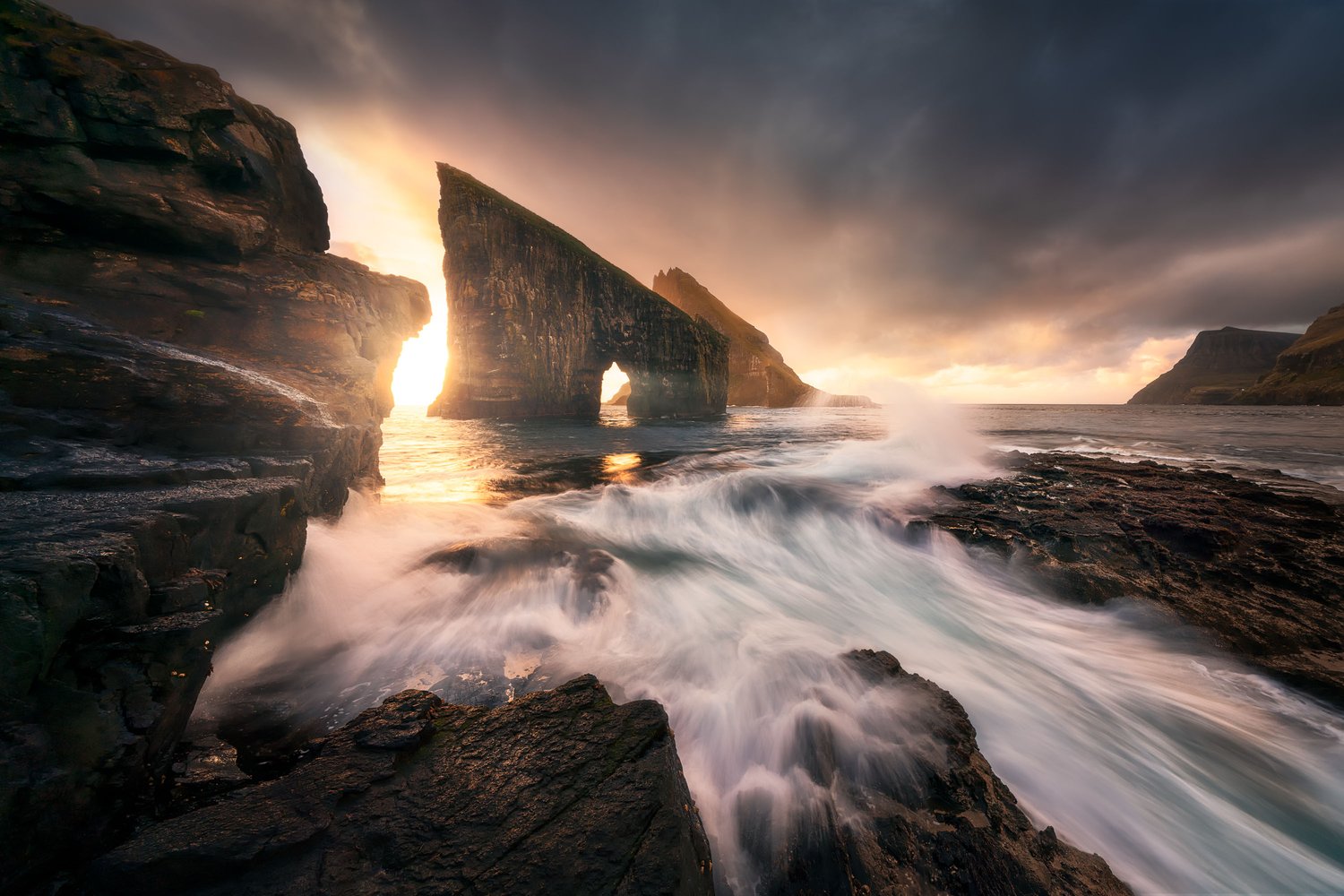
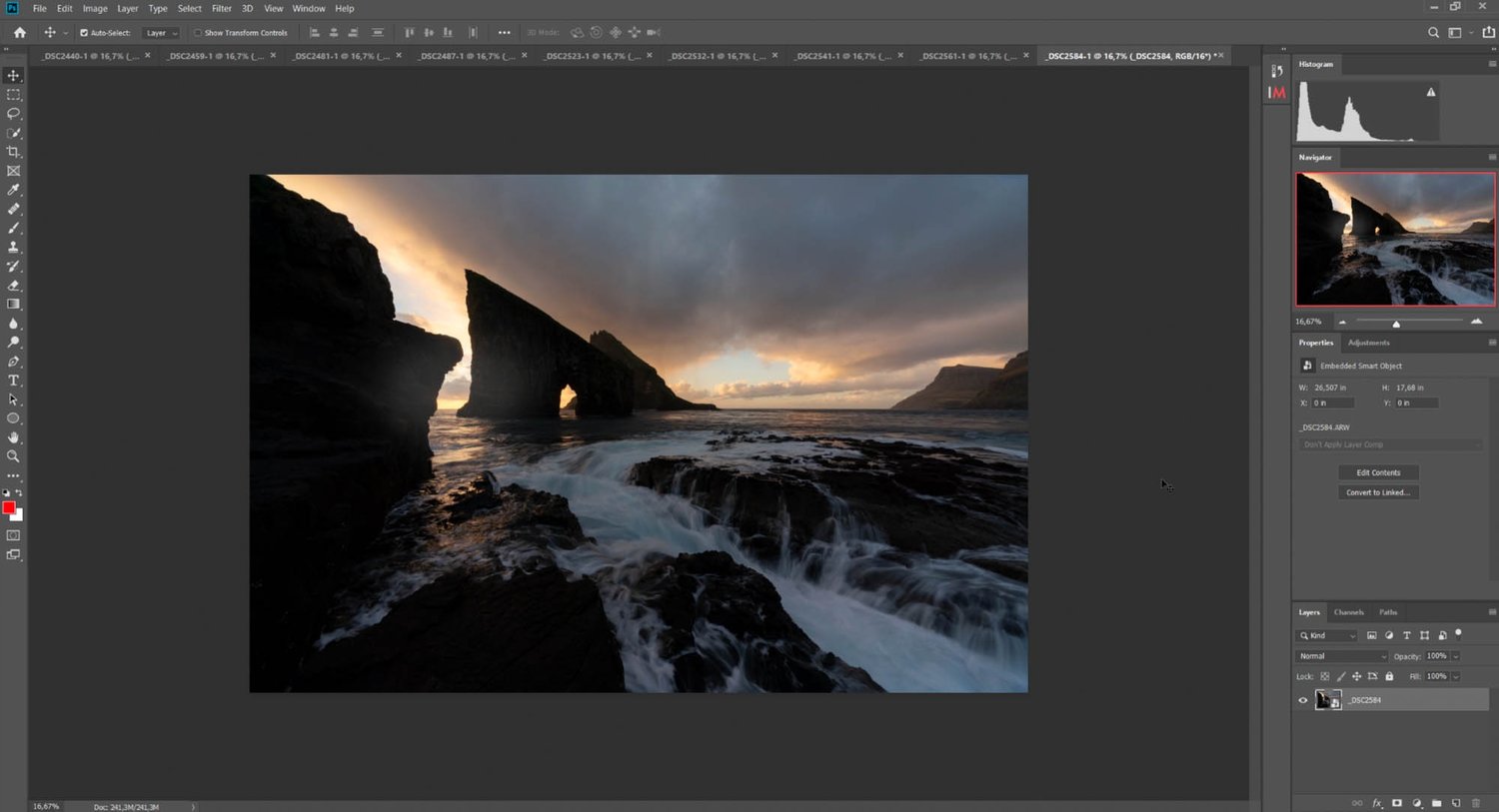
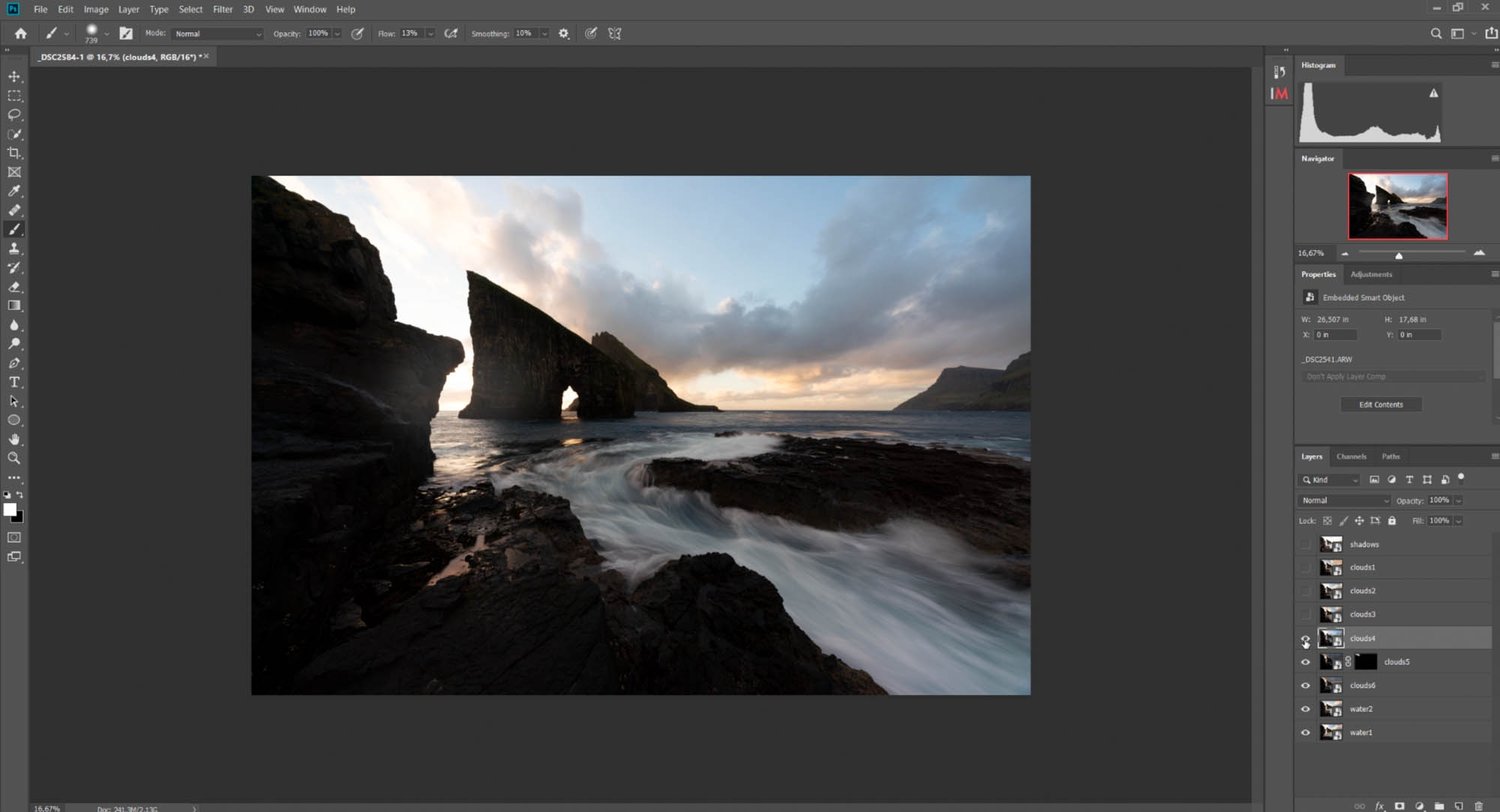
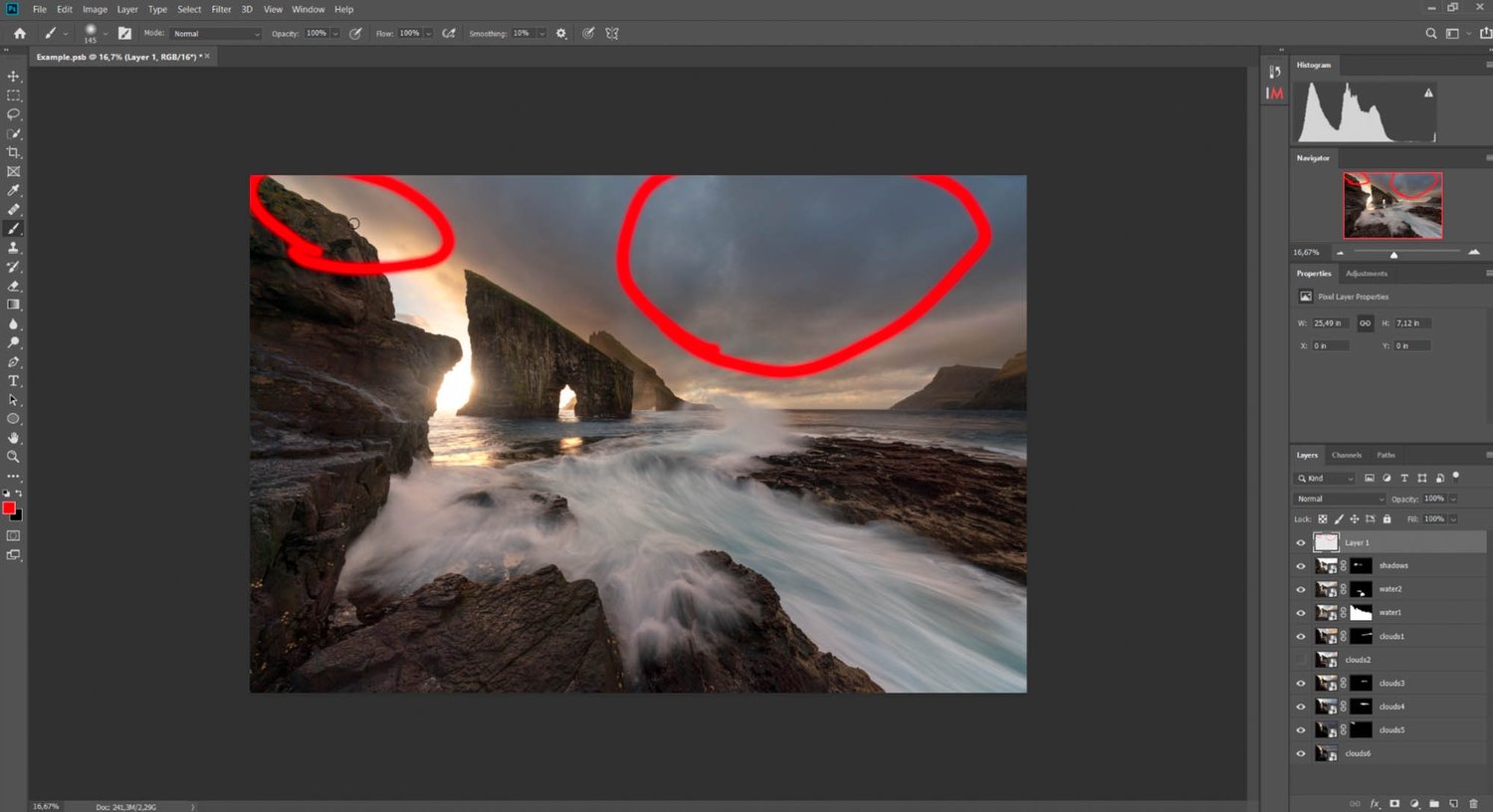
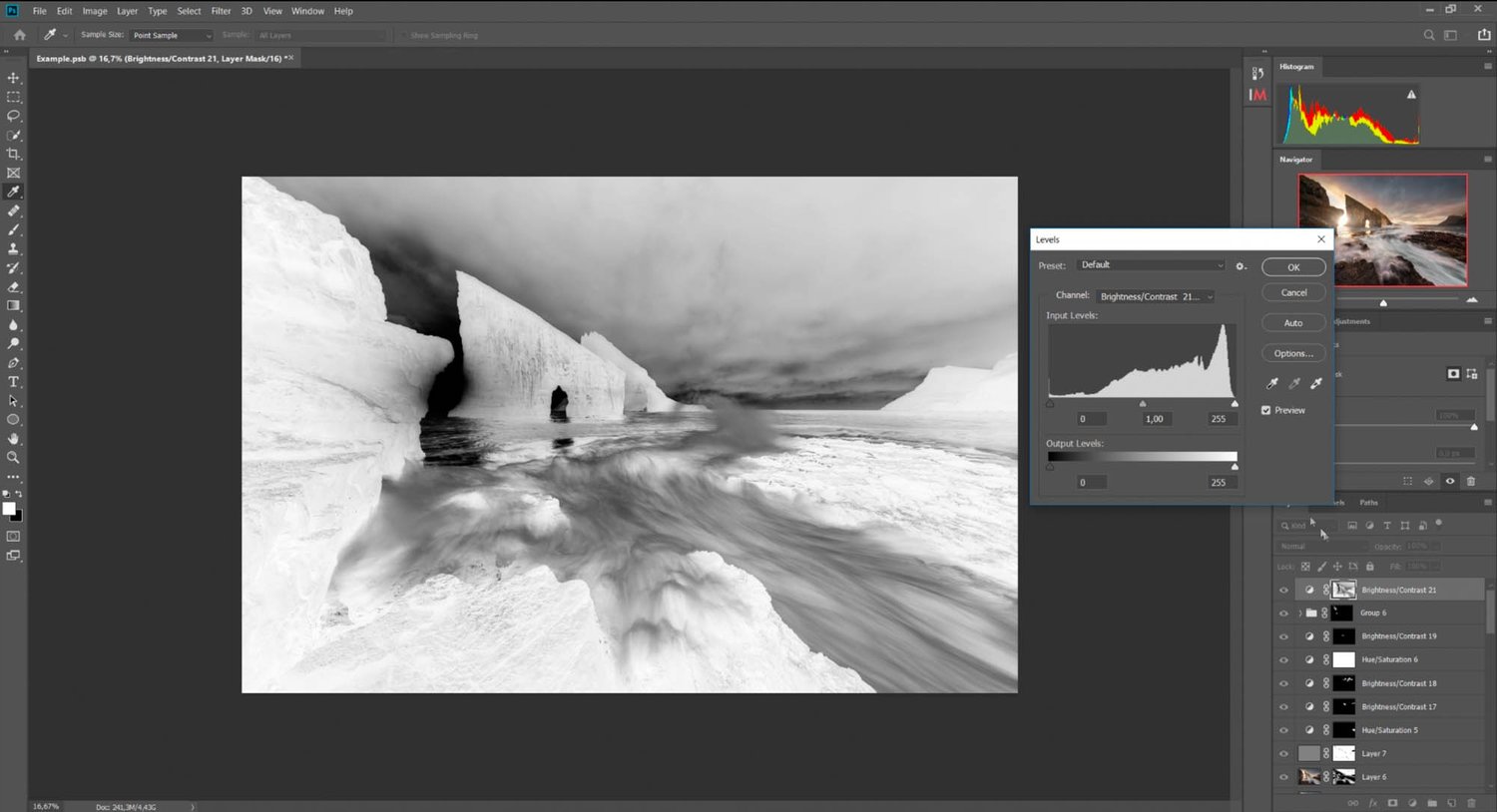
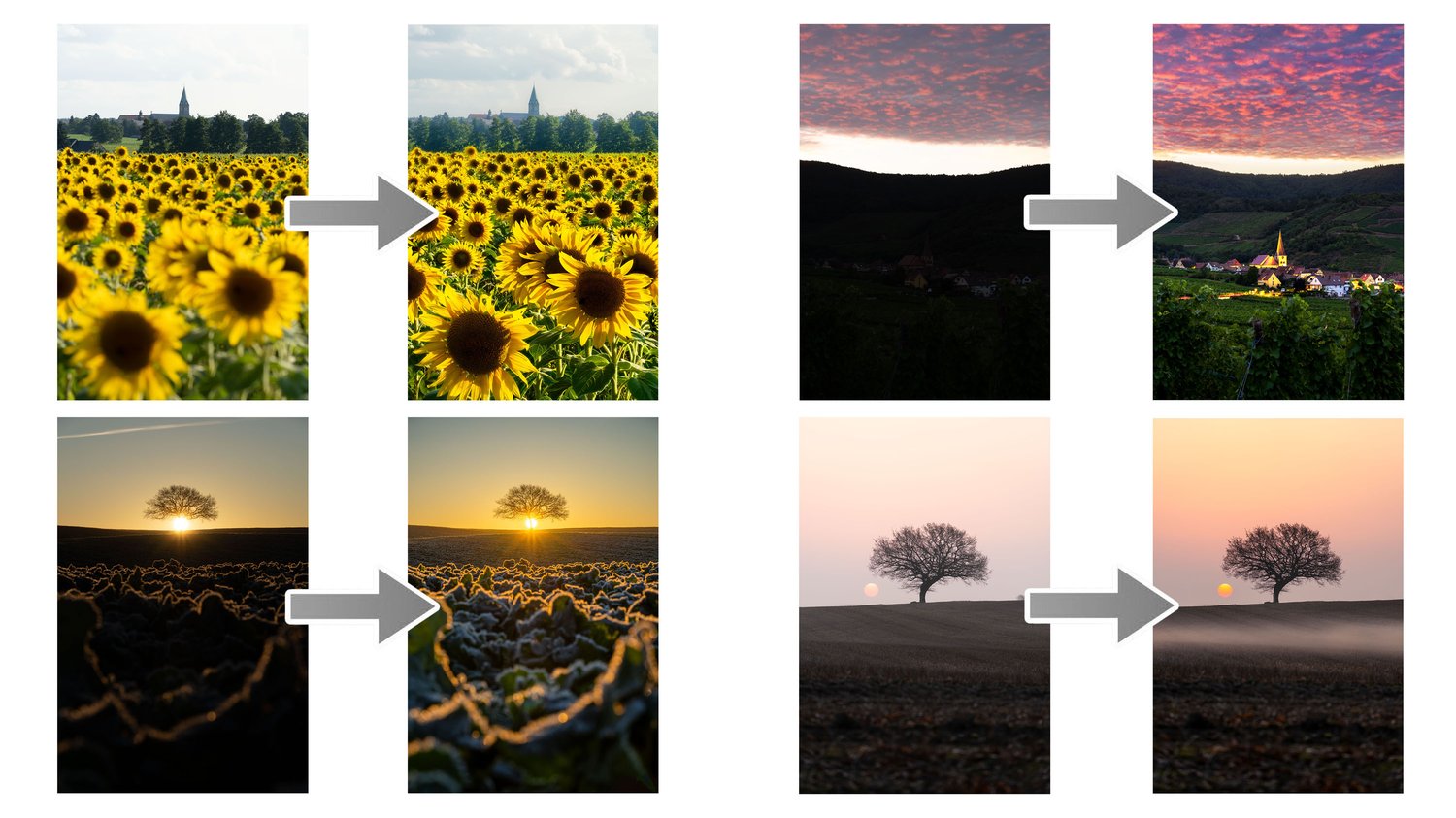
An in-depth post-processing tutorial on how I create most of my landscape and seascape photos. In this tutorial, I show how I blend and stack several exposures taken over a period of half an hour to create one of my most iconic and epic photos. The tutorial is all about how to fit the exposures together seamlessly, match light, and work around potential mistakes you made in the field.


- This is a 1 hour and 53 minutes video tutorial showing advanced techniques for experienced users. Most people with a basic understanding of Photoshop should be able to follow along.


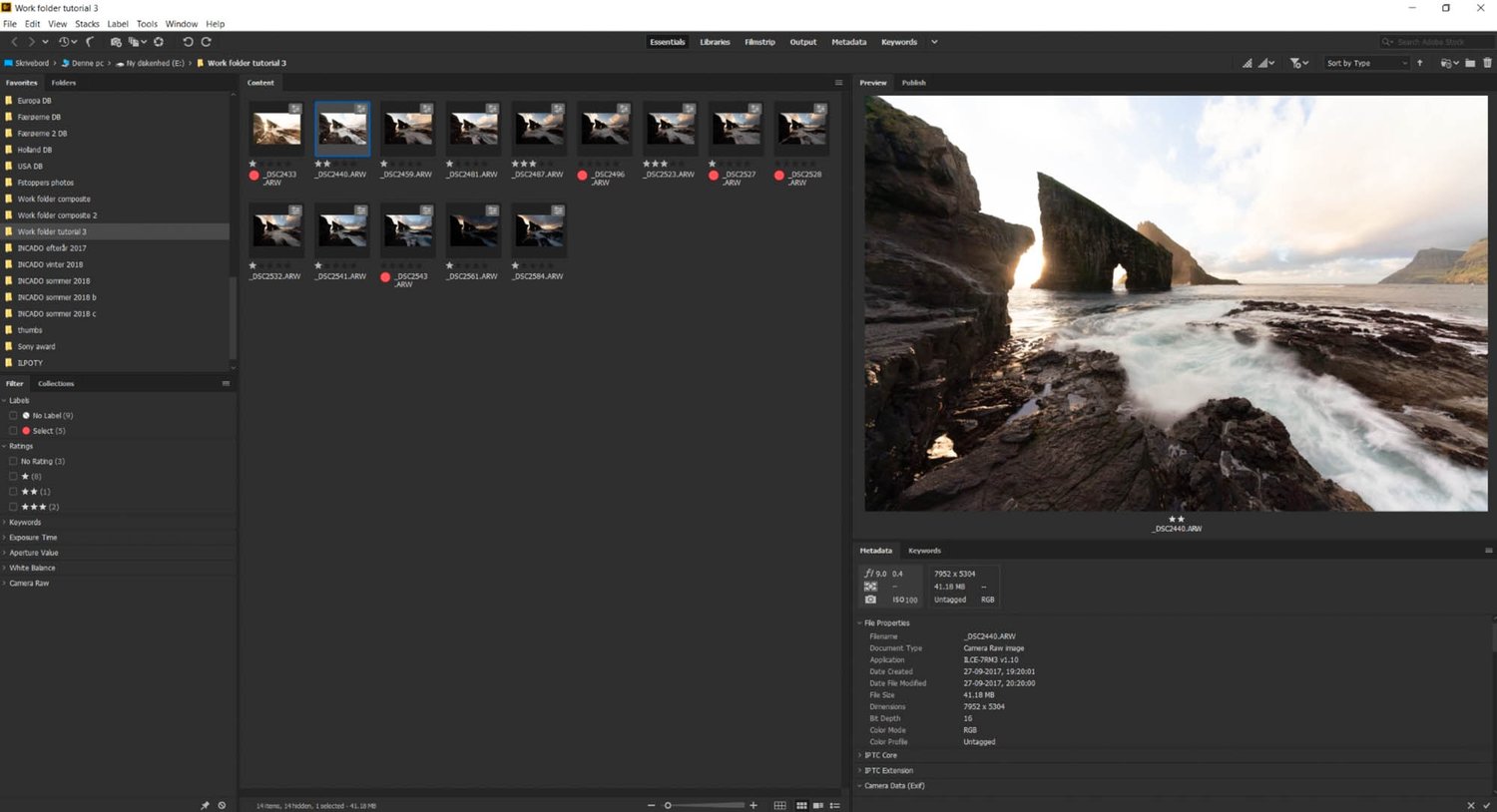
- I use ADOBE PHOTOSHOP and CameraRaw (CameraRaw is a part of Photoshop and is more or less the same as Lightroom) to edit my photos, which is what you'll need too. I also use Adobe Bridge to catalog my photos - the same feature available in Lightroom.


What’s on the menu:

  • Editing in CameraRaw and Photoshop (start to finish)
  • NO 3rd party plug-ins or panels
  • Realistic evolution of a photo during editing
  • Working non-destructively
  • Making seamless time blends to make the BEST photo
  • Blending photos with and without luminosity masking
  • Controlling tones
  • Adjusting tones by comparison
  • Working with colors
  • + A technique for catching unwanted colors
  • Adding flares, glow, and atmosphere to your photo - make it "POP"
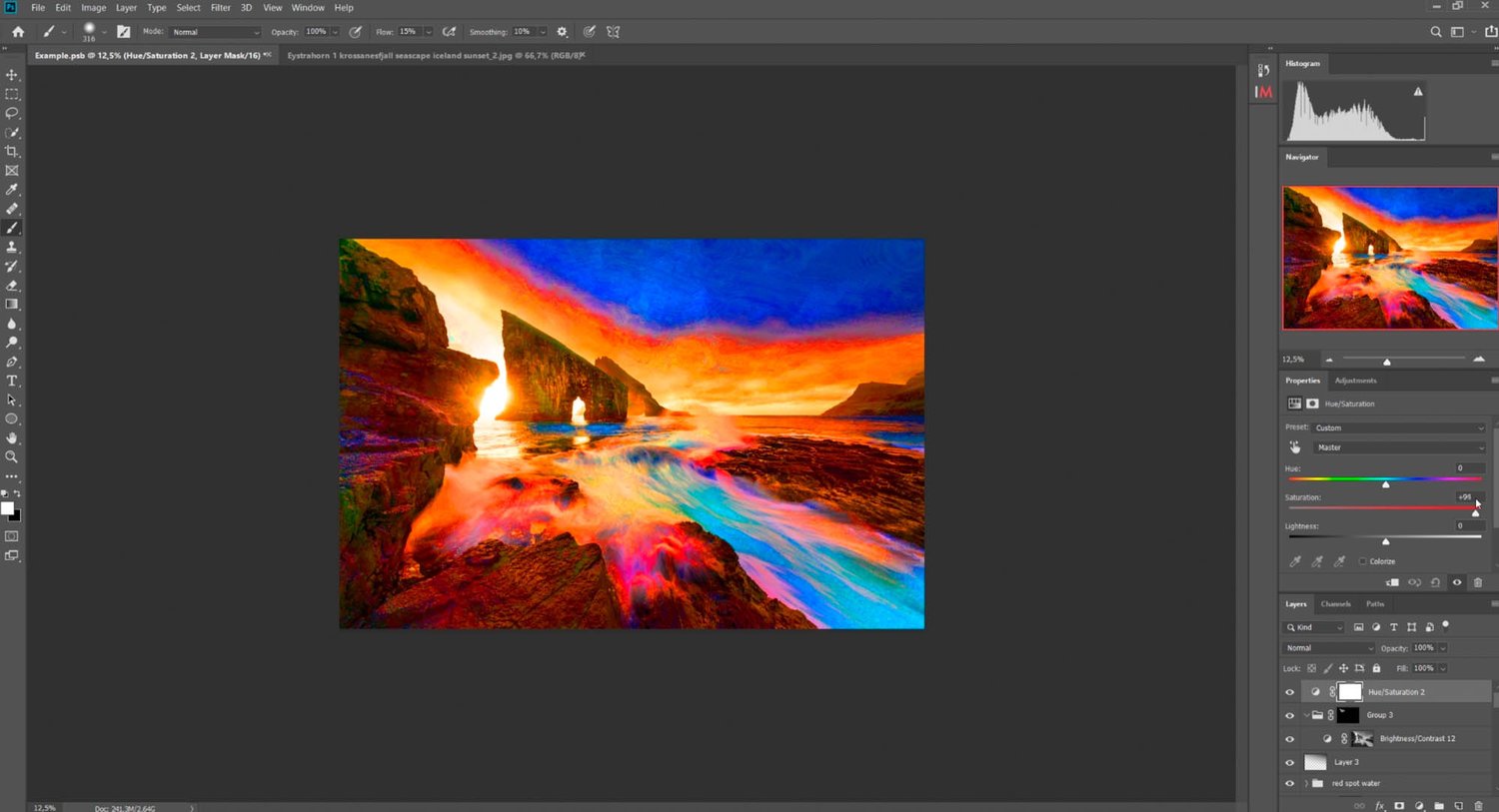
  • The Orton Effect
  • Working locally on the image with luminosity masking
  • Noise reduction and sharpening
  • Liquify tool to perfect composition
  • Includes 14 files for practice. These are for you to practice ONLY.


Charges will happen in USD, using an up-to-date exchange rate. Customers may incur an additional foreign transaction fee according to their cardmember agreement.


Be aware that VAT based on your country's standard rate will be applied to the price.


You will get the following files:
  • ZIP (69MB)
  • MP4 (3GB)
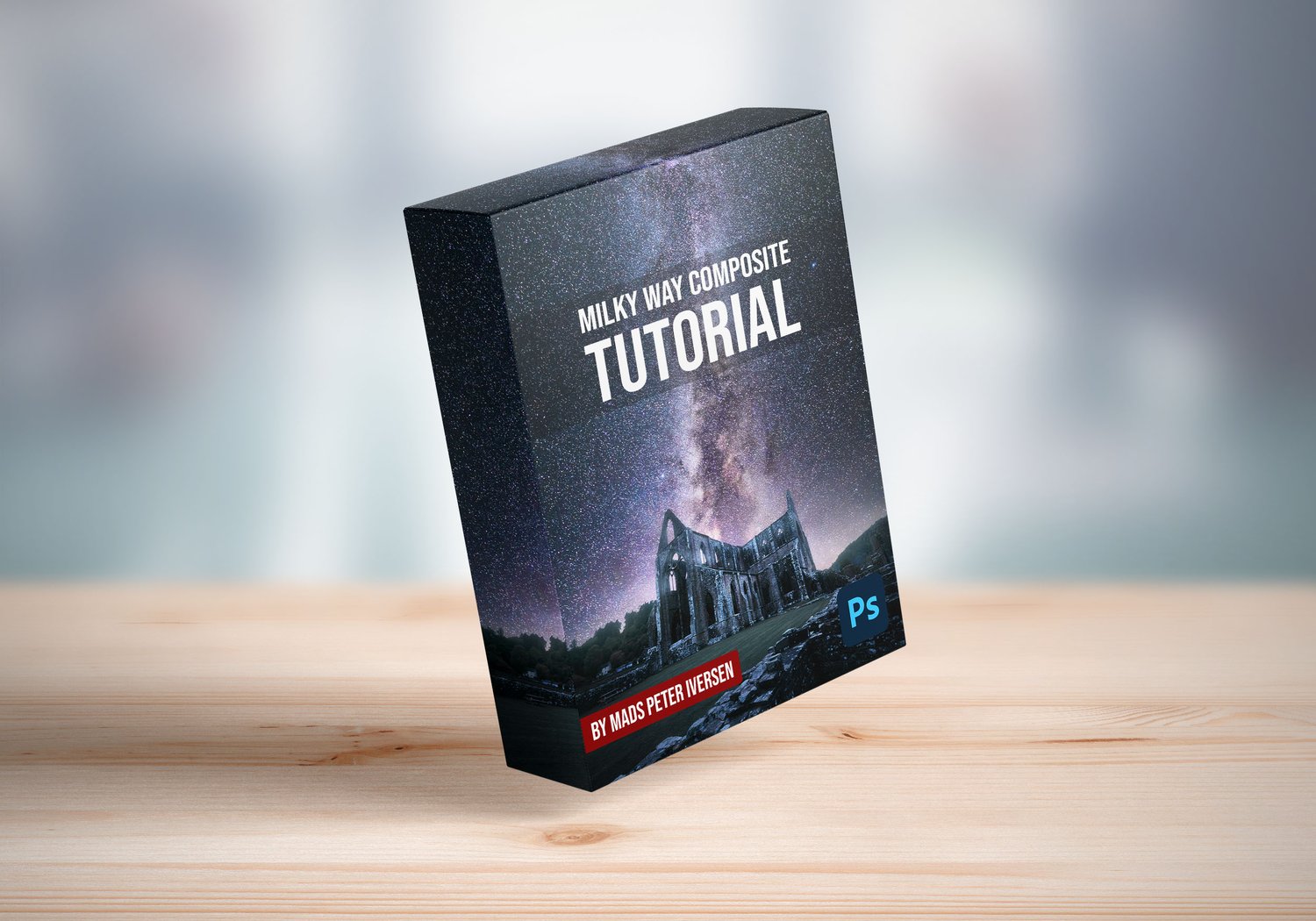
Milky Way Composite Photoshop Tutorial
On Sale
$69.00
$69.00
Added to cart

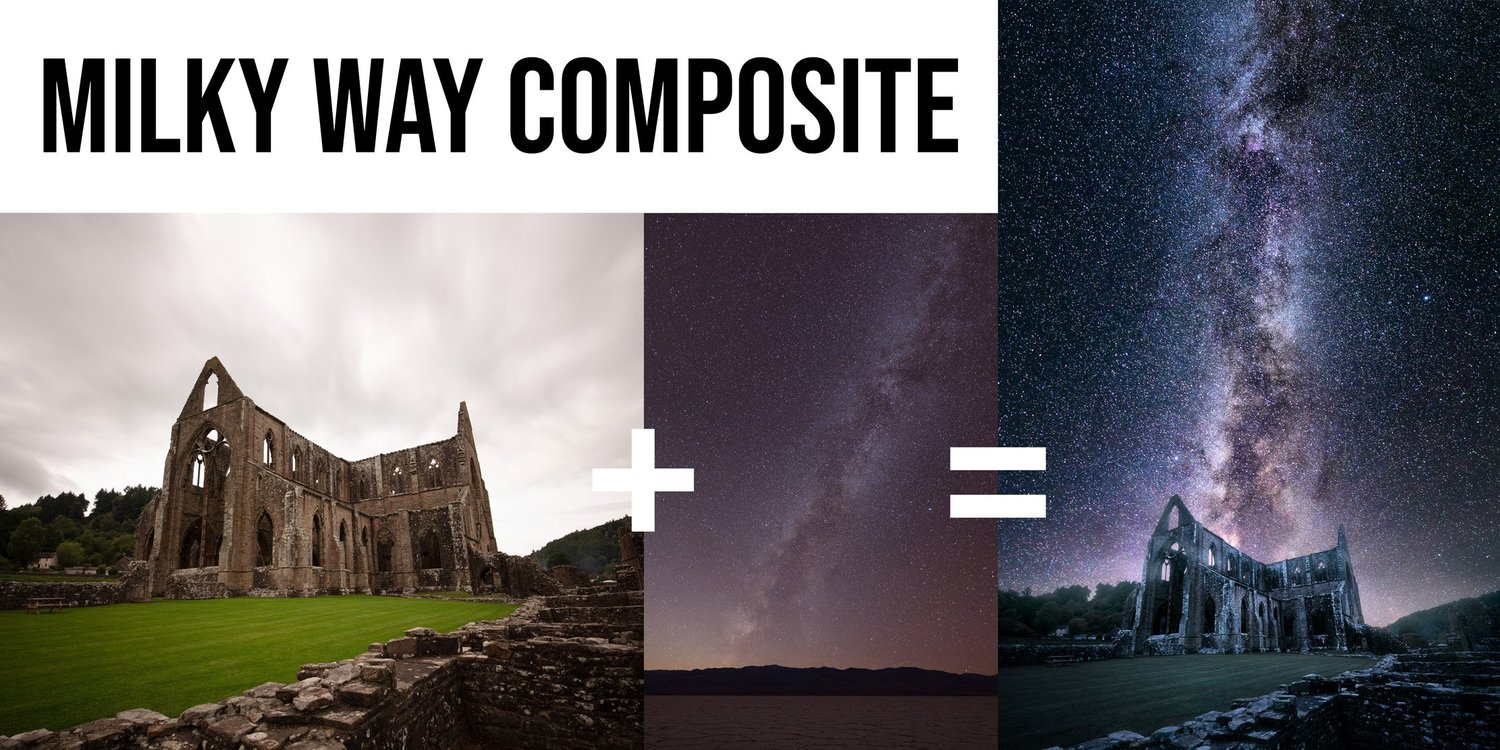
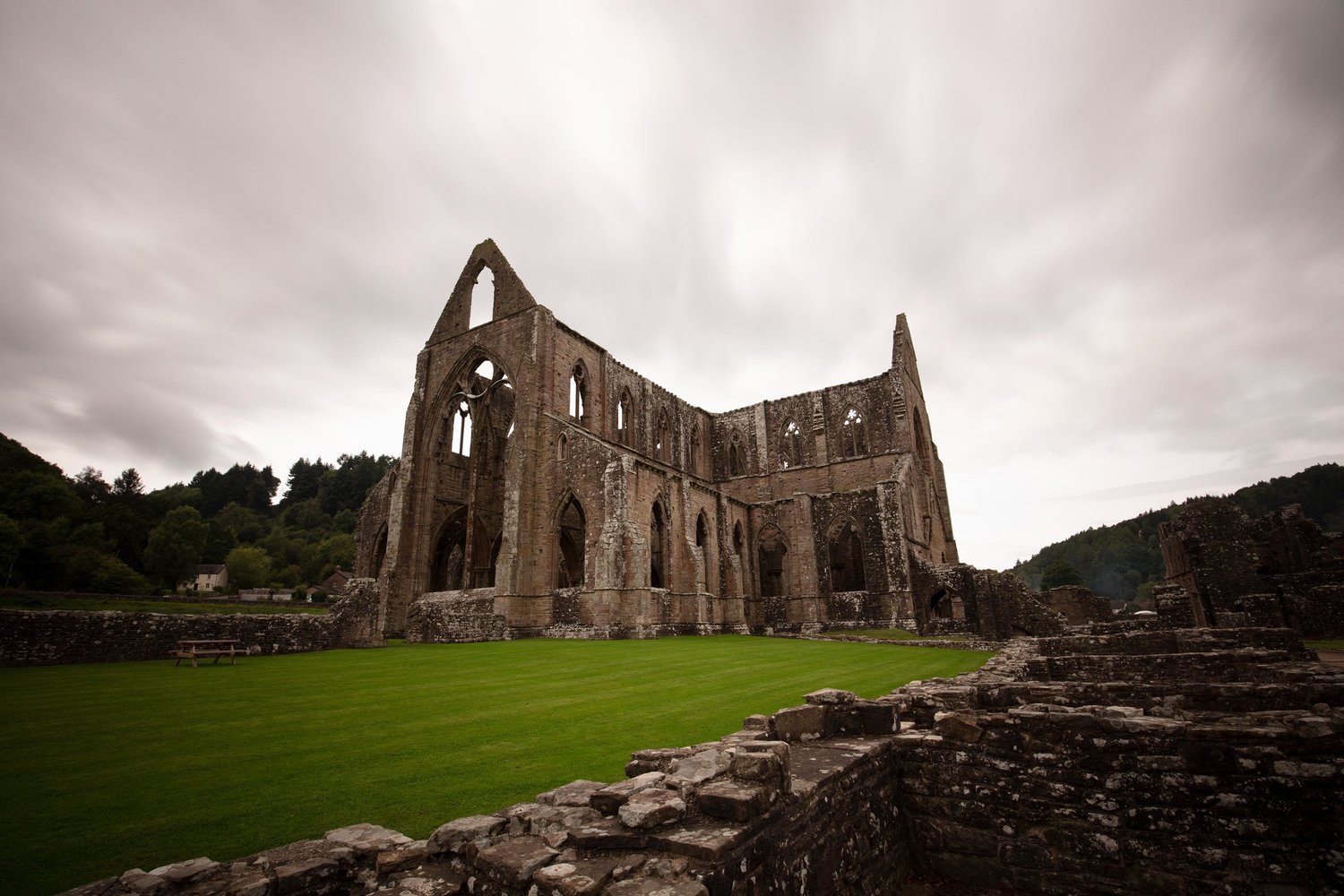
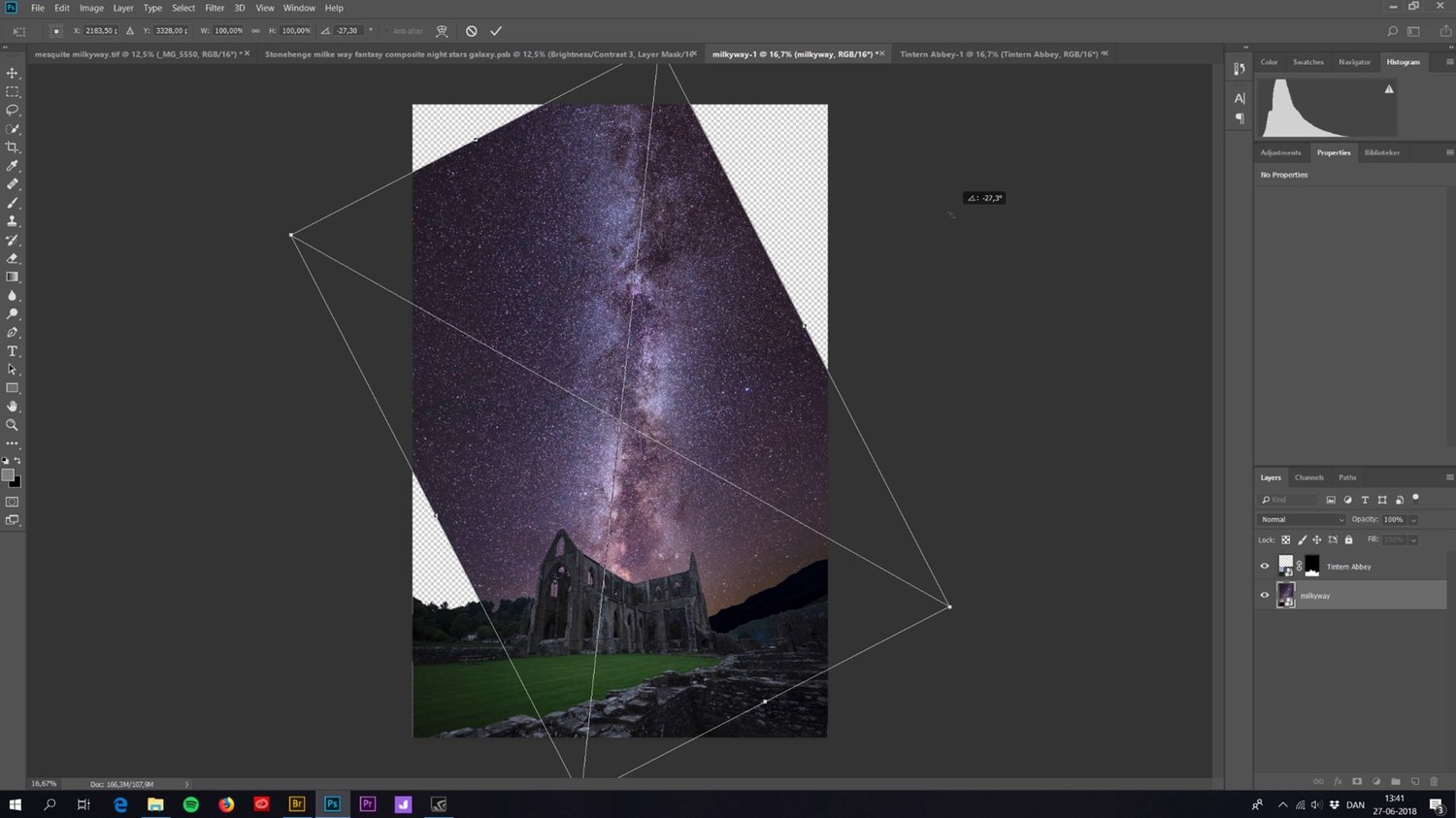
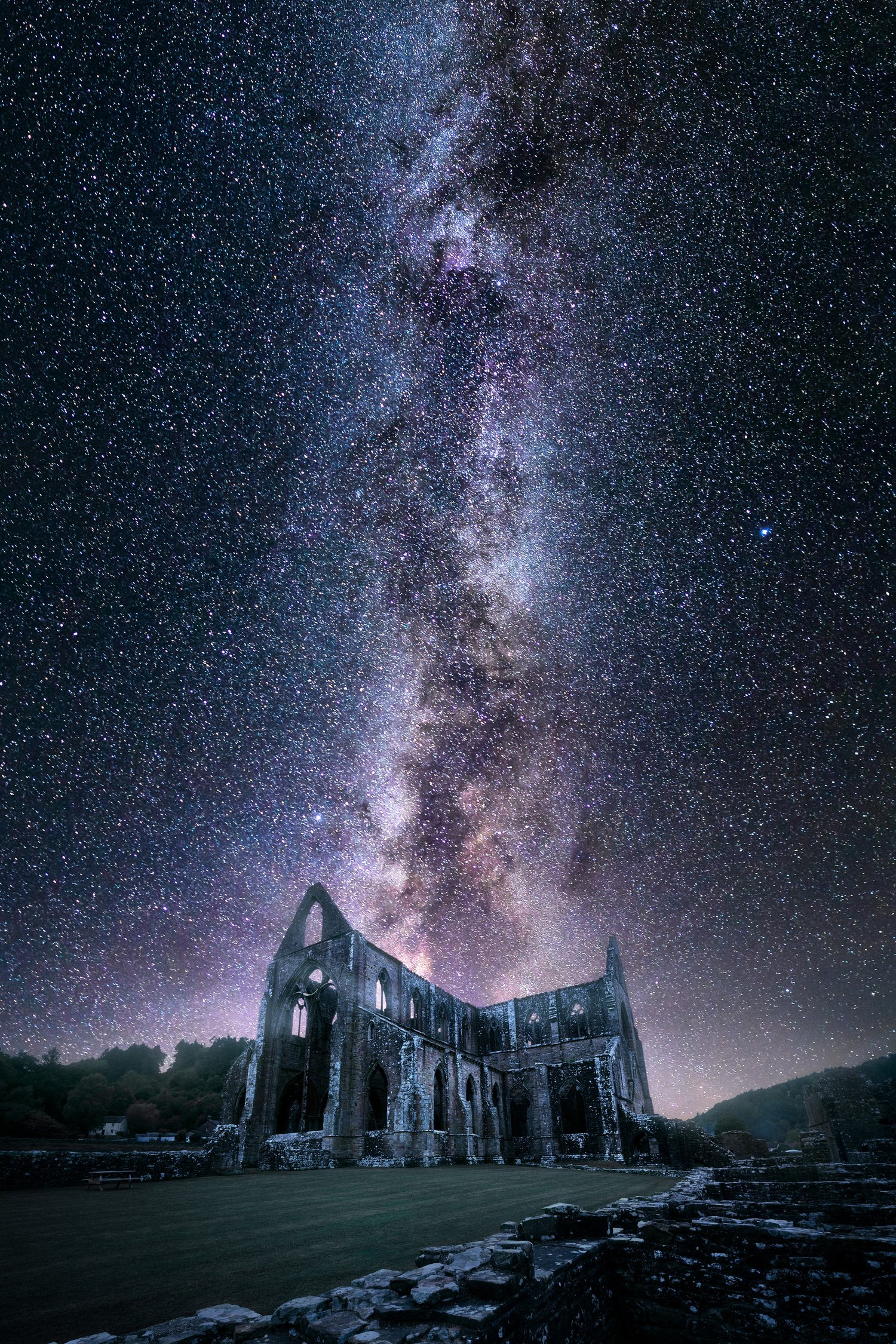
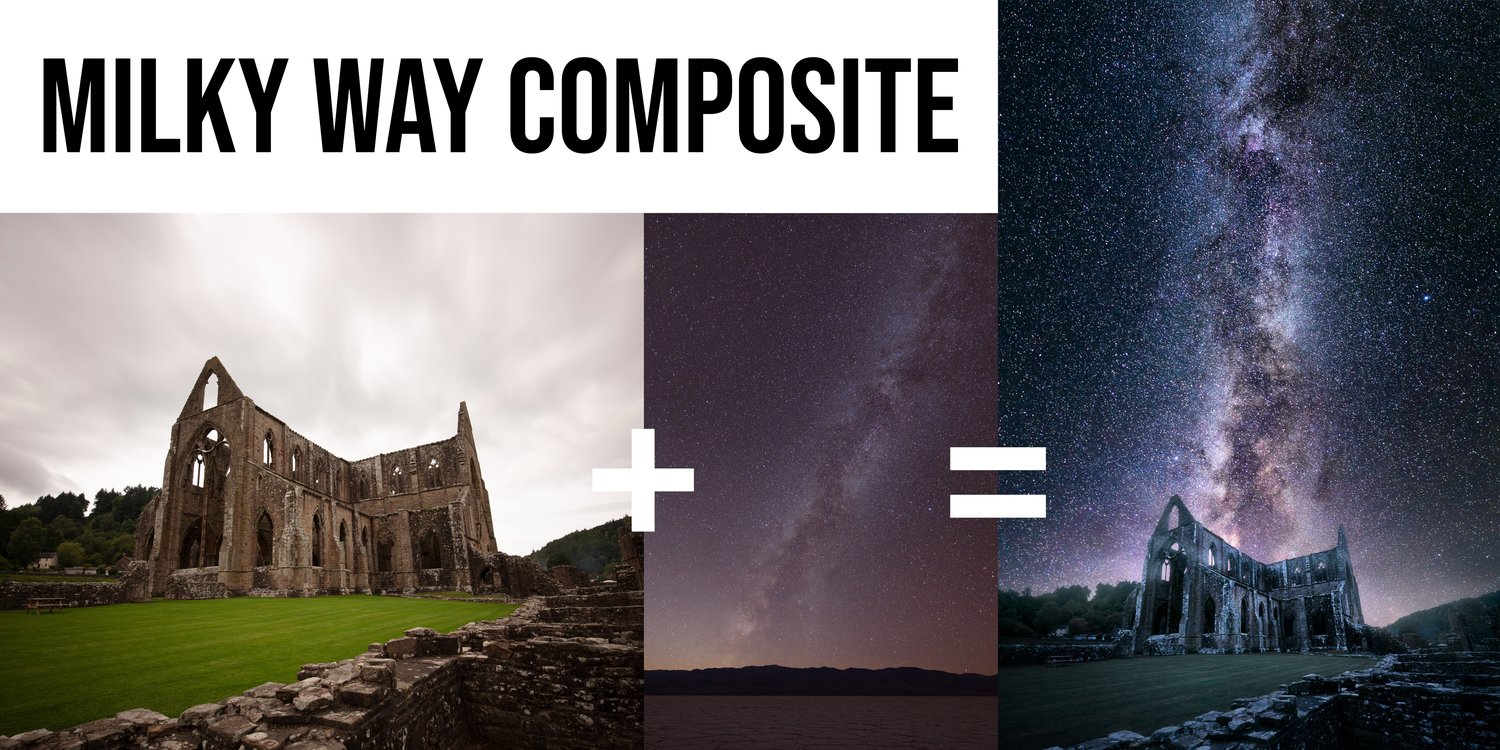
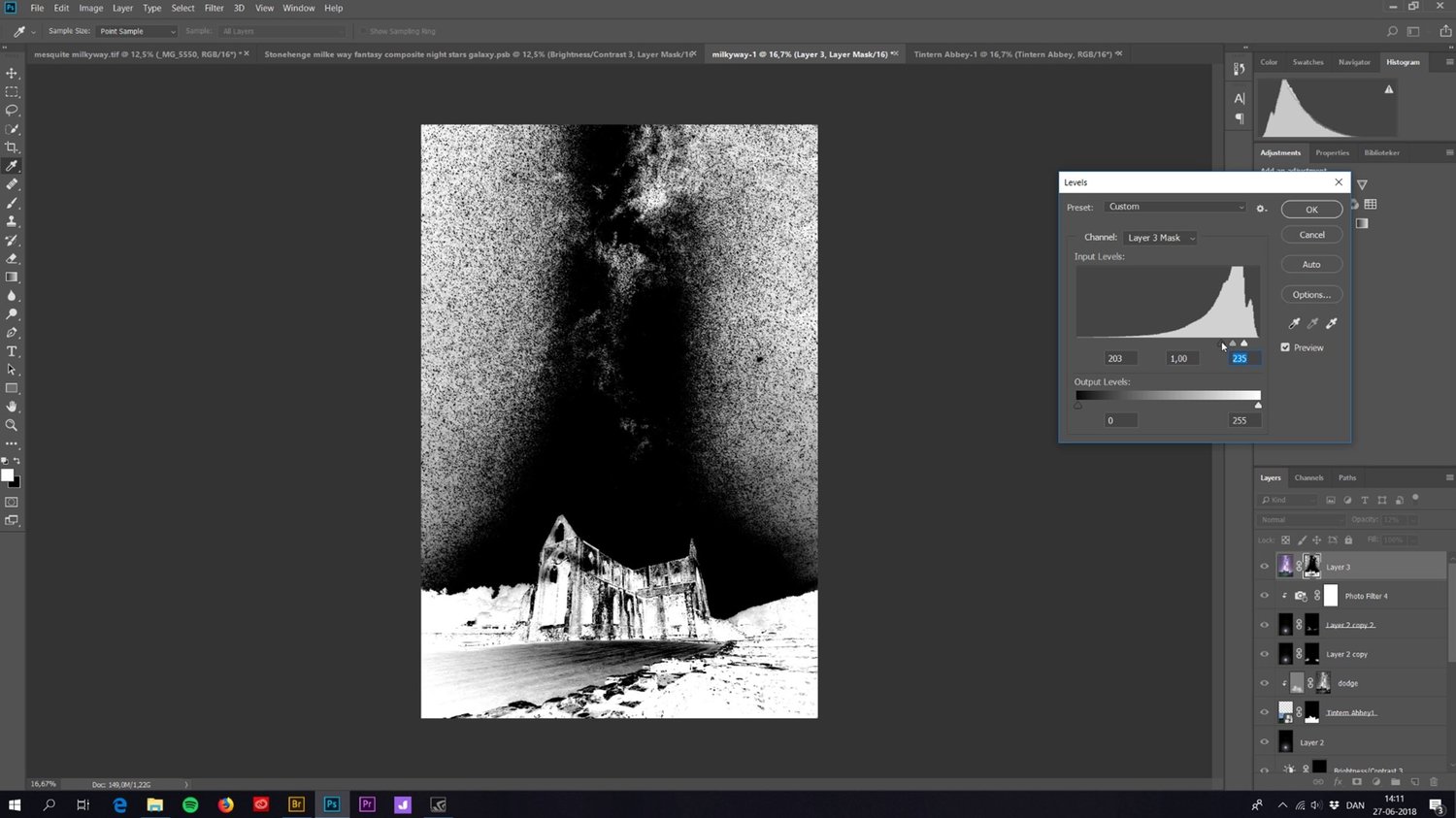
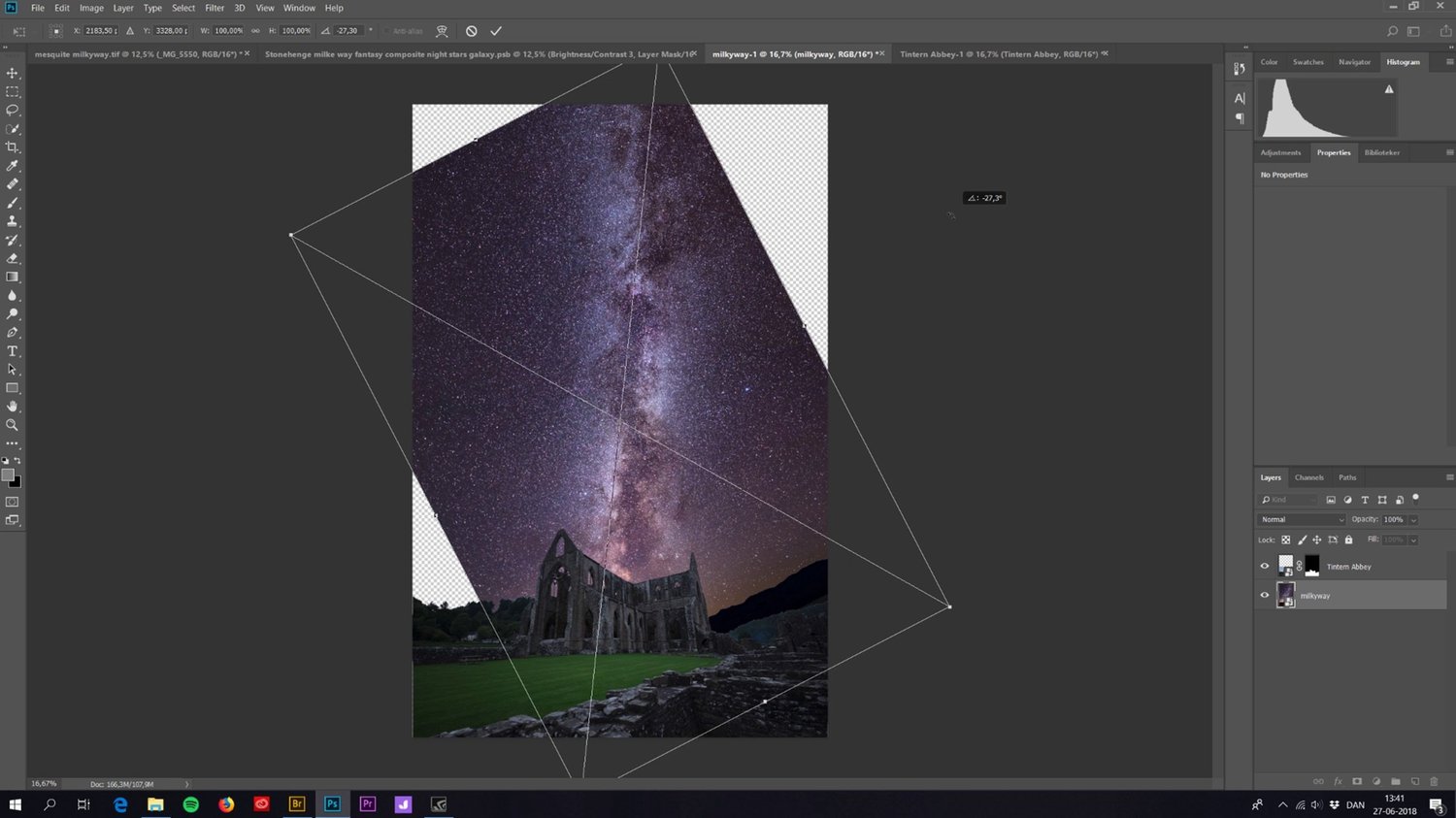
An in-depth tutorial on how I create my Milky Way composites.


- This is a tutorial showing advanced techniques for experienced users. Most people with a basic understanding of Photoshop should be able to follow along.


- I use ADOBE PHOTOSHOP to edit my photos, which is what you'll need too.


What’s on the menu:


  • 75 minutes of learning
  • Editing in CameraRaw and Photoshop (start to finish)
  • Realistic evolution of a photo during editing and easy step-by-step
  • DAY to NIGHT conversion of photos
  • Making seamless composites
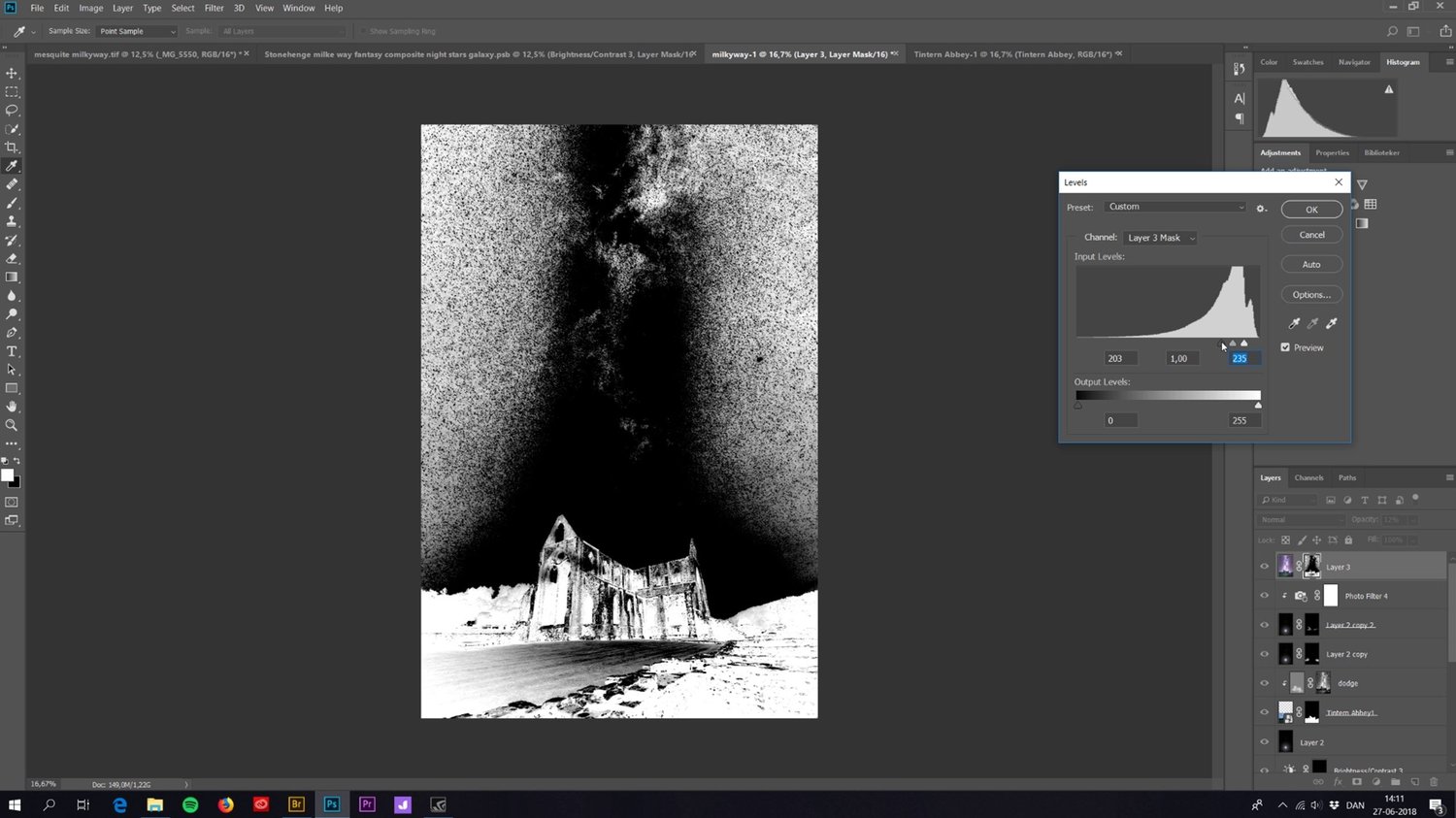
  • Cutting out foregrounds with luminosity masking
  • Defringing (cleaning cut-out edges)
  • Matching brightness
  • Matching colors
  • + A technique for catching unwanted colors
  • The Orton Effect
  • Working locally on the image
  • Working non-destructively
  • Working with luminosity masking
  • Noise reduction and sharpening
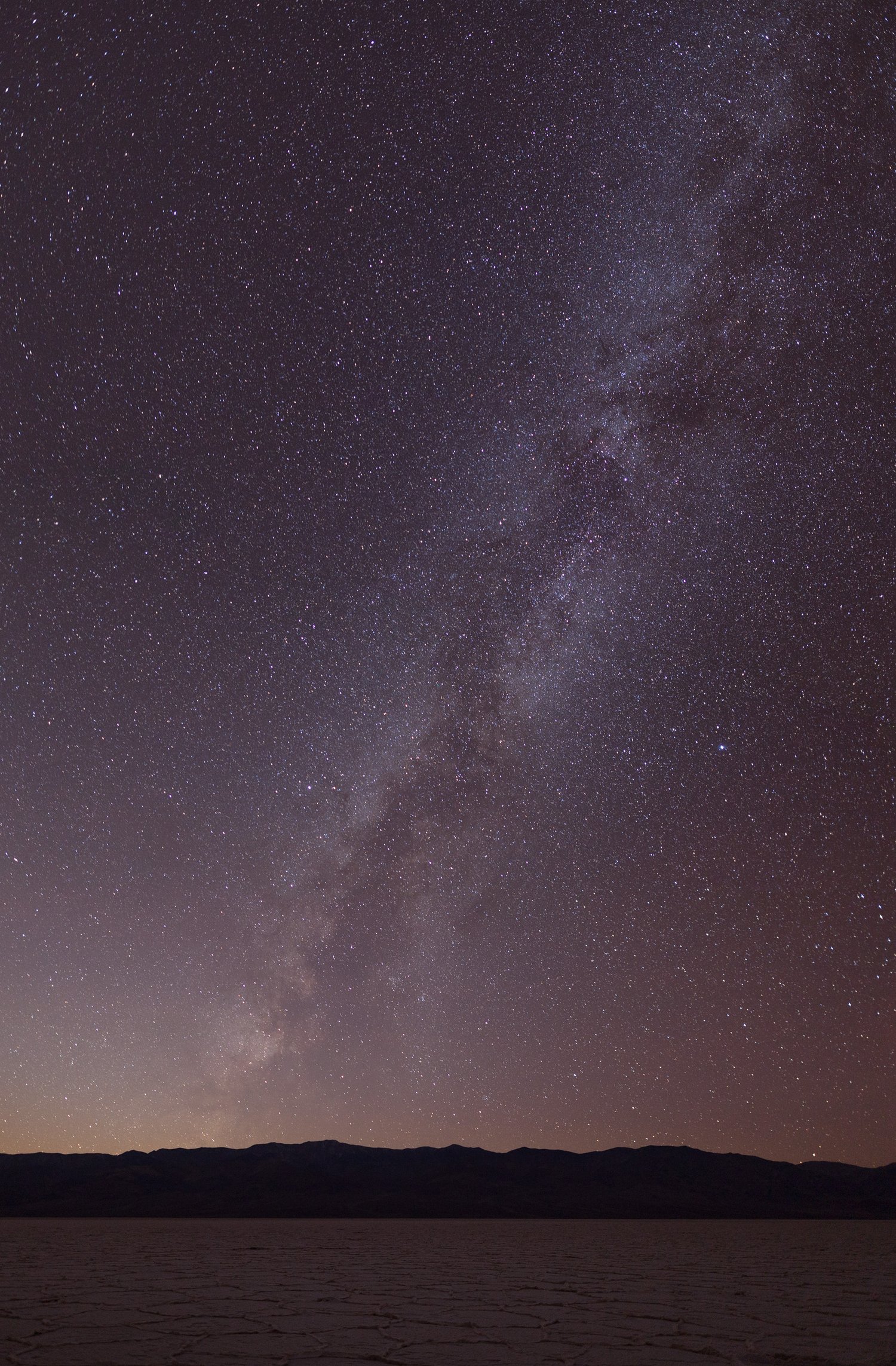
  • 2 image files included, for you to practice on


Charges will happen in USD, using an up-to-date exchange rate. Customers may incur an additional foreign transaction fee according to their cardmember agreement.


Be aware that VAT based on your country's standard rate will be applied to the price.
You will get the following files:
  • DNG (9MB)
  • DNG (6MB)
  • MP4 (3GB)
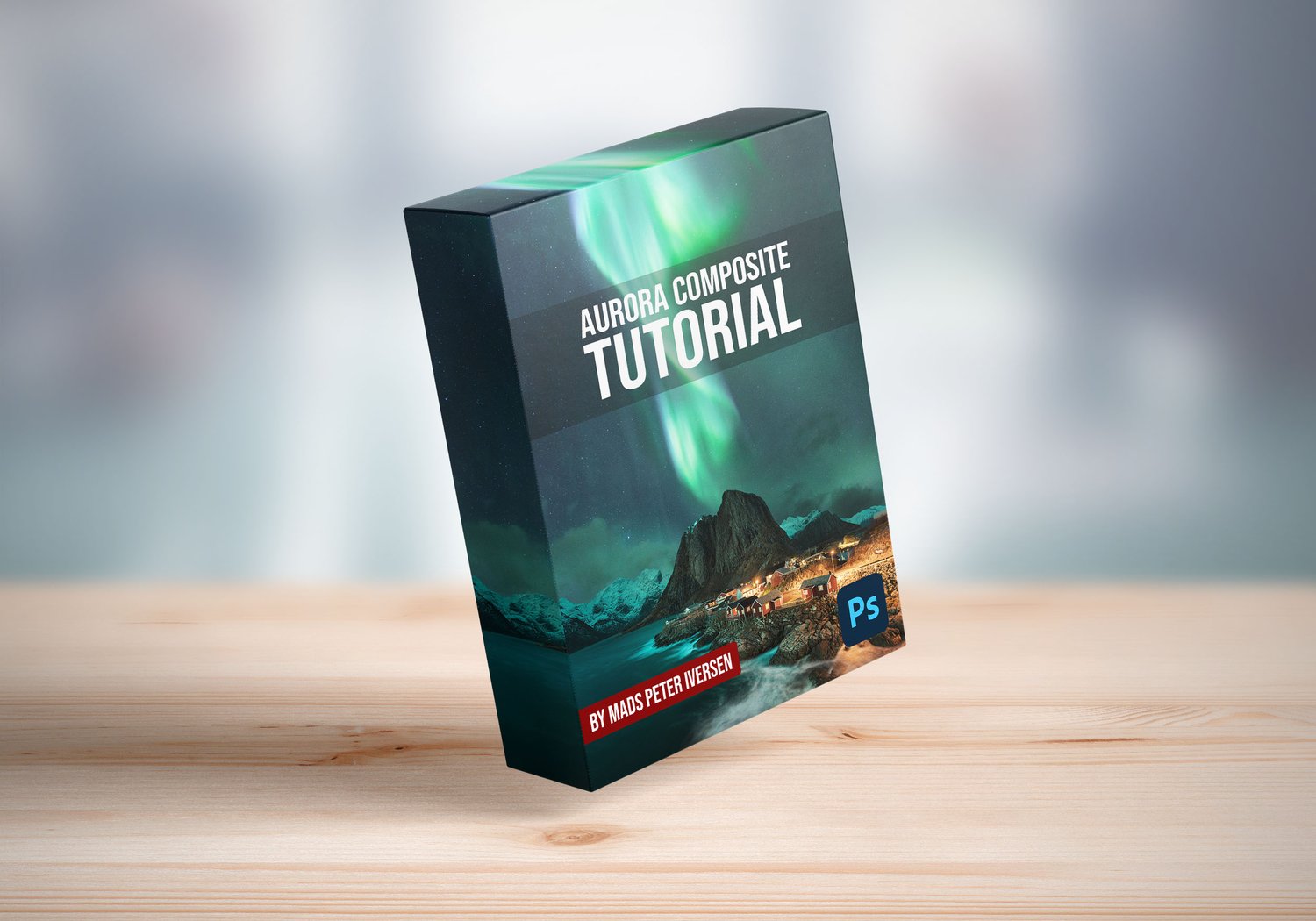
Aurora Composite Photoshop Tutorial
On Sale
$69.00
$69.00
Added to cart

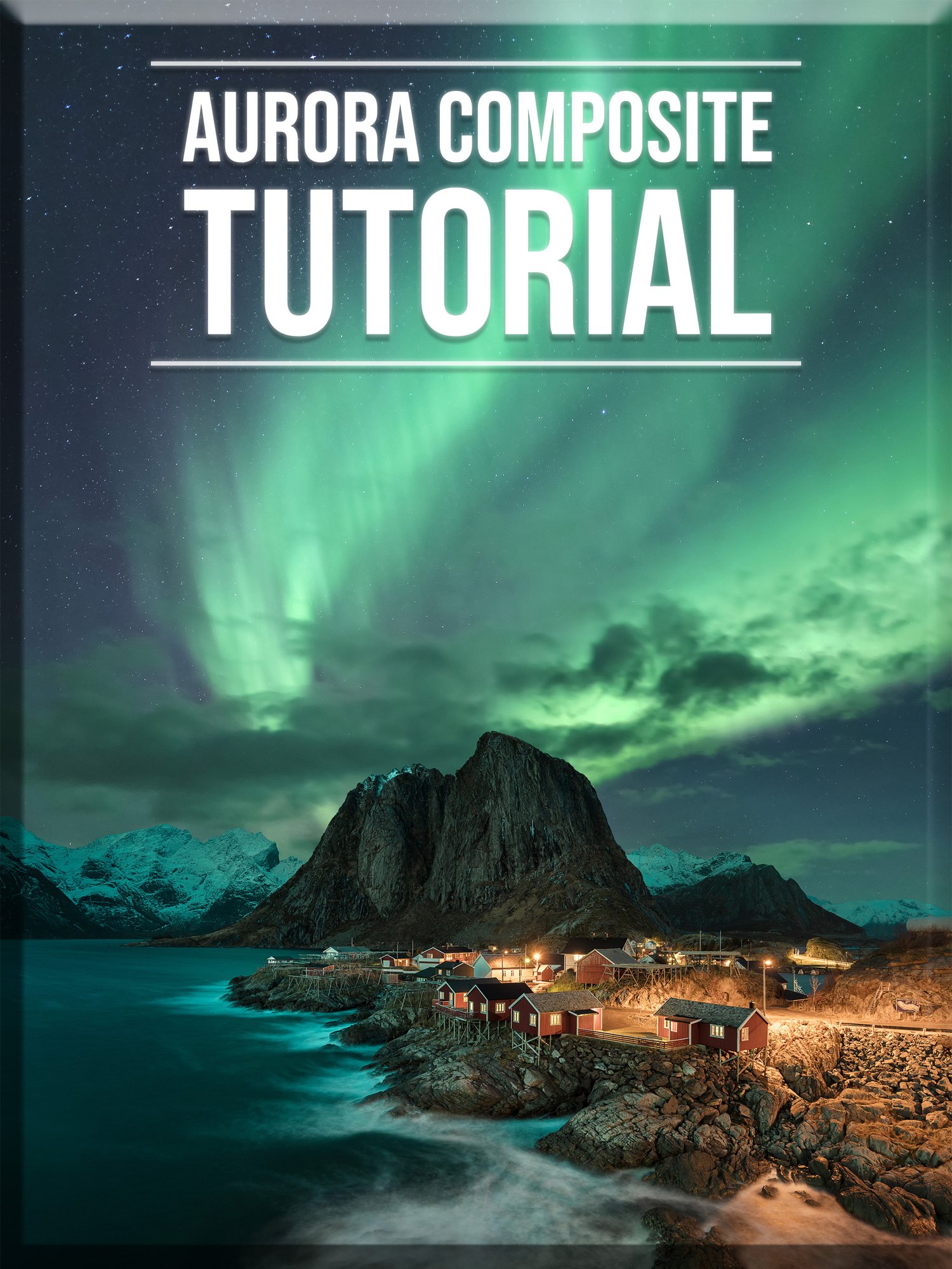
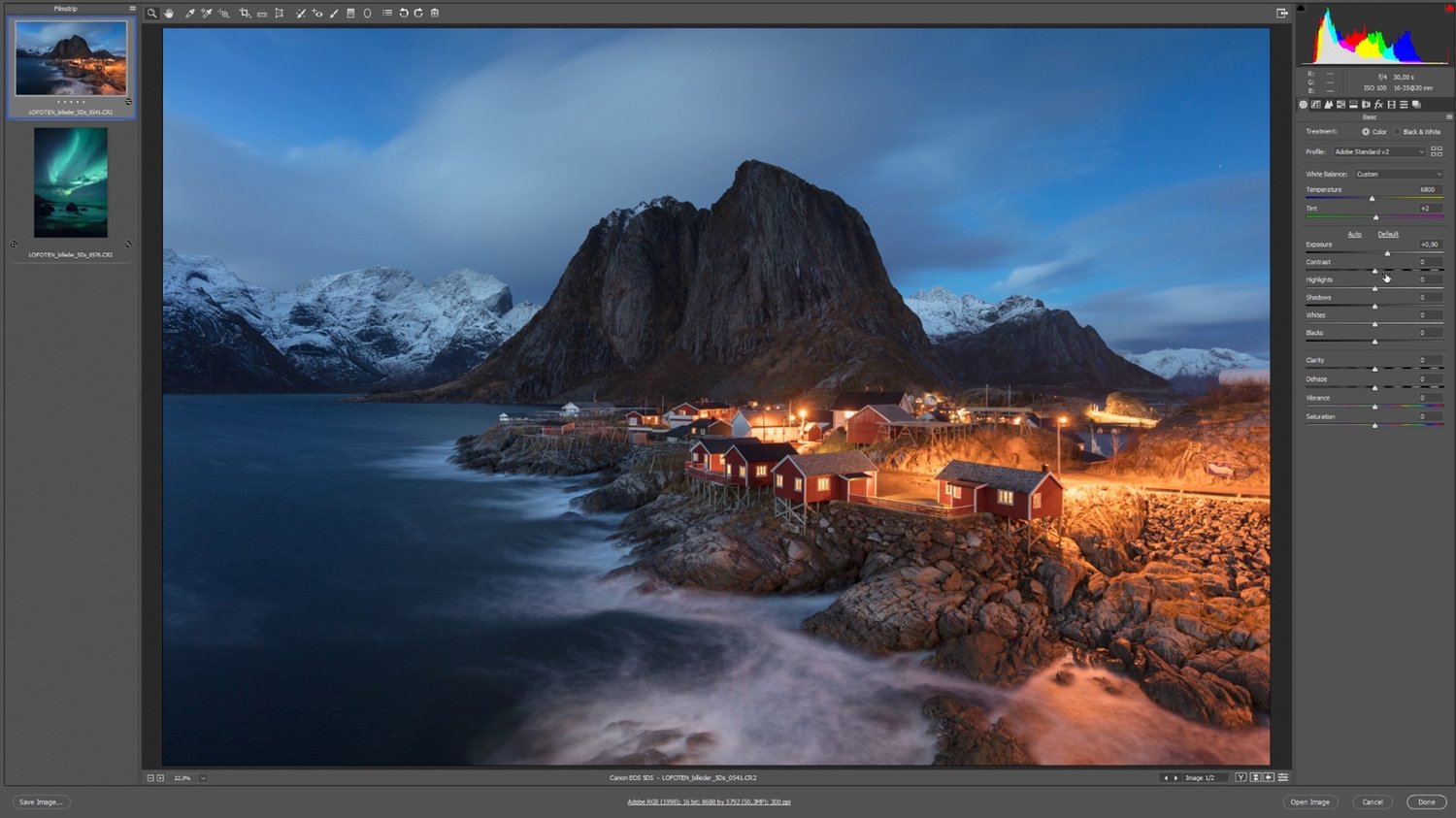
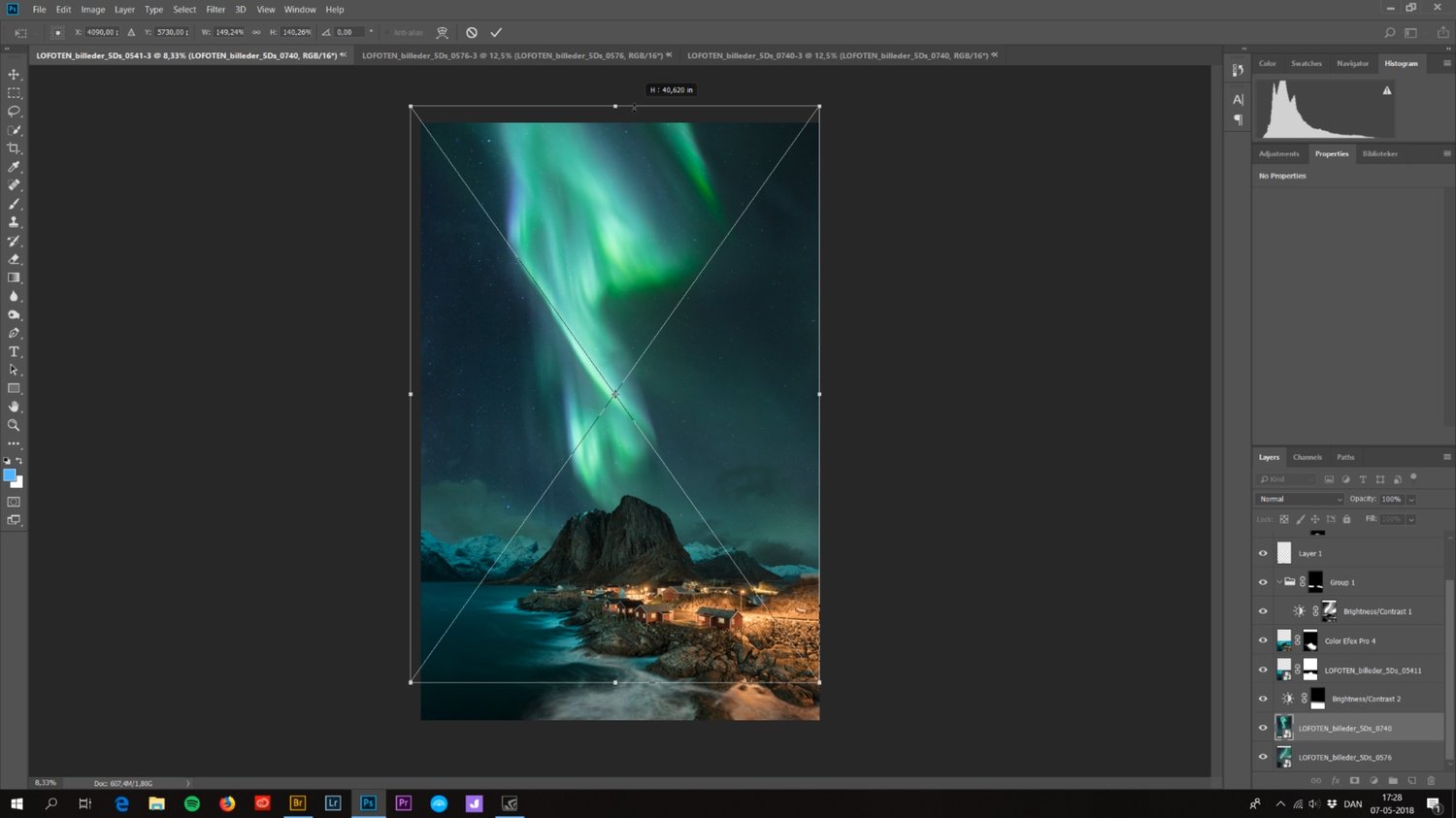
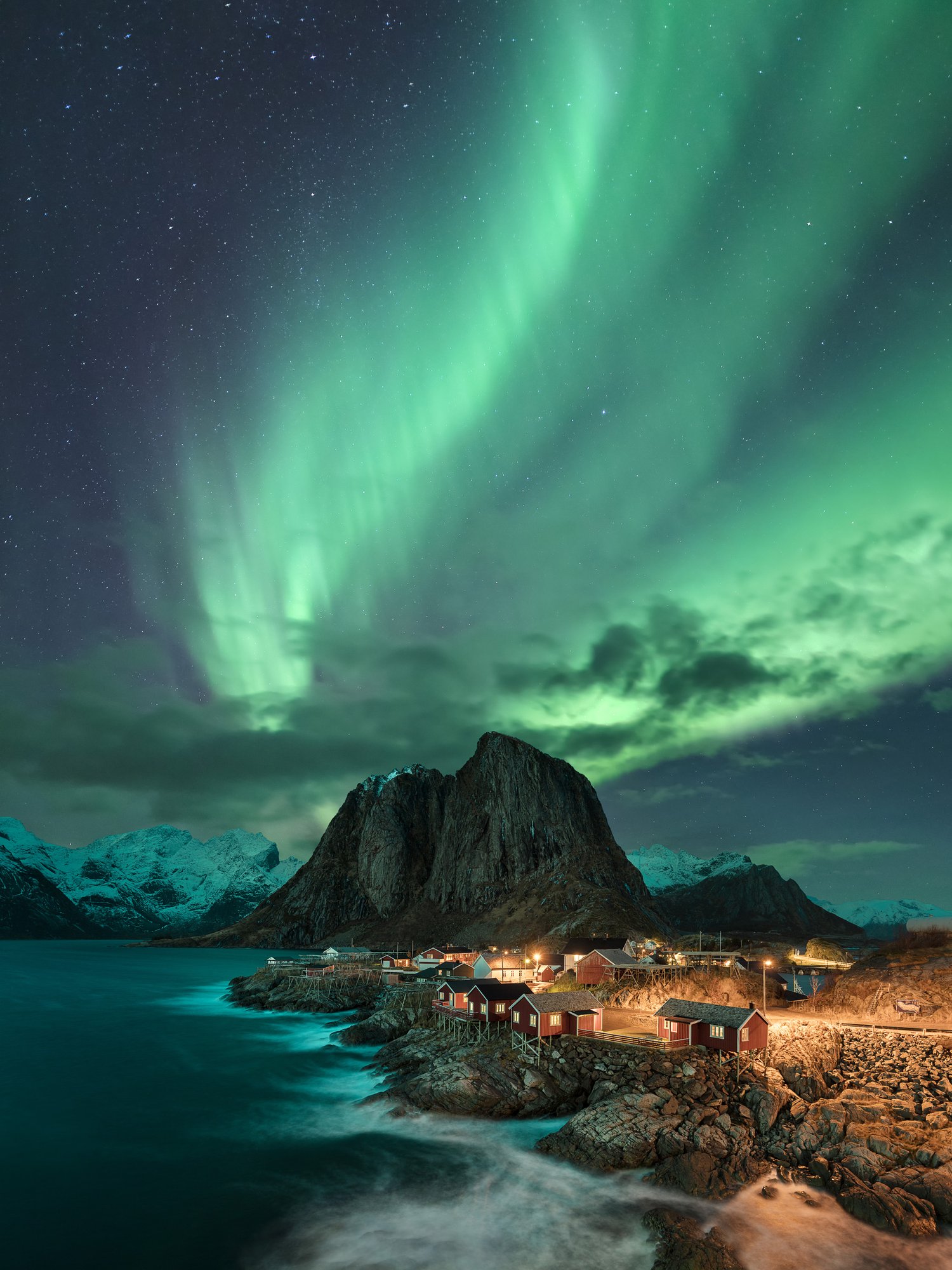
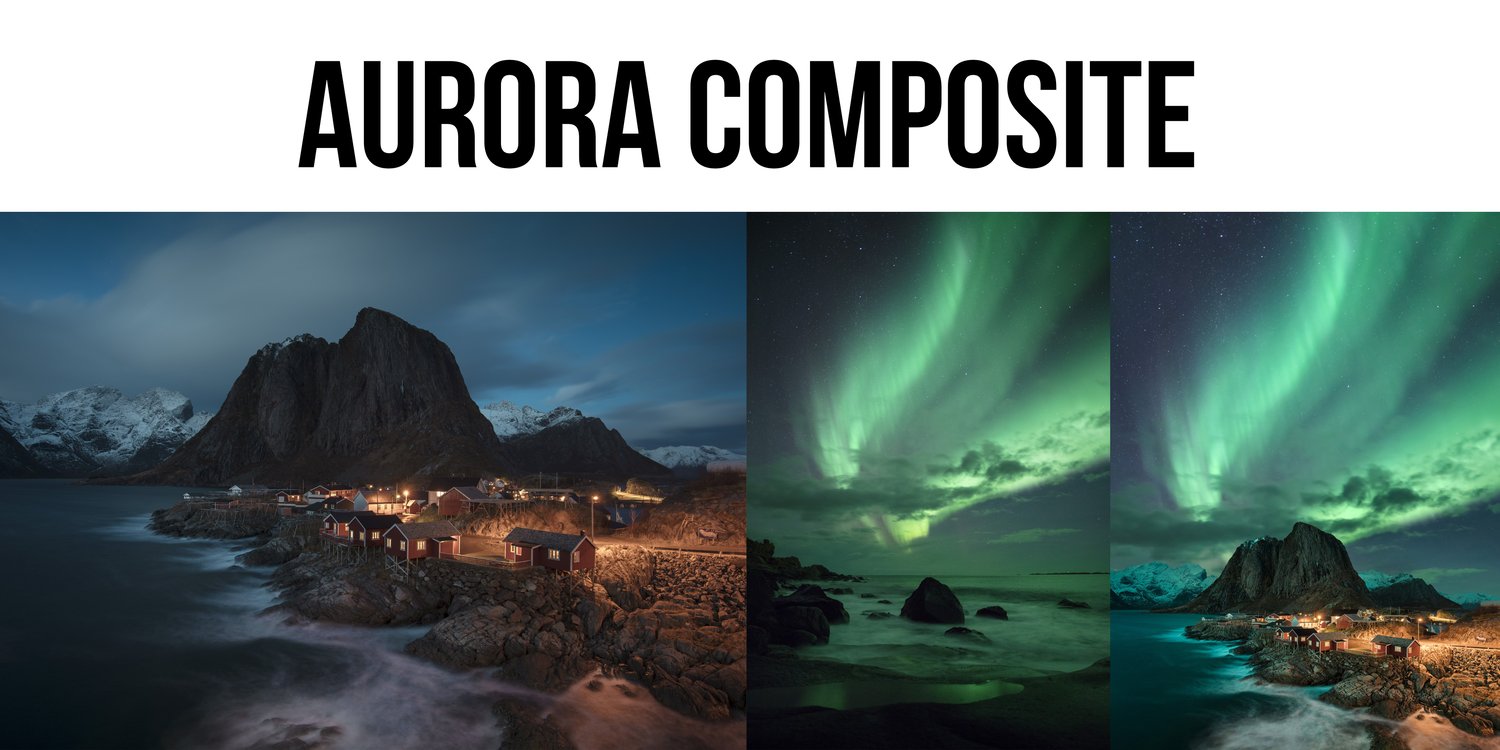
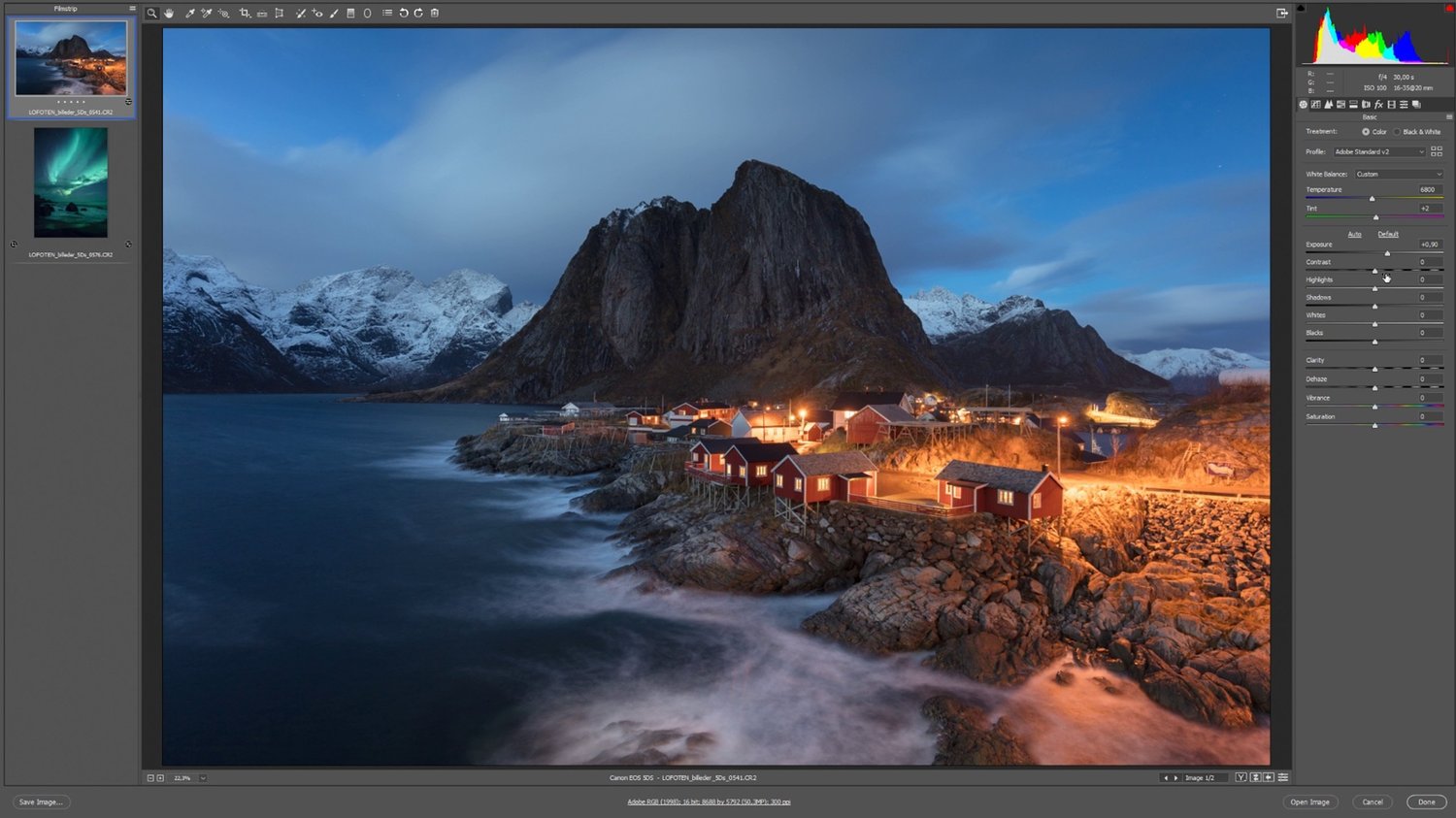
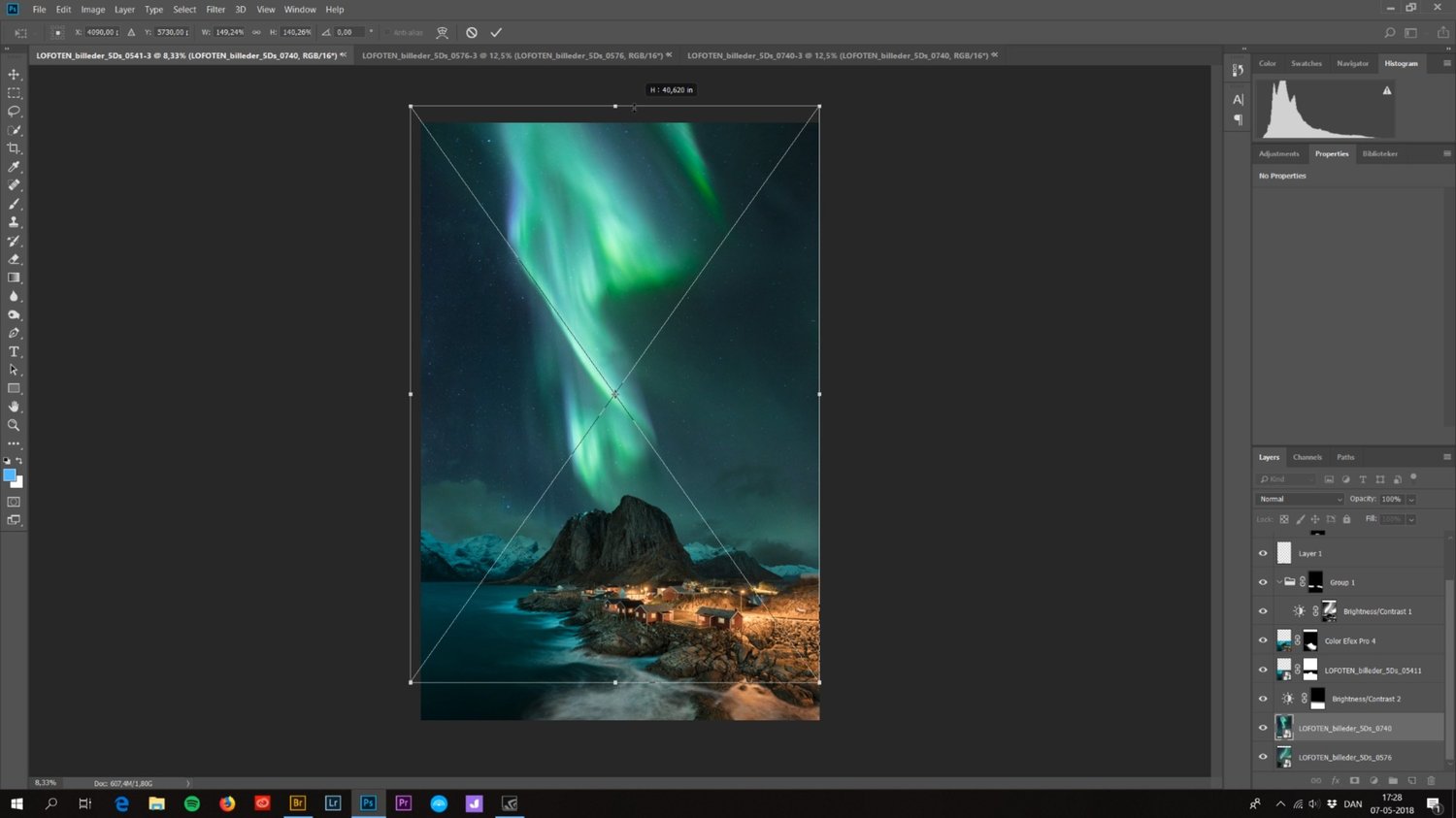
An in-depth tutorial on how I create my aurora composites.


- This is NOT a beginners level tutorial. If you don't know the basic of masking, layers and the interface of Adobe Photoshop you should search videos about these first. This is a tutorial showing advanced techniques for EXPERIENCED users.


- I use ADOBE PHOTOSHOP to edit my photos, which is what you'll need too.


What’s on the menu:


  • 50 minutes of learning
  • A few thoughts on composition
  • Making seamless composites
  • Matching perspective
  • Matching brightness
  • Matching colors
  • + A technique for catching unwanted colors
  • Working non-destructively
  • Working with masks and basic luminosity masking
  • Noise reduction and sharpening
  • 3 image files included, for you to practice on


Charges will happen in USD, using an up-to-date exchange rate. Customers may incur an additional foreign transaction fee according to their cardmember agreement.


Be aware that VAT based on your country's standard rate will be applied to the price.
You will get the following files:
  • JPG (1MB)
  • DNG (5MB)
  • DNG (11MB)
  • DNG (11MB)
  • MP4 (2GB)
Composite Photoshop Tutorial Bundle
On Sale
$119.00
$119.00
Added to cart

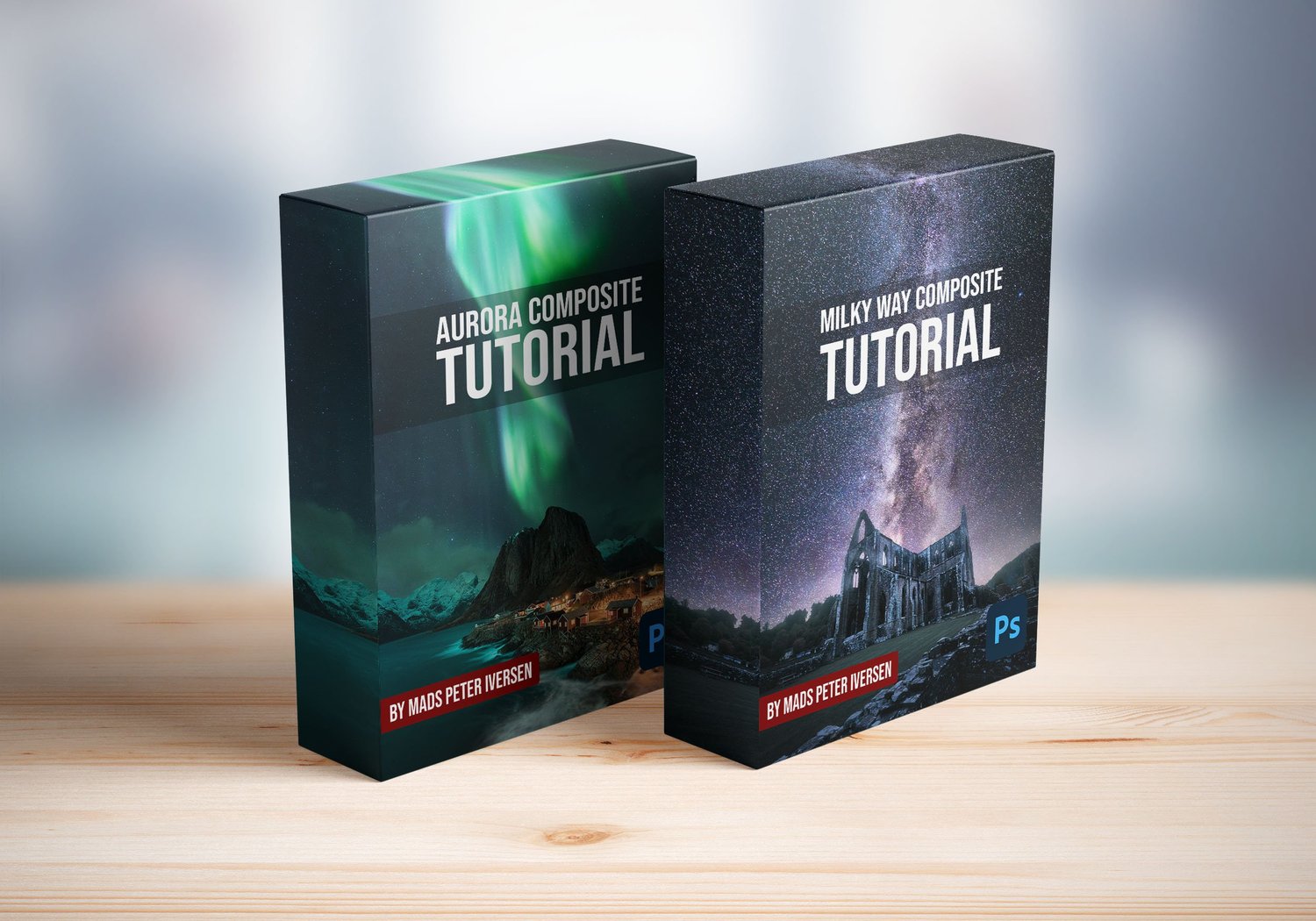
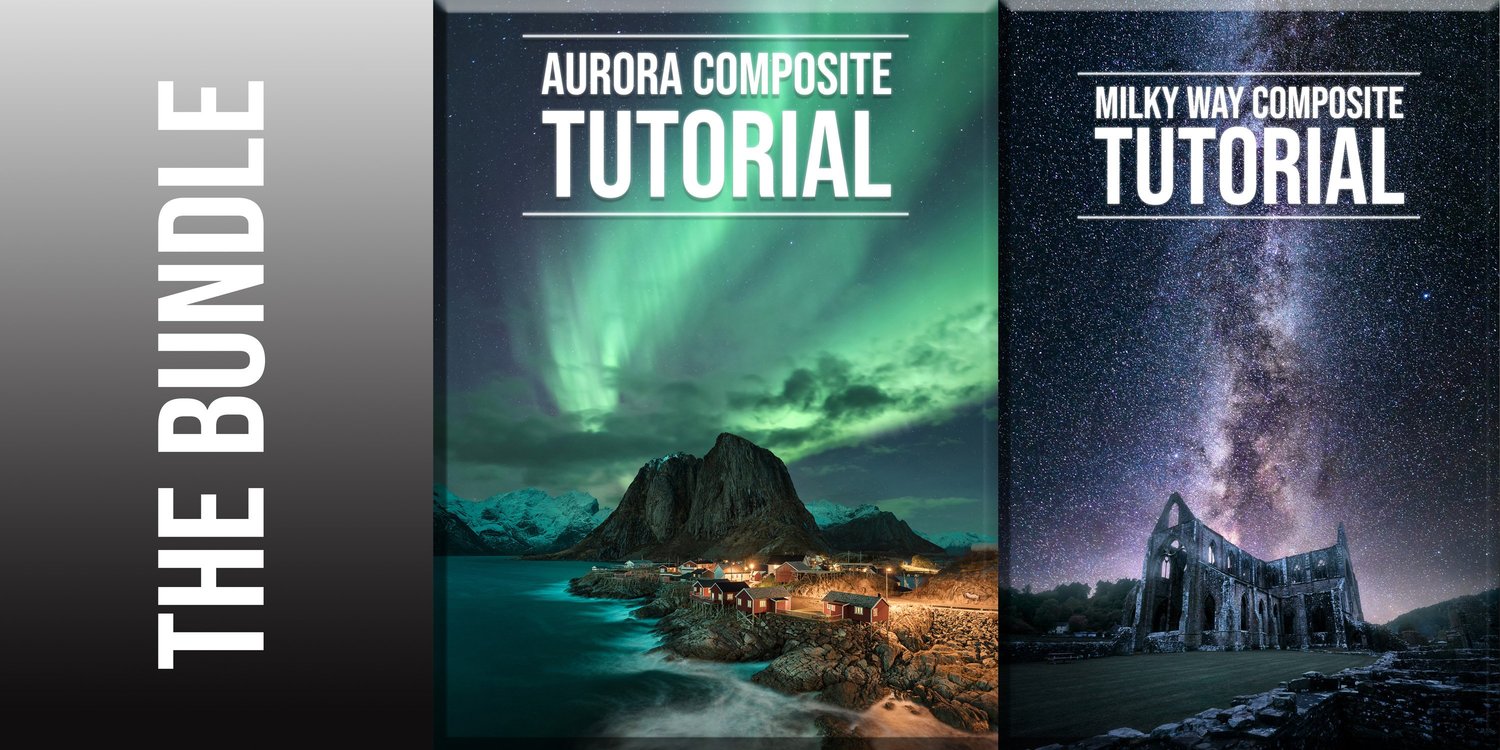
Both of my in-depth tutorials on how I create my Milky Way and Aurora composites.


- These tutorials show advanced techniques for experienced users. Most people with a basic understanding of Photoshop should be able to follow along.


- I use ADOBE PHOTOSHOP to edit my photos, which is what you'll need too.


What’s on the menu:


  • 75 minutes + 50 minutes of learning
  • A few thoughts on composition
  • Editing in CameraRaw and Photoshop (start to finish)
  • Realistic evolution of a photo during editing and easy step-by-step
  • DAY to NIGHT conversion of photos
  • Making seamless composites
  • Cutting out foregrounds with luminosity masking
  • Defringing (cleaning cut-out edges)
  • Matching perspective
  • Matching brightness
  • Matching colors
  • + A technique for catching unwanted colors
  • How to create the 'Orton Effect'
  • Working locally on the image
  • Working non-destructively
  • Working with luminosity masking
  • Noise reduction and sharpening
  • 5 image files included, for you to practice on


Charges will happen in USD, using an up-to-date exchange rate. Customers may incur an additional foreign transaction fee according to their cardmember agreement.


Be aware that VAT based on your country's standard rate will be applied to the price.
You will get the following files:
  • JPG (1MB)
  • DNG (5MB)
  • DNG (11MB)
  • DNG (11MB)
  • MP4 (2GB)
  • DNG (9MB)
  • DNG (6MB)
  • MP4 (3GB)